Top 5 WavDSP.com Alternatives 2026
Top 5 WavDSP.com Alternatives 2026

Finding a professional audio plugin that delivers specific workflow or tonal control without complicated setup is harder than it should be. Many plugins force complex routing, lack deep modulation, restrict multichannel output, or provide sparse online documentation. This comparison lets producers and sound designers match workflow, format support, and tonal options to their session requirements without test buying.
Table of Contents
ToneLab
At a Glance
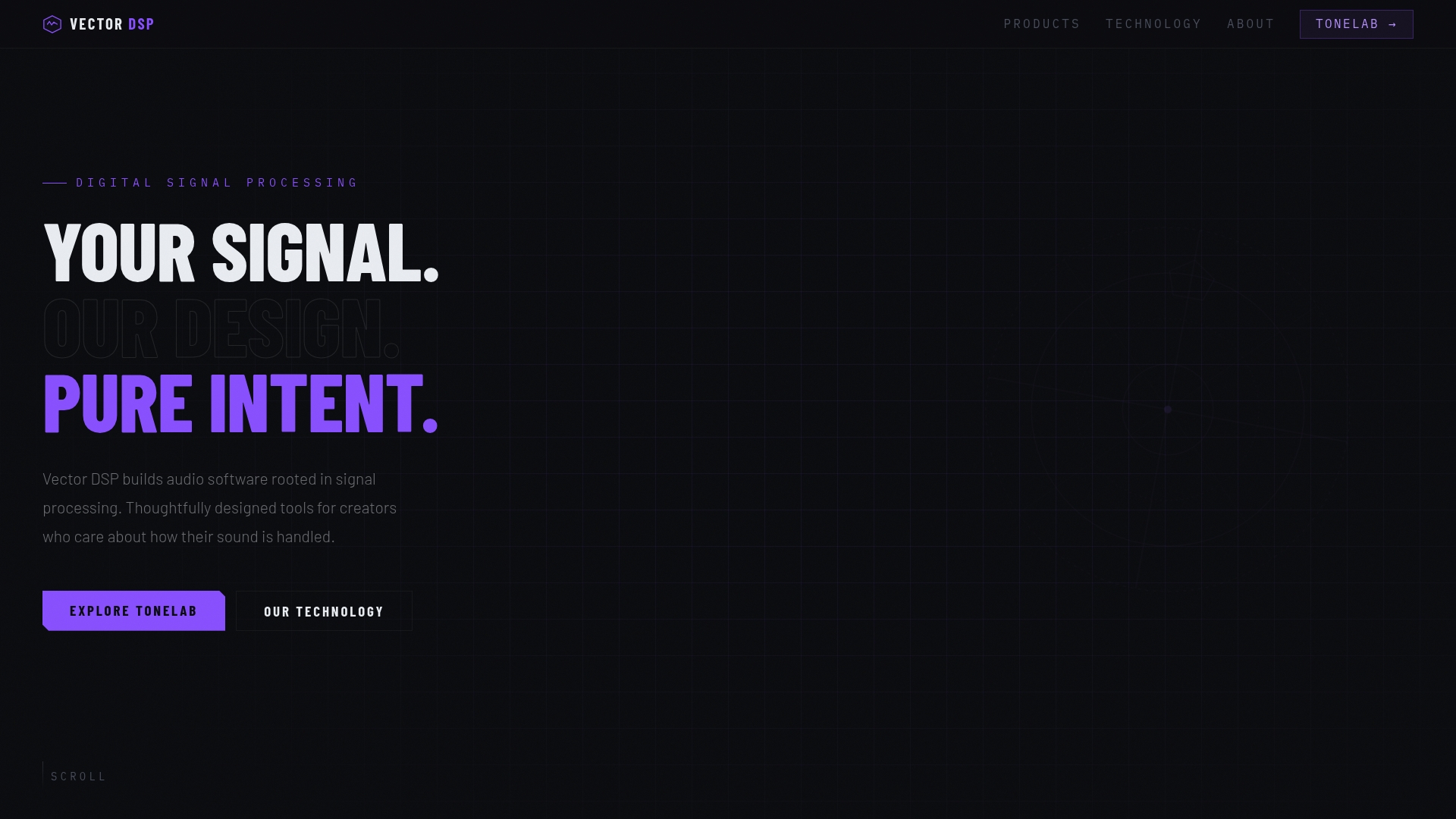
Five independent effect lanes, each with its own EQ, let you place different effects into specific frequency ranges inside a single plugin insert. The interface uses a classic EQ layout so you can sculpt bands and route effects without building complex DAW buses. ToneLab supports VST3, AU, and AAX formats for broad compatibility with professional DAWs.
Core Features
ToneLab gives five separate effect lanes, each with a dedicated EQ, so you can apply effects to narrow or wide frequency zones while keeping them audibly isolated. The plugin supports parallel signal flow and replaces multiple inserts and aux sends with a single plugin instance. The design follows an industry standard architecture and works across major plugin formats for mixing and sound design.
Key Differentiator
The single most distinctive capability is frequency specific effect application inside one plugin, which removes the need for elaborate routing chains. That lets you add reverb to a vocal band, compress a mid band, and distort low end independently without extra buses. For sessions where session complexity costs time, that capability shortens setup and recall steps.
Pros
ToneLab gives highly precise control over where effects sit in the spectrum, so mix moves that once required multiple inserts now live in one slot. Vector-dsp builds with DSP principles and an industry standard architecture that target low latency and stable performance during tracking and mixing. The license is a one time purchase that includes free updates within the v1.x lifetime and supports two device activations, which keeps long term costs predictable for producers and studios.
Cons
- Limited public user reviews and in depth third party feature documentation are available, which makes peer feedback and long form tutorials harder to find.
Who It's For
ToneLab fits sound designers, mix engineers, and producers who need surgical effect placement inside their DAW. It works best for people who prefer to avoid elaborate routing and who run hosts that support VST3, AU, or AAX. The plugin suits projects ranging from music mixes to film sound design where frequency specific processing matters.
Unique Value Proposition
The license model is a one time purchase at $73.99 that supports two device activations and includes all future v1.x updates. That pricing removes subscription overhead and lets you standardize a studio template around a single insert. For teams with fixed plugin budgets, that makes testing and deployment simpler than subscription alternatives.
Real World Use Case
A producer loads ToneLab on a stereo mix bus and uses one lane to add plate reverb to the midrange and another to add tape saturation to the low band. The setup replaces three aux returns and two insert chains and recalls cleanly when the session is reopened. The result is a layered, frequency aware texture without complex routing.
Pricing
ToneLab sells for $73.99 as a one time purchase and includes all future v1.x updates. The license allows activation on two devices.
Website: https://vector-dsp.com
Oeksound
At a Glance
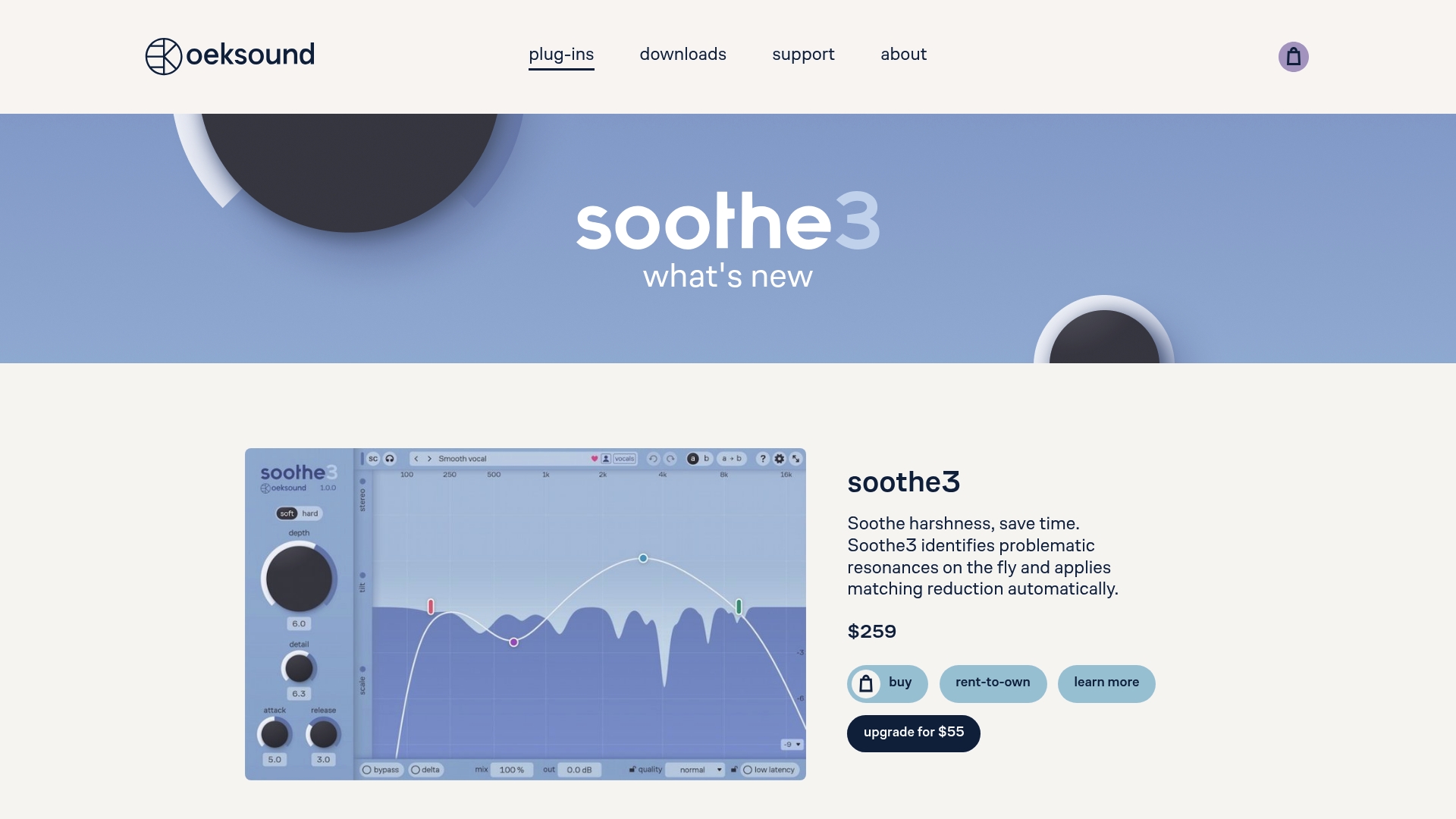
9.1.6 channels multichannel support is available, which makes these plugins suitable for immersive mixing and film stems. The toolset focuses on removing problematic resonances while keeping a natural tonal balance. Licensing requires iLok and free trials are offered for evaluation.
Core Features
Automatic resonance detection and reduction work across selectable bands, and the plugins provide multiple modes such as soft and hard for different control styles. Low latency operation lets you insert a plugin during tracking, while adjustable parameters like detail, response, tilt, and max cut let you fine tune results. The suite also includes linear phase options and multichannel routing up to 9.1.6 channels.
Key Differentiator
The standout capability is the combination of automatic, real-time detection with multichannel support and deep parameter control. That lets you find and remove resonances quickly without manual band hunting. This approach suits mixes that move between stereo and immersive deliverables.
Pros
The processing delivers a transparent tonal result that reviewers describe as natural, making it easy to reduce harsh frequencies without audible coloration. Plugins like soothe3 and spiff provide detailed controls for both surgical resonance reduction and subtle tone shaping, and linear phase modes help preserve transient character. Low latency and zero latency tracking modes let you use these tools while recording or during final mix passes.
Cons
-
The interface exposes many parameters, which some engineers find complex and slow to learn.
-
Price per plugin can feel high compared to simpler single purpose tools.
-
Compatibility is limited to recent Windows and macOS builds, and some products lack native ARM Apple Silicon support.
When It May Not Fit
If you prefer minimal plugins with one knob control, the deep parameter set here will slow you down. Projects constrained to older operating systems or Apple Silicon only workflows will run into compatibility limits. If you avoid dongle or external license managers, the iLok requirement will be a practical blocker.
Who It's For
Mixing and mastering engineers, sound designers, and producers who need precise resonance control and immersive channel routing will find this suite valuable. People who tolerate a learning curve to gain surgical frequency control will extract the most value. Those producing stems for film or spatial audio work will benefit from the multichannel support.
Real World Use Case
An engineer loads soothe3 on a vocal bus and lets the automatic detector remove narrow harsh resonances during mix prep. The plugin trims sibilance and ringing so the engineer avoids hours of manual notch EQ. The result is a polished vocal that sits cleanly without losing presence.
Pricing
Prices vary by plugin. For example, soothe3 lists $259, bloom lists $219, and spiff lists $159. Rent to own options are available for some products, and the vendor offers upgrade pricing between versions.
Website: https://oeksound.com
bx extunderscore masterdesk
At a Glance
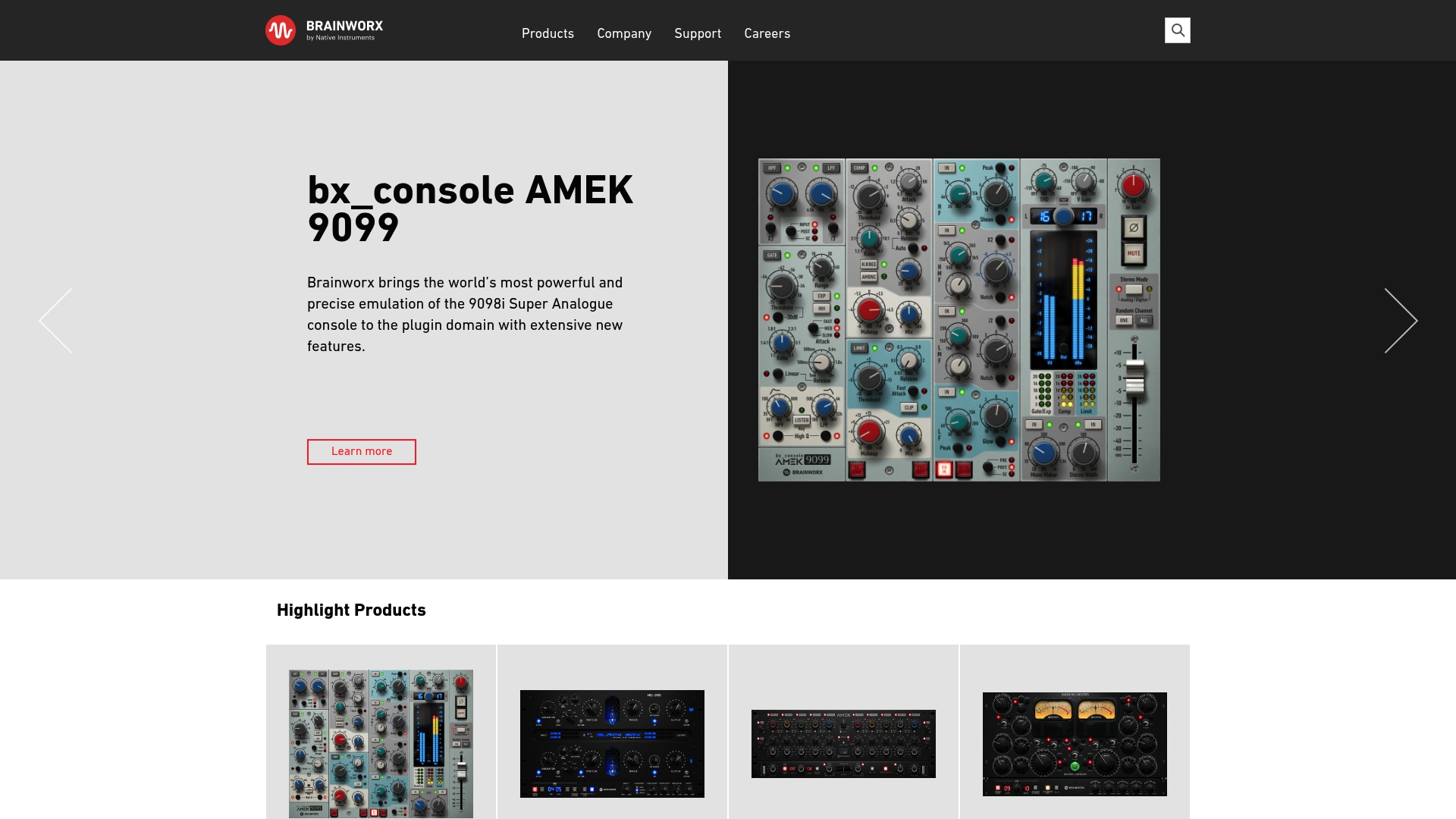
bx_textunderscore masterdesk was designed by Brainworx founder Dirk Ulrich and bundles a full high end analog mastering chain into one plugin. The interface focuses on fast results with a short learning curve. It targets users who want authentic analog coloration without chaining multiple processors.
Core Features
The plugin combines equalization, limiting, compression, and other mastering modules in a single window so you can finish masters without switching tools. Controls expose both broad-stroke and finer adjustments, and the emulation models aim to reproduce classic hardware behavior. The workflow centers on finishing and loudness control rather than mixing or tracking.
Key Differentiator
The standout claim is that the plugin reproduces an entire high end analog mastering system inside one device. That design reduces the setup work and keeps signal flow consistent. The single-plugin approach suits sessions where speed and tonal cohesion matter.
Pros
bx_textunderscore masterdesk delivers convincing analog coloration while keeping controls approachable for less experienced engineers. The all-in-one layout removes the need to route multiple plugins and preserves a consistent sonic character through the chain. High quality emulations of classic components let you dial in warmth, glue, and final loudness without hunting for matching hardware models.
Cons
- May be limited for engineers who want deeply modular chains or separate third party processors.
- Advanced users might miss ultra granular control over a single hardware emulation.
- Less flexible than assembling dedicated, specialized mastering plugins for very specific surgical work.
When It May Not Fit
Choose something else if you need tools for mixing or sound design. The plugin is limited to mastering and does not replace tracking or mixing processors. Teams who require separate plugin licensing per engineer or complex modular routing will find a single-plugin model restricting.
Who It's For
This plugin fits music producers, mastering engineers, and indie artists who want broadcast quality masters quickly. It also suits home studio owners who prefer one coherent mastering chain rather than assembling multiple modules. Use it when you need consistent analog color with minimal setup.
Real World Use Case
A home studio producer runs a final stereo mix through the plugin, shapes broad tonal balance with the onboard EQ, sets gentle compression for glue, and places the integrated limiter for target loudness. The complete chain lets the producer deliver a ready master without exporting stems or recalling complex routing.
Pricing
Not applicable — informational only. The product listing here does not include a price or licensing model. Check the vendor site for current purchase or licensing details.
Website: https://brainworx.audio
Acustica Audio
At a Glance
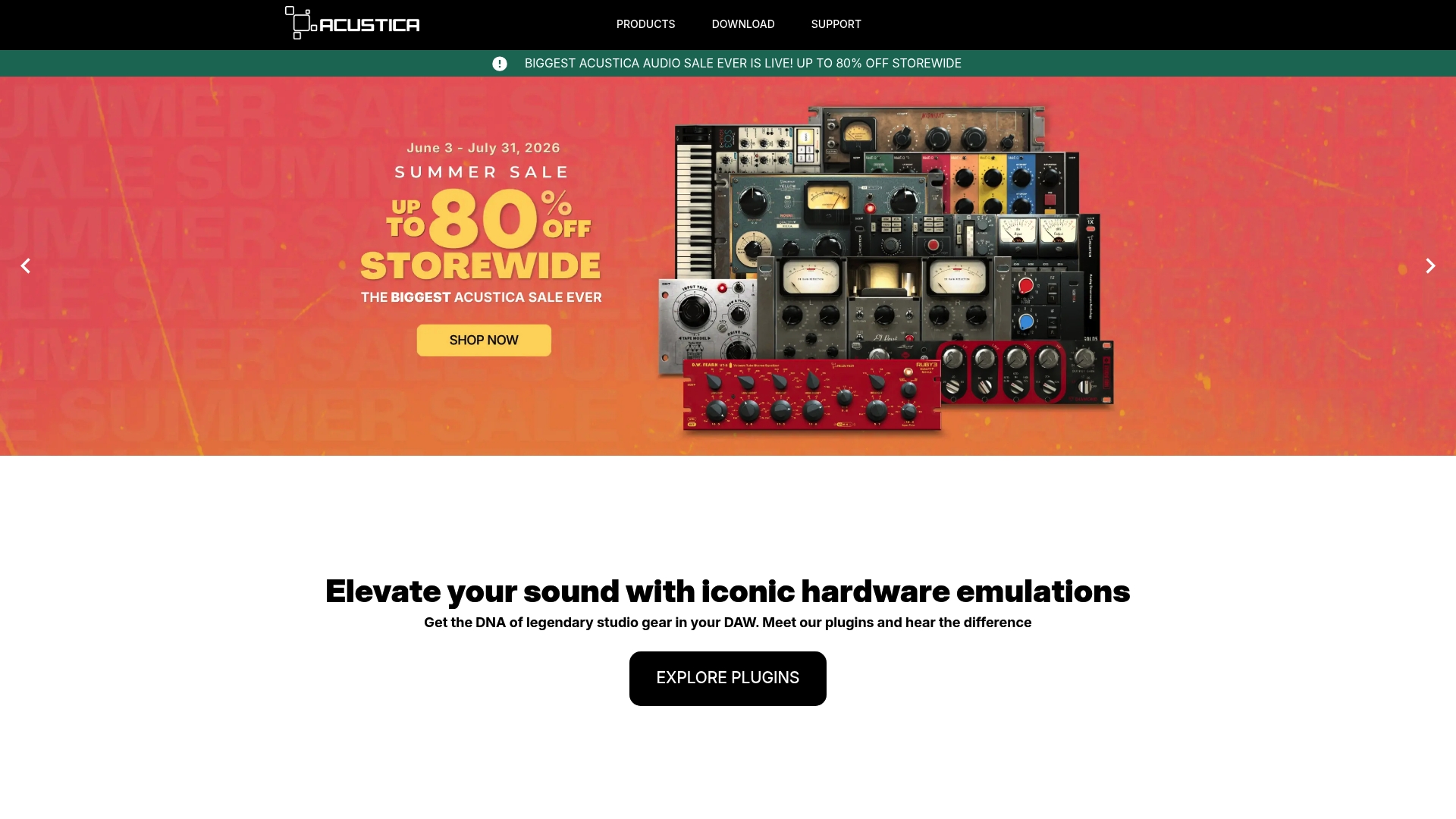
Broken links on the site limit access to detailed product pages and technical specs. According to the company, Acustica Audio creates analog hardware emulation plugins that top music professionals trust. The brand also runs a loyalty rewards program and frequent promotions aimed at lowering long term costs for repeat buyers.
Core Features
Acustica Audio centers on high fidelity analog hardware emulation plugins that add vintage character to mixes and synth patches. The catalog emphasizes channel strip and synth emulations and includes tools aimed at mixing and mastering enhancement. The site pairs product releases with a loyalty rewards program and periodic promotions.
Key Differentiator
That emphasis on authentic analog tone sets this company apart from many plugin makers. The vendor advertises studio hardware modeling that focuses on coloration and nonlinear behavior rather than only clean signal processing. For you, that means a clear option when the goal is vintage console color or classic synth timbre inside a modern DAW. Endorsements from engineers and artists reinforce that positioning.
Pros
The most tangible strength is the reported fidelity of the analog emulations and the brand reputation among established engineers and artists. The loyalty rewards program reduces long term costs for repeat buyers, and frequent promotions make flagship modules more accessible. Active endorsements and merchandise offerings support a recognizable presence in professional audio circles.
Cons
- Limited public product detail. The website contains sparse technical specs and few usable feature pages.
- Broken navigation. Several links fail, which complicates evaluation and trialing of plugins.
- No visible integration list or clear trial/download workflow on product pages.
When It May Not Fit
If you need complete online specs, clear integration lists, or immediate trial downloads, this vendor will likely frustrate you. The broken links and sparse pages make side by side feature comparisons difficult. For studios that require explicit compatibility matrices or vendor support documents before purchase, choose a supplier with intact documentation and reliable product pages.
Who It's For
Professional music producers and audio engineers who prioritize authentic analog coloration and vintage console character will find the offering relevant. If you buy plugins for tonal shaping rather than purely transparent processing, these emulations match that workflow. Buyers who need thorough online documentation before purchase may want to pause.
Real World Use Case
A mastering engineer adds an Acustica channel strip on the mix bus to introduce subtle vintage console saturation before final limiting. A sound designer uses a synth emulation module to recreate a classic analog lead for a track needing period specific timbre. Studios report the plugins serve as tonal color tools more than surgical corrective processors.
Pricing
The website does not present a clear pricing table. The product pages and promotions are the primary purchase signals, and the loyalty rewards program reduces cost for repeat buyers. For explicit pricing figures contact sales or watch the promotions on the site.
Website: https://acustica-audio.com
u-he
At a Glance
Bundles range from 15 € to 1,469 €. That price spread shows u-he serves both budget users and deep collectors of synths and effects.
The company dates back to 2001 and supports macOS, Windows, and Linux. A strong user community and steady updates back many products.
Core Features
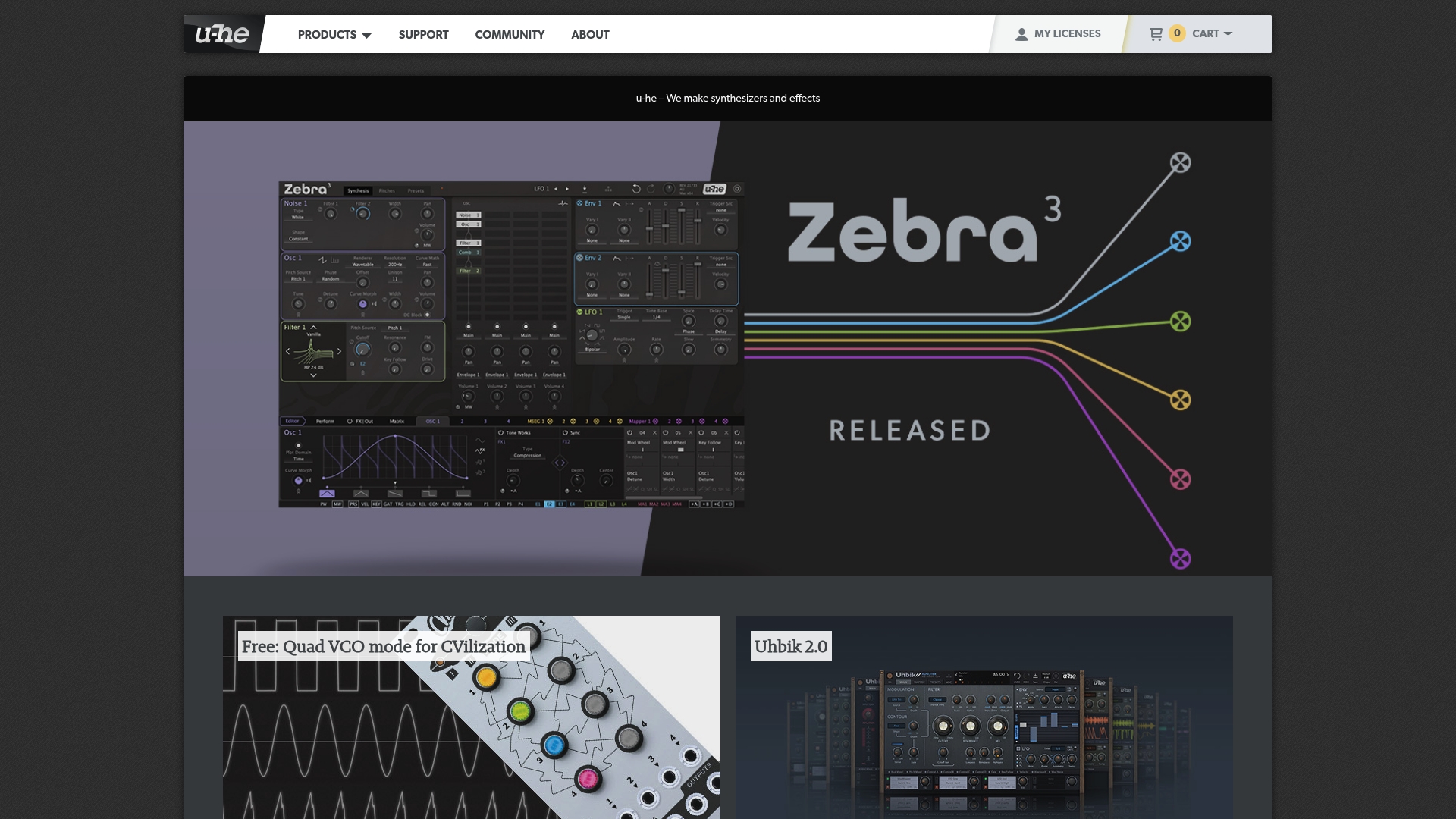
u-he ships a wide set of software synths including Zebra 3, Diva, and Hive 2, plus modular and experimental synths such as Repro and Bazille. The catalog also includes effects plugins like Satin, Presswerk, Colour Copy, and the Uhbik 2 suite, plus themed soundsets and bundles. Several Eurorack style modules appear in software form, and freeware options like Zebralette and Tyrell N6 provide low barrier entry.
Key Differentiator
u-he emphasizes deep waveform and modulation control that rewards sound designers. The product line offers detailed tools such as spline waveform editing in Zebra 3 and modular routing in software Eurorack modules. That design focus lets you build evolving textures and precise analog emulations that few plugin lines match.
Pros
The synths and effects deliver sound quality suitable for professional production and scoring work, and the selection covers classic analog emulations to experimental digital engines. Cross platform compatibility and NKS support simplify integrating these plugins into most DAWs and hardware workflows. The company also supplies extensive soundsets and active community resources, which speed learning and patch creation.
Cons
-
Pricing may be high for some users, especially when buying multiple instruments or full bundles. This can push hobbyists to pick only one or two titles.
-
Several synths have deep parameter sets that create a steep learning curve for beginners. Expect to spend time with manuals and presets.
-
Trial or demo information is limited in places, which can force purchases to evaluate a sound or workflow.
When It May Not Fit
If your computer has limited CPU or RAM, some u-he plugins can be resource intensive and strain older systems. The tools assume a DAW host and some technical familiarity, so they are a poor match for users who want ready made presets only. Players who need quick preset browsing with minimal setup might prefer lighter instruments.
Who It's For
Advanced electronic musicians, sound designers, and producers who want flexible sound engines and deep modulation control will find u-he compelling. Track composers who design unique timbres for film or games will benefit from the waveform tools. Hobbyists who enjoy sound design will like the freeware titles as an introduction.
Real World Use Case
A producer programs complex pads and evolving lead sounds in Zebra 3 using spline waveform editing and layered modulators. They then apply Uhbik effects to glue textures into a cinematic soundtrack mix. The workflow shows how synth depth and effects combine for finished production.
Pricing
Individual instruments range from free to listed prices such as Zebra 3 at 249 €, Diva at 179 €, and Hive 2 at 149 €. Effects typically fall in the 69 € to 129 € band, and bundles span from 15 € to 1,469 €. Freeware plugins are available with no cost.
Website: https://u-he.com
Professional Audio Plugin Alternatives
Evaluating plugins for features such as frequency-specific processing, analog emulation, and channel support can help create a tailored workflow.
| Product | Core Feature | Key Differentiator | Best For | Pricing | Notable Limitation |
|---|---|---|---|---|---|
| ToneLab | Five effect lanes with dedicated EQ filters | Streamlined frequency-specific effect routing | Sound designers and mix engineers | $73.99 one-time | Limited user reviews and advanced documentation available |
| Oeksound | Automatic resonance detection for mix shaping | Real-time resonance reduction with multichannel support | Mixing and mastering engineers | $159–$259 per plugin | Requires iLok license manager; limited Apple Silicon support |
| bx_masterdesk | All-in-one analog mastering tool | High-quality analog mastering emulation | Mastering engineers | Price not published | Not suited for modular or mixed usage beyond mastering |
| Acustica Audio | Analog hardware emulation plugins | Authentic analog tone emulation | Producers seeking vintage analog color | Price not published | Website incomplete with broken navigation links |
| u-he | Advanced modular synthesizers and effects plugins | Deep sound design and modulation capabilities | Electronic musicians and sound designers | Free to €1,469 | High CPU demand and steep learning curve for beginners |
Challenges with Complex Effect Routing for Music Producers and Mix Engineers
When mixing or sound designing, managing multiple effect inserts and aux sends can feel time-consuming and complicated. The need to place effects precisely by frequency often creates elaborate DAW routing that slows workflow. Vector-dsp addresses these pain points by offering a single plugin with five independent lanes, each equipped with its own EQ. This setup lets sound designers and mix engineers apply effects only to the frequency bands they want, all within one easy-to-use plugin instance.

Producers and audio creators who want to simplify session setup and recall while maintaining high precision can benefit from Vector-dsp’s thoughtfully designed tools. Visit Vector-dsp to learn about how this professional-grade DSP software reduces the need for complex routing chains and helps you focus on perfecting your mix.
FAQ
What unique feature does Vector-dsp offer for audio processing?
Vector-dsp allows for frequency-specific effect application within one plugin. This capability enables users to add reverb to a vocal band, compress a mid band, and distort the low end independently without the need for complex routing chains.
How does Vector-dsp compare to Oeksound's plugins?
Oeksound’s plugins excel at automatic resonance detection and reduction, offering features like low latency operation and adjustable parameters for fine-tuning. In contrast, Vector-dsp’s focus on frequency-specific processing serves users who prefer simplified setups without elaborate routing.
Can I expect low latency performance from Vector-dsp?
Yes, Vector-dsp aims for low latency and stable performance during tracking and mixing. This design aligns with professional audio plugin standards, making it suitable for high-demand production environments.
Which audio professionals can benefit most from using Vector-dsp?
Sound designers, mix engineers, and producers who require surgical effect placement inside their DAW will find Vector-dsp particularly useful. The plugin is designed for those who want to avoid complex routing while maintaining control over their audio effects.
Is Vector-dsp a cost-effective choice for audio plugins?
Vector-dsp is a one-time purchase priced at $73.99, which supports two device activations and includes all future v1.x updates. This pricing structure eliminates subscription fees, making long-term costs predictable for producers and studios.