Digital Audio Workstation Comparison Guide for Producers
Digital Audio Workstation Comparison Guide for Producers
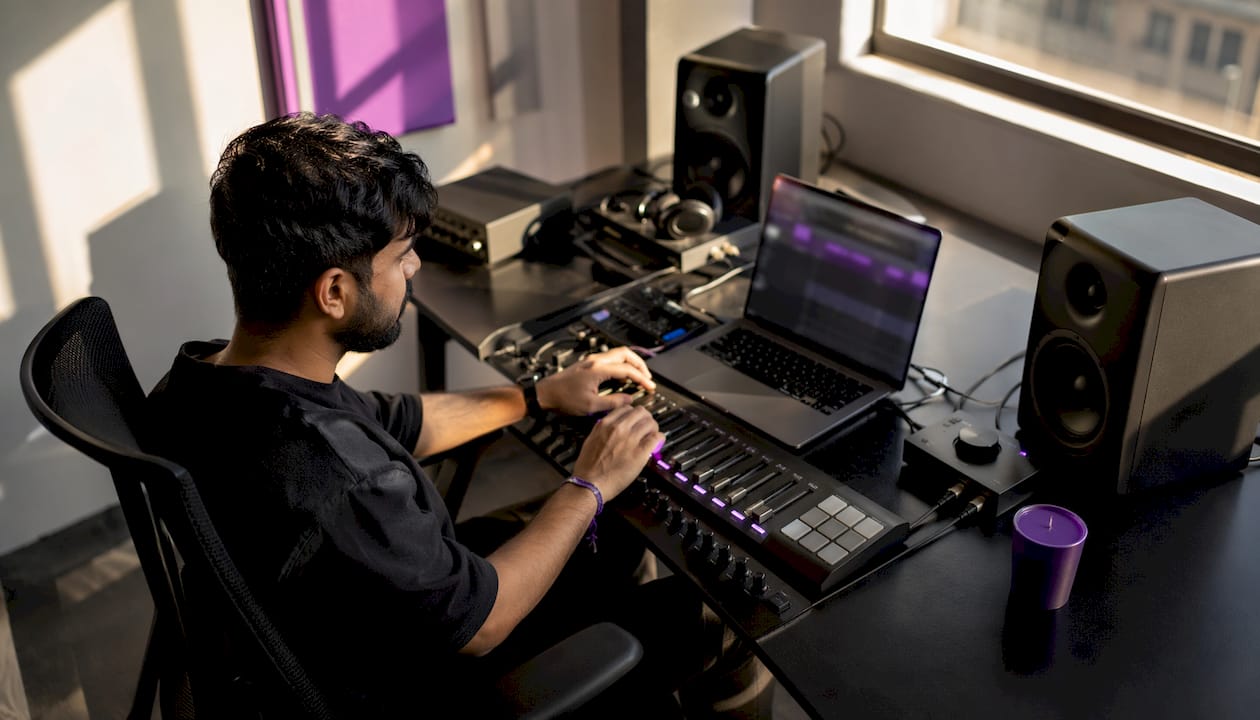
A digital audio workstation (DAW) is the central software environment where music producers, sound engineers, and musicians record, arrange, edit, and mix audio and MIDI. Every serious production workflow runs through one. The challenge is that no single DAW fits every producer, and the wrong choice creates friction that kills creative momentum. This digital audio workstation comparison guide cuts through the noise by focusing on workflow fit, core feature categories, pricing structures, and the AI tools reshaping production in 2026, so you can make a decision grounded in your actual needs.
What workflow style should guide your DAW comparison?
The most important factor in any DAW buying guide is not the feature list. It is whether the software's editing model matches how you actually work. Workflow mismatch causes friction that leads to stalled projects and, eventually, abandoned sessions.
Two fundamental workflow models exist in professional DAWs:
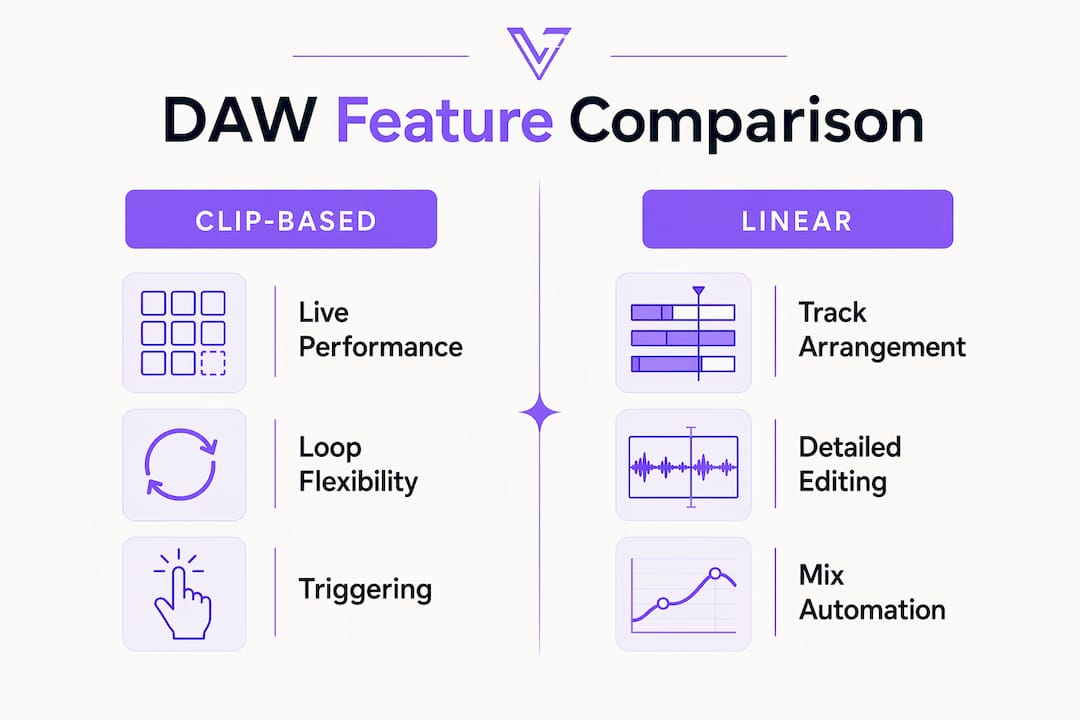
- Clip-based (non-linear) workflows organize audio and MIDI as independent clips you trigger, stack, or rearrange freely. This model suits live performance, electronic music, beatmaking, and improvisation-heavy production.
- Linear timeline workflows arrange audio on a traditional left-to-right timeline. This model fits studio tracking, mixing, post-production, and film scoring.
- Modular and hybrid workflows combine both approaches, adding deep signal routing and modulation options for sound designers who need maximum flexibility.
Understanding this distinction between clip-based and linear editing is the single most reliable predictor of long-term workflow success. Producers who choose a clip-based DAW for a primarily linear scoring project spend more time fighting the interface than writing music.
Your production goals also shape the right choice. Evaluating those goals first, whether that means live performance, high-end post-production, band recording, or beatmaking, narrows your options before you ever open a trial version.
Pro Tip: Before comparing any features, write down the last three projects you completed and note whether you worked linearly or by building loops and clips. That pattern tells you your actual workflow, not the one you imagine you have.
What core features differentiate DAW categories?
Once you know your workflow style, feature evaluation becomes much more targeted. The music production workflow you run daily depends on a specific set of technical capabilities, and not all DAWs deliver them equally.
Editing and MIDI tools
Sample-accurate editing, MIDI quantization, and tempo and pitch correction are the baseline for any professional DAW. Entry-level platforms often cap these tools at basic functionality. Professional tiers add features like elastic audio, polyphonic pitch editing, and advanced MIDI transform operations that matter enormously in studio work.
Mixing and routing flexibility
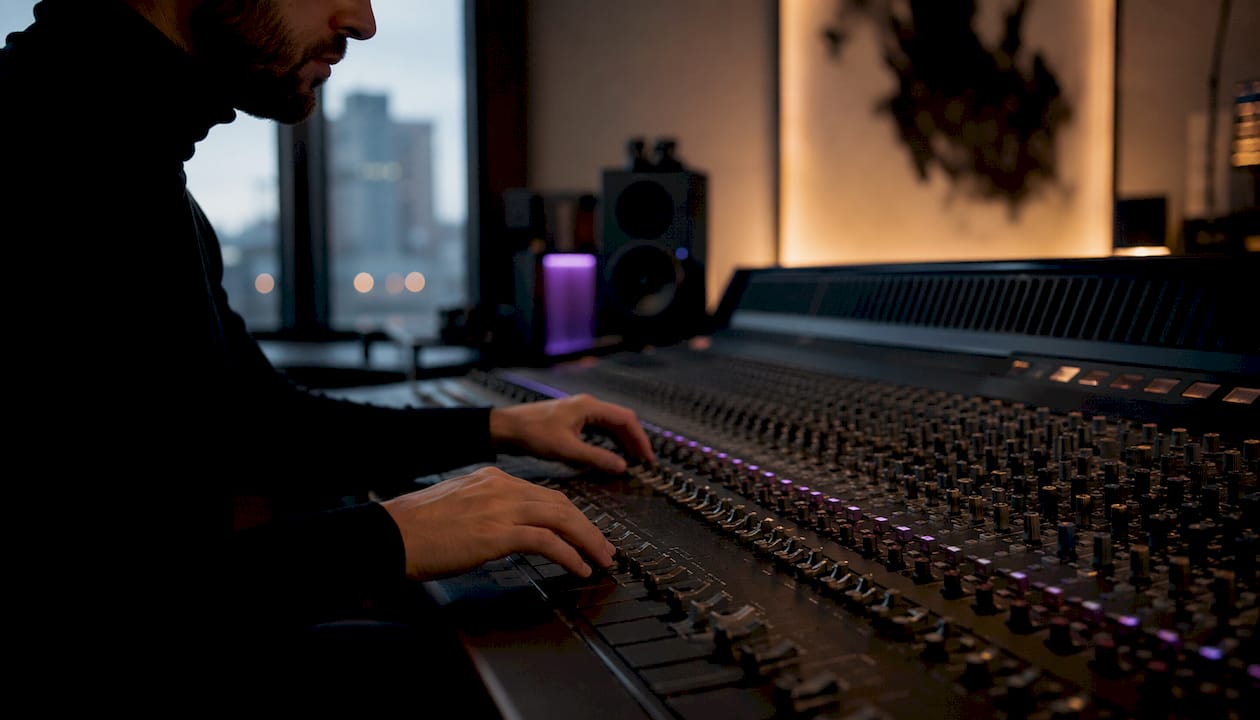
Flexible routing and automation enhance studio usability but are consistently undervalued by producers focused on virtual instruments. Send and return matrices, parallel processing chains, and deep automation lanes separate professional-grade platforms from entry-level options. If you mix seriously, this category deserves more weight than the instrument library.
Stock libraries versus third-party plugins
A strong stock library reduces reliance on third-party plugins and lowers your startup costs significantly. A DAW that ships with a full suite of instruments, effects, and samples lets you produce complete tracks from day one. One that ships with minimal stock content requires immediate plugin investment to reach the same capability level.
Plugin format compatibility
Professional audio plugins ship in VST3, AU, and AAX formats. Your DAW must support the format your plugins use. AAX is exclusive to Pro Tools. AU runs only on macOS. VST3 is the most universal format across Windows and macOS platforms. Checking format compatibility before committing to a DAW prevents expensive incompatibility problems later.
Pro Tip: Test your current plugin collection in any DAW trial before purchasing. Format mismatches are the most common and most avoidable source of post-purchase regret.
For producers who want a deeper look at how audio signal flow affects routing decisions inside a DAW, understanding the path from input to output clarifies which routing features actually matter for your setup.
How do pricing models affect your DAW selection?
Pricing models vary widely, and the structure of the license matters as much as the upfront cost. The three main models are perpetual licenses, subscriptions, and free tiers.
- Perpetual licenses charge once and give you the software indefinitely. Upgrades to major new versions typically cost extra. This model suits producers who want predictable, one-time spending.
- Subscription licenses charge monthly or annually and include all updates. The ongoing cost adds up over years, but you always run the current version.
- Free tiers offer genuine production capability at no cost. Web-based platforms and bundled DAWs provide real entry points for beginners without any financial commitment.
Professional-tier DAWs typically range from $99 to $200, while free options offer legitimate entry-level access to music production. That price gap is significant for producers just starting out, but the free options often limit track counts, plugin support, or export quality.
Total cost of ownership extends beyond the purchase price. A DAW with a weak stock library forces you to spend on third-party instruments and effects immediately. A DAW with a strong built-in suite can save hundreds of dollars in the first year alone. Factor that into your budget calculation before comparing sticker prices.
| Pricing tier | Typical cost | Best for |
|---|---|---|
| Free / bundled | $0 | Beginners, casual use |
| Entry-level paid | Under $100 | Home producers, students |
| Professional perpetual | $99–$200 | Working producers, engineers |
| Subscription | Monthly or annual fee | Producers who want continuous updates |
For a thorough breakdown of how licensing models work across audio software categories, the differences between perpetual and subscription structures have long-term financial implications worth understanding before you commit.
What emerging trends are reshaping DAW technology?
The DAW feature comparison landscape in 2026 looks meaningfully different from five years ago. Three trends are driving that shift.
AI-powered production tools
AI tools like pitch correction, stem separation, and smart session players are now integrated into major DAWs to reduce production friction. These features accelerate workflows that previously required dedicated third-party software. Stem separation alone used to require a separate application and significant processing time. Now it runs inside the DAW session.
The risk is over-reliance. Using AI stem separation without understanding signal processing can introduce phase issues that degrade professional mixes. AI tools work best when the producer using them understands what the tool is doing at the signal level. Vector-dsp covers this in detail for producers who want to build that foundation through AI audio enhancement knowledge.
Modular and grid-based device systems
Several professional DAW categories now offer modular device systems where signal chains, modulators, and effects are built by connecting discrete components. This approach gives sound designers granular control over every processing stage. It requires a steeper learning curve but produces results that fixed-signal-path DAWs cannot replicate.
Cloud-based and mobile production
Cloud-based and mobile DAWs expand production beyond the desktop. Producers can start a session on a tablet, continue on a laptop, and collaborate with engineers in different cities without file transfer friction. This flexibility is particularly valuable for songwriters who work across multiple locations. The tradeoff is that cloud platforms often sacrifice depth of routing and mixing features compared to desktop-first applications.
Staying current on DSP technology trends helps producers evaluate which AI and processing features are genuinely useful versus which are marketing additions with limited practical value.
Key Takeaways
Choosing the right DAW requires matching your workflow model, feature needs, budget structure, and technology priorities before evaluating any specific platform.
| Point | Details |
|---|---|
| Workflow fit comes first | Clip-based and linear workflows are fundamentally different. Choose the model that matches your production style. |
| Feature depth varies by tier | Routing flexibility, MIDI tools, and stock libraries differ significantly between entry-level and professional DAWs. |
| Pricing structure matters | Perpetual licenses, subscriptions, and free tiers each carry different long-term cost implications beyond the sticker price. |
| AI tools require signal knowledge | AI features like stem separation introduce phase risks when used without understanding the underlying signal processing. |
| Master one platform deeply | Switching DAWs constantly costs more creative time than any feature advantage gained from a new platform. |
Why I stopped chasing the "best" DAW
Every year, producers ask me which DAW is objectively the best. My honest answer is that the question is wrong. The best approach is to select one DAW, learn it deeply, and focus on creative execution rather than searching for perfect software. I have watched talented engineers spend months evaluating platforms instead of finishing tracks. The DAW they already owned would have done the job.
The friction between your creative instincts and your software interface is the real enemy. A DAW that fights your natural working style costs you energy on every session. One that fits your workflow disappears into the background and lets the music take over. That fit matters more than any feature checklist.
Hardware integration is the other factor producers underestimate. A DAW that works natively with your audio interface, control surface, or hardware synthesizer removes a layer of setup friction that compounds over hundreds of sessions. Evaluate your existing hardware ecosystem before committing to a new platform.
AI tools are genuinely useful, but they reward producers who understand signal processing fundamentals. The producers getting the best results from AI pitch correction and stem separation are not the ones who rely on it most. They are the ones who know exactly when to use it and when to trust their ears instead. Build the knowledge first, then let the tools accelerate it.
— Kai
Vector-dsp and precision audio processing
Vector-dsp builds professional audio plugins grounded in advanced digital signal processing, designed for producers and engineers who want meticulous control over their sound. The plugin lineup, developed in VST3, AU, and AAX formats, targets the same precision-focused workflows this guide covers.

Whether you are refining your mixing chain or building a production setup from the ground up, Vector-dsp's audio processing tools are built for creators who value technical depth over surface-level features. The Vector-dsp blog also covers AI use cases for audio professionals in depth, giving producers the signal processing knowledge to use modern DAW features with confidence. For producers who want tools that match the precision their workflow demands, Vector-dsp is worth exploring.
FAQ
What is a digital audio workstation?
A digital audio workstation (DAW) is software that integrates multitrack recording, MIDI sequencing, audio editing, mixing, and effects processing into a single environment. It is the central hub for music production and sound engineering.
How do I choose a DAW for beginners?
Start with a free or low-cost platform that matches your workflow style, either clip-based for electronic music or linear for recording and mixing. Focus on learning one platform deeply rather than switching between options.
What is the difference between clip-based and linear DAW workflows?
Clip-based workflows organize audio and MIDI as independent blocks you trigger or rearrange freely, which suits live performance and beatmaking. Linear workflows arrange audio on a fixed timeline, which suits studio recording, mixing, and scoring.
Do AI features in DAWs replace signal processing knowledge?
AI tools accelerate production but do not replace foundational knowledge. Using features like stem separation without understanding phase relationships can introduce mix problems that are difficult to fix in post.
What plugin formats should my DAW support?
The three standard formats are VST3, AU, and AAX. VST3 works across Windows and macOS. AU is macOS only. AAX is required for Pro Tools. Confirm your DAW supports the formats your existing plugins use before purchasing.