Ship a Scalable Plugin GUI That Survives 4 Hosts and APIs
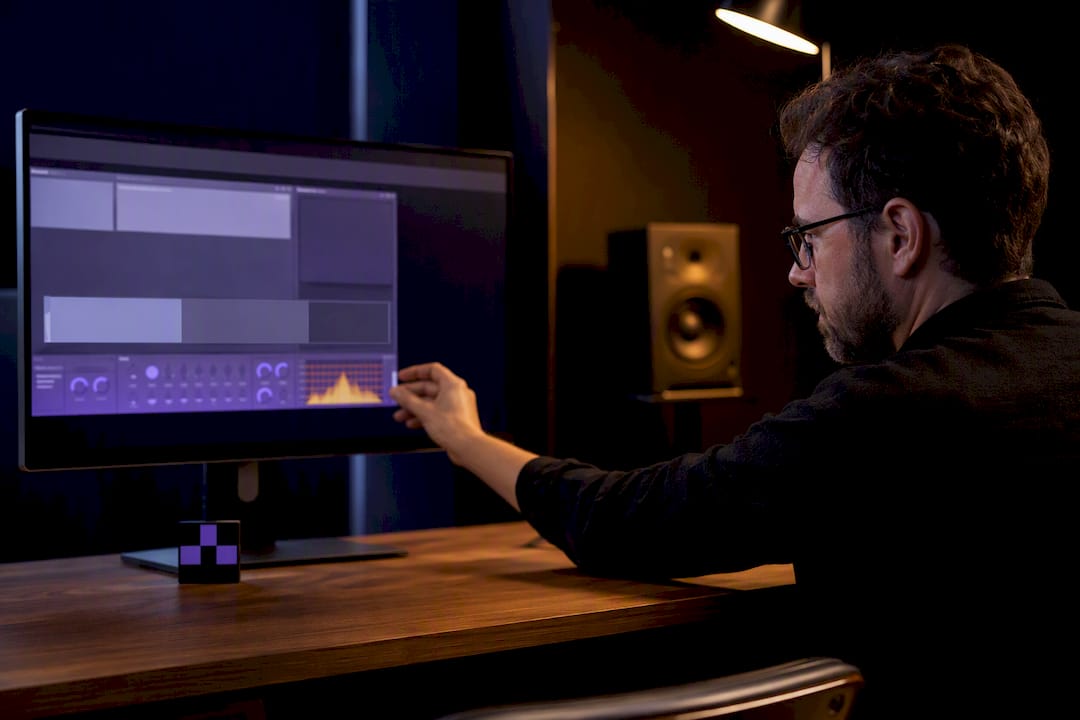
Fix a scalable plugin GUI by pairing a responsive, layout driven interface with high resolution or vector assets, and never scale up small bitmaps at runtime. Override resized() or your framework's reflow callback to recompute control bounds on every size change, call setResizeLimits() to lock in sane minimum and maximum dimensions, and confirm behavior against each host's own scaling logic. Vector-dsp builds its plugin interfaces around exactly this model, and the sections below break down the API calls, asset choices, and test matrix that make it hold up in Ableton, Logic, Pro Tools, and REAPER alike.
TL;DR:
- Most scaling issues are caused by host-side settings or incorrect asset resolution rather than plugin code flaws, so testing on multiple hosts is crucial.
- Use
setResizeLimits()and override layout callbacks likeresized()to maintain control over GUI dimensions and prevent unusable or pixelated sizes.- Design plugins with UI and DSP separated, employing declarative layouts like flexbox to ease maintenance and improve adaptability across different hosts and display configurations.
- Always supply high-DPI vector assets and multiple raster sizes for textures, avoiding runtime scaling that causes blurriness, and defer heavy image processing outside resize callbacks.
- Build comprehensive test matrices covering various display scales, host environments, and OS to catch scaling bugs early, especially in multi-monitor, high-resolution setups.
Table of Contents
- Quick Checklist: Diagnose and Fix a Scalable Plugin GUI Fast
- How OS and DAW Scaling Layers Actually Interact
- Architecture Patterns That Keep Scaling Maintainable
- Framework by Framework: Where to Put the Resize Code
- Getting Assets Right: Vectors, Bitmaps, and Filmstrips
- Keeping Resize Callbacks Fast Enough to Not Cause Stutter
- Building a Test Matrix That Actually Catches Scaling Bugs
- Vector-dsp's Approach to Cross-Format Scaling
- What Actually Matters Once You Strip Away the Framework Noise
- Get a Scalable Plugin GUI Built Right From the Start
- Sources
Quick Checklist: Diagnose and Fix a Scalable Plugin GUI Fast
Before touching code, reproduce the bug on one monitor at both 100% and native scaling, such as 150% on a 4K display. Half of the "broken GUI" reports developers get turn out to be host settings, not plugin bugs.
- Check DAW-specific scaling controls first: Ableton has an auto-scale plug-in window toggle, REAPER offers Multimonitor Aware V2, and Pro Tools applies its own internal scaling layer.
- If the blur or clipping only shows up in one host, it's a host-side rendering issue. Document it and file a bug report with that vendor.
- If it shows up everywhere, the fault is in your plugin. Add a responsive layout and swap in high-DPI assets.
- Set
setResizeLimits(minW, minH, maxW, maxH)to prevent users from resizing your GUI to unusable or pixelated dimensions.
That last step matters more than it sounds. A plugin with no resize limits will eventually get stretched to 3200 pixels wide by someone with a triple-monitor setup, and every knob on it will look like a smear.
How OS and DAW Scaling Layers Actually Interact
Three separate systems touch your plugin's pixels before a user ever sees your GUI, and each one can silently override the others. Windows applies per-monitor DPI scaling at the OS level, and if your plugin doesn't declare itself DPI-aware, the system stretches your rendered output instead of asking you to redraw it, which is the direct cause of the blurry-plugin complaints Slate Digital's support documentation catalogs. macOS handles this more gracefully through Retina device pixel ratios, but you still need to supply @[2x](https://developer.apple.com/design/human-interface-guidelines/images) and @3x bitmap variants or vector assets, or your interface will look soft on any modern Mac display.
DAW hosts add a third layer on top of both operating systems:
- Some hosts manage plugin window scaling themselves and apply their own transform to your rendered surface.
- Others hand scaling responsibility entirely to the plugin and expect you to redraw at the correct resolution.
- A handful do a mix of both depending on plugin format, meaning the same binary can behave differently as a VST3 versus an AU.
The practical result: a GUI that looks razor sharp in one host can look soft or oversized in another, with zero code changes on your end. Design for the least capable host you support, and treat every additional host as a testing pass, not an afterthought. The Unigine developer documentation on DPI principles makes the same point in the broader software context: scaling has to be a first-class design constraint, not a patch applied after the fact.
Architecture Patterns That Keep Scaling Maintainable
The single biggest predictor of whether a plugin's scaling code turns into a maintenance nightmare is whether the UI was ever coupled to the DSP in the first place. Keep rendering and layout in their own module, entirely separate from your signal processing chain. When those two things share state or call into each other directly, every layout tweak risks introducing an audio thread regression, and every DSP change risks a UI crash. Treating the interface as its own contract, with a defined boundary between what draws pixels and what processes samples, is a discipline plugin architecture writing on extensible systems singles out as the difference between a codebase that survives five years of feature additions and one that doesn't.
Declarative layout models help here too. Instead of hand-calculating pixel offsets for every control, a flex-like engine lets you describe relationships ("this knob sits to the right of that fader, with 8 pixels of padding") and the engine resolves the math whenever the container resizes. It's the same idea behind CSS flexbox, and it's why component-based renderers built on engines like Yoga have gained traction in native audio plugin development.
Version your UI contract the same way you'd version an API. When you eventually change how a control reports its bounds or how a container computes child positions, an adapter layer lets older presets and saved states keep working instead of breaking on update. Pick that pattern deliberately: an Abstract Factory works well when you're managing families of related UI components across skins, while a Facade earns its keep when you need one clean interface in front of a messy set of host integration calls.

Framework by Framework: Where to Put the Resize Code
Every framework solves resizing differently, but the pattern underneath is the same: intercept the size change, recompute layout, defer anything expensive.
- JUCE. Put all your layout math inside
resized()and nowhere else. CallsetResizeLimits(minW, minH, maxW, maxH)in your constructor so hosts can't drag the editor into unusable territory. The bd_ui_loader project demonstrates this pattern well by separating layout metadata from the code that applies it, which keeps the resize path lean. - iPlug2. Define an
mLayoutFuncthat recalculates every control's bounds, then callpGraphics->SetLayoutOnResize(true)so that function fires automatically on window changes. The framework's responsive UI examples also cover the AUv3 negotiation callbacks you need for host-driven resizing on iOS and Logic. - Dplug. Implement
UIElement.reflow()alongside aSizeConstraintsobject, add a resizer-corner widget for manual dragging, and push any expensive image resizing to the first draw call rather than the reflow path itself, exactly as Dplug's own reflow guide recommends. - React or Yoga-based renderers. If you're embedding a component model instead of a traditional immediate-mode canvas, a renderer like VSReacT pairs a component tree with Yoga's flexbox engine, letting the layout system own bounds calculation while your native painter just draws what it's told. This buys you declarative composition and, in some setups, hot reload during development.
Getting Assets Right: Vectors, Bitmaps, and Filmstrips
Runtime upscaling is the single most common cause of a soft-looking plugin GUI. Stretching a small bitmap to fill a larger frame produces visible blur, a problem explained well in coverage of vector graphics rendering. Vector assets sidestep the issue entirely since they render at whatever resolution the display demands, but where you need raster images for texture or realism, ship multiple pre-rendered sizes instead of scaling one small source file.
Filmstrip knobs, the classic stacked-frame image used for rotary controls, need special handling. Higher frame counts smooth out rotation at the cost of a larger binary, so decide that trade-off deliberately rather than defaulting to whatever frame count a template shipped with. Pre-render your largest preview images for marketing builds, but at runtime, resize lazily and only when the frame is actually needed, never during the layout pass itself.
Keeping Resize Callbacks Fast Enough to Not Cause Stutter
Your resize or reflow callback has one job: reposition elements and recompute bounds. It should never touch disk, decode an image, or do anything that takes more than a millisecond or two. Heavy work inside that callback is what causes the visible stutter users report when dragging a plugin window's corner, a failure mode Dplug's documentation calls out directly as something to design around from day one.
Push expensive operations, like generating a large scaled bitmap, onto a background thread or defer them to the first actual draw call after a resize settles. That way the window itself feels instantly responsive even if the final high-resolution image takes an extra frame to appear.
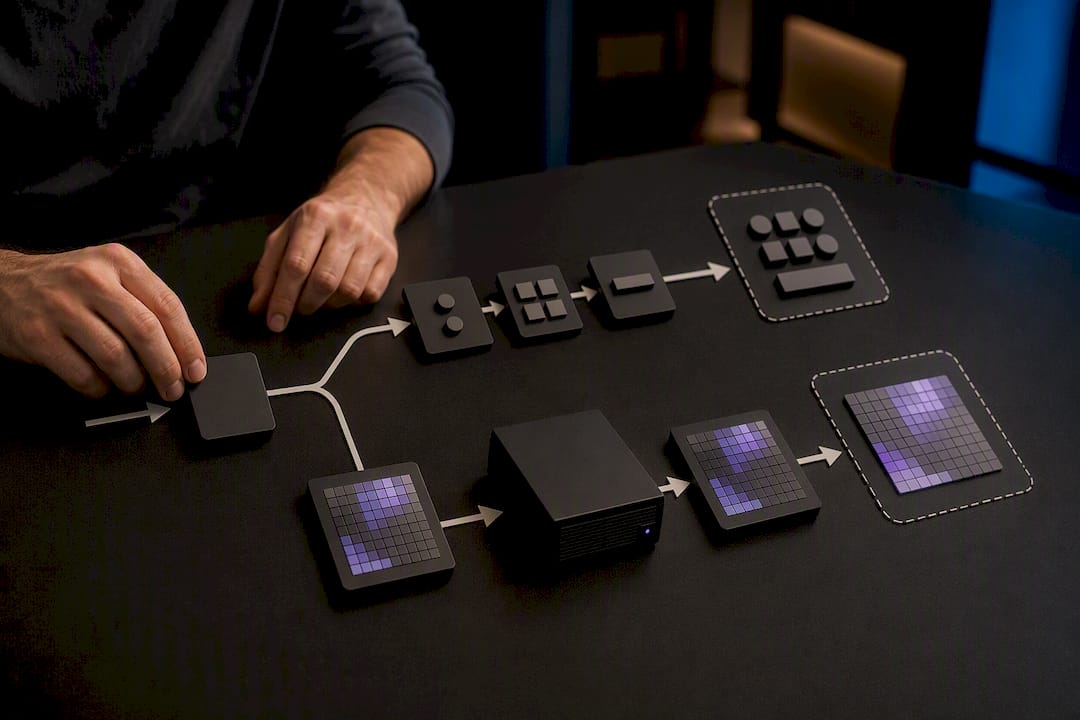
Pro Tip: Cache pre-scaled image tiles at install time or on first launch, not while the user is dragging your plugin's resize handle. A one-time cost up front beats a stutter every time someone touches the corner of your GUI.
Building a Test Matrix That Actually Catches Scaling Bugs
A scaling bug that only shows up on one specific OS and DAW combination will not show up in your own testing unless you deliberately go looking for it. Build a matrix and run it before every release, not just before major versions.
- Cover at least three display configurations: 1080p at 100%, 4K at 150%, and 4K at 200%, since each triggers different rounding behavior in DPI-aware code paths.
- Test across Ableton, Logic, Pro Tools, and REAPER at minimum, since each applies host-level scaling differently, as Slate Digital's support notes document for Windows specifically.
- For AUv3 targets, implement
OnHostRequestingSupportedViewConfigurationandOnHostSelectedViewConfigurationso the host and plugin agree on a size before anything renders, a negotiation pattern iPlug2 documents in its responsive UI guide. - Add automated smoke tests to your CI pipeline that check layout math at a few fixed window sizes, catching regressions before a human ever drags a corner.
Vector-dsp's Approach to Cross-Format Scaling
Vector-dsp builds its audio plugins with UI and DSP kept deliberately separate, a structural choice that pays off directly when it comes to scaling: layout changes never risk touching the real-time signal path. That separation, combined with support across VST3, AU, and AAX, means the same interface logic has to hold up across genuinely different host behaviors, not just different screen sizes. Vector-dsp's plugin architecture guide and UI design workflow writeup go deeper into how that separation is structured in practice, for developers who want the full breakdown behind the checklist above.
What Actually Matters Once You Strip Away the Framework Noise
Most advice on plugin scaling focuses on which framework has the "best" resize API, and that's the wrong fight to pick. JUCE, iPlug2, and Dplug all solve the same problem with the same shape of solution: intercept a size event, recompute bounds, keep it fast. The framework choice matters far less than whether you actually decoupled your UI from your DSP early on, because that one decision determines whether fixing a scaling bug six months from now takes an afternoon or a rewrite.
The overlooked failure point isn't the layout math. It's testing. Developers build a beautiful reflow system, verify it at 100% on their own laptop, ship it, and then get bug reports from users running 4K monitors at 150% scaling inside REAPER's multimonitor mode. The matrix in this guide isn't optional polish. It's the difference between finding that bug yourself or having a user find it for you in a one-star review.
If there's one place to spend the extra hour, it's host negotiation for AUv3 and equivalent view-configuration callbacks. That's the layer developers skip most often, and it's the one most likely to produce a genuinely broken experience rather than a merely ugly one.
— Kai
Get a Scalable Plugin GUI Built Right From the Start
Retrofitting a broken layout system into a plugin that already shipped is expensive. Rebuilding resize logic after the fact means touching code that's been stable for years, and every change carries the risk of a regression somewhere in your DSP chain. Vector-dsp designs its plugins with UI and signal processing separated from the first line of code, which is the actual reason its interfaces hold up across VST3, AU, and AAX without host-specific patches piling up release after release.

If you're a developer weighing whether to build this discipline into your own plugin from scratch, Vector-dsp's product lineup is worth studying as a working reference for how the architecture holds together in practice. Visit the site to see the current tools and check what's available for your own DAW setup.
Sources
For a hands-on walkthrough of a resizeable UI built with discrete size constraints, Dplug's reflow guide is the most direct reference available, complete with the reasoning behind deferring image work to first draw.
If you want to see layout metadata handled outside your compiled code, bd_ui_loader demonstrates an XML-driven approach to dynamic layout and image loading that keeps resize logic out of your core plugin binary. iPlug2's own responsive UI examples cover both the layout function pattern and the AUv3 host negotiation snippets referenced earlier. And for the underlying reasoning on why DPI has to be treated as a first-class concern rather than an edge case, the Unigine DPI principles documentation lays out the general software design logic that plugin development inherits wholesale.