Audio Plugin Formats Comparison: VST3, AU, and AAX Explained
Audio Plugin Formats Comparison: VST3, AU, and AAX Explained
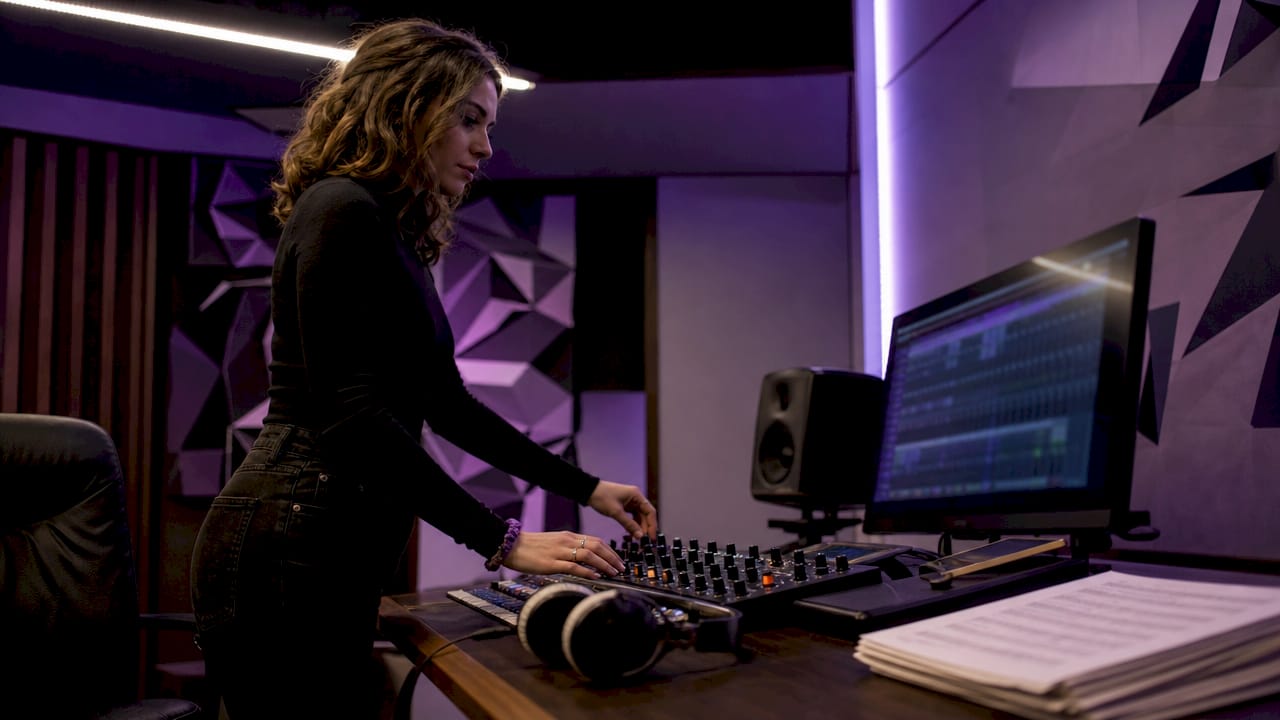
Audio plugin formats are the technical specifications that define how a plugin communicates with a DAW, and the three dominant standards in 2026 are VST3, AU, and AAX. Each format serves a distinct ecosystem: VST3 leads in cross-platform reach, AU is Apple's native standard for macOS and iOS, and AAX is mandatory for Pro Tools. Getting this audio plugin formats comparison right determines whether your plugins load, perform, and stay stable across sessions. Market share data shows VST3 and VST2 combined hold roughly 46–72% of the plugin market, AU accounts for 21–22%, and AAX sits at approximately 17%.
1. Audio plugin formats comparison: VST3, AU, and AAX at a glance
VST3 is the most widely adopted plugin format across Windows, macOS, and Linux. Steinberg developed it as a successor to VST2, and it is dual-licensed under GPLv3 and a proprietary license, which gives developers flexibility. AU is Apple's proprietary format, built directly into Core Audio and exclusive to macOS and iOS. AAX is Avid's format, required for any plugin running inside Pro Tools.
The core difference is scope. VST3 targets the broadest possible audience. AU targets Apple users with deep system integration. AAX targets professional studios where Pro Tools is the standard. Knowing which format fits your workflow is the first decision every producer and engineer should make before buying plugins.
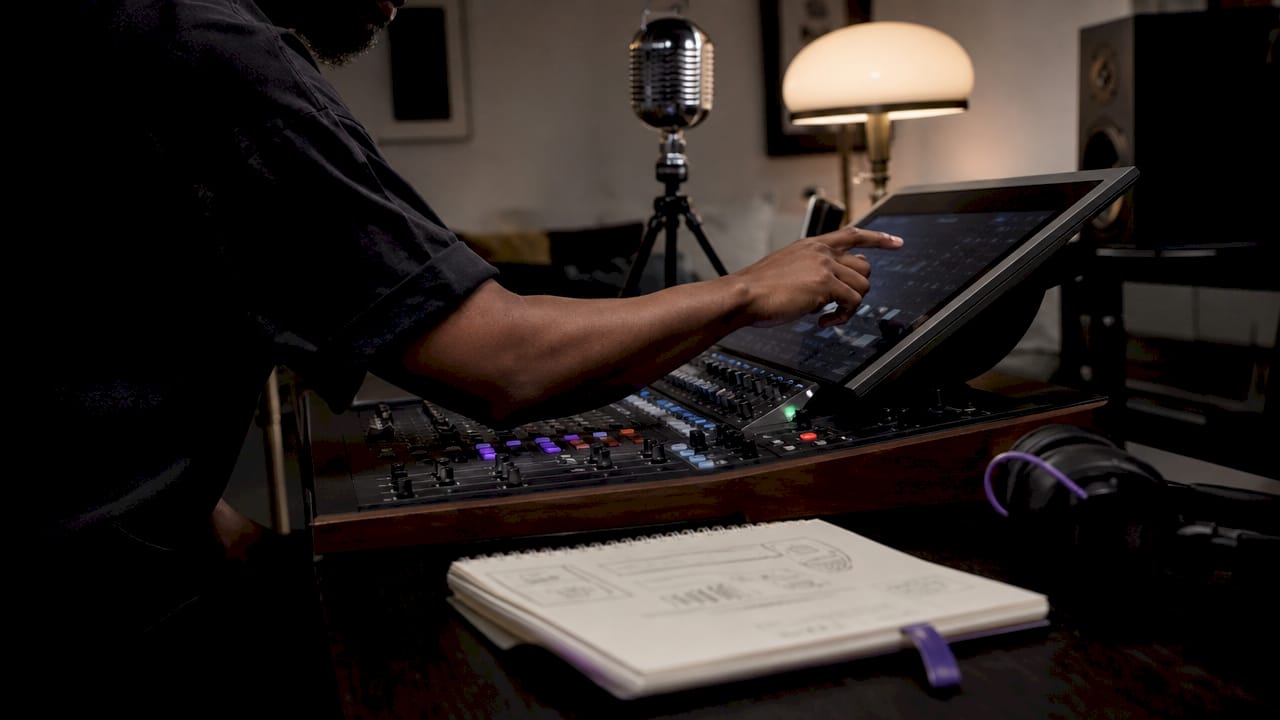
2. Why VST3 is the leading format for cross-platform production
VST3 is the default choice for producers who work across Windows and macOS or who use DAWs like Ableton Live, Cubase, or FL Studio. Its technical architecture adds features that VST2 never had, including dynamic I/O, side-chain support, and bus arrangements. These additions matter in complex sessions where routing flexibility and CPU efficiency are non-negotiable.
Key VST3 advantages over older formats:
- Dynamic I/O: Ports activate only when audio is passing through, reducing CPU load during idle processing.
- Side-chain support: Built into the specification, not bolted on as a workaround.
- Bus arrangements: Flexible multi-channel routing for surround and spatial audio work.
- Cross-platform SDK: One codebase targets Windows, macOS, and Linux simultaneously.
The deprecation of VST2 is a real concern. Steinberg stopped issuing new VST2 licenses years ago, and DAW developers have been phasing out VST2 support. Producers still running legacy VST2 plugins face growing compatibility risk with each DAW update.
Pro Tip: Audit your plugin library and flag any remaining VST2 plugins. Replace them with VST3 equivalents before a DAW update breaks your sessions.
3. How Audio Units (AU) serve the Apple ecosystem
AU plugins are tightly integrated into Apple's Core Audio system, which gives them a performance advantage on macOS and iOS that no third-party format can fully replicate. AU runs exclusively on Apple platforms, powering Logic Pro and GarageBand natively. Apple validates AU plugins through its own system-level checks, which improves stability and reduces the chance of crashes inside a session.
Producers who work entirely within the Apple ecosystem get real benefits from AU:
- Core Audio integration: Direct access to Apple's audio engine reduces latency at the system level.
- Logic Pro compatibility: AU is the only format Logic Pro supports natively.
- GarageBand support: AU plugins work across Apple's consumer and professional apps.
- iOS availability: AU extensions run on iPhone and iPad, enabling mobile production workflows.
The limitation is absolute. AU plugins do not run on Windows or Linux. If you collaborate with producers on other platforms or plan to migrate your sessions to a non-Apple DAW, AU plugins create a compatibility wall. The VST3 vs AU comparison comes down to this: AU wins on Apple hardware, VST3 wins everywhere else.
Pro Tip: If you produce on a Mac but share sessions with Windows-based collaborators, prioritize VST3 versions of your plugins to avoid format conflicts.
4. Understanding AAX: the standard for professional Pro Tools studios
AAX is the mandatory format for Pro Tools, making it the default choice in film scoring, broadcast, and post-production facilities. Developing AAX plugins requires a signed NDA with Avid, which creates a barrier that filters out smaller developers. That gatekeeping keeps the AAX ecosystem smaller but generally more stable than the open VST3 market.
AAX exists in two distinct variants:
- AAX Native: Runs on the host computer's CPU, like VST3 and AU.
- AAX DSP: Offloads processing to Avid's HDX hardware cards, enabling ultra-low latency that software-only formats cannot match.
"AAX DSP acceleration is the reason major mixing facilities still run HDX systems. The latency floor you can achieve with hardware offloading is simply not reachable with CPU-only processing."
AAX also requires iLok authorization in most cases, adding a hardware dongle or cloud license to the workflow. For producers outside the Pro Tools ecosystem, AAX adds cost and complexity with no benefit. For professional engineers mixing on HDX systems, it is the only format that delivers the performance the work demands. Read the AAX format guide for a full breakdown of Pro Tools-specific considerations.
5. Comparing compatibility, performance, and developer access
Compatibility depends entirely on the host DAW and operating system, not the plugin format alone. A VST3 plugin will not load in Logic Pro. An AU plugin will not open in a Windows DAW. An AAX plugin only works inside Pro Tools. This is the most common source of confusion for producers buying plugins without checking format requirements first.
| Category | VST3 | AU | AAX |
|---|---|---|---|
| Operating systems | Windows, macOS, Linux | macOS, iOS only | macOS, Windows (Pro Tools) |
| DAW compatibility | Ableton, Cubase, FL Studio, and most others | Logic Pro, GarageBand | Pro Tools only |
| CPU efficiency | High, with dynamic I/O | High, Core Audio optimized | High (Native); offloaded (DSP) |
| Developer access | Open SDK, dual license | Apple developer account required | NDA with Avid required |
| iLok required | No | No | Usually yes |
| Cross-platform sessions | Yes | No | Limited |
Targeting all three formats increases a plugin's market reach but adds development complexity and cost. Most major plugin manufacturers ship VST3, AU, and AAX versions of every product. Smaller developers often prioritize VST3 first, then AU, and add AAX only if the professional studio market justifies the Avid contract.
Preset portability is a separate problem. Preset files are not portable across formats like VST3 and AU. If you switch DAWs or platforms, your saved presets stay tied to the format they were created in. The practical fix is to freeze or bounce tracks before migrating sessions across format boundaries.
6. Practical recommendations for choosing the right format
The right plugin format is the one your DAW and operating system actually support. Most manufacturers provide plugins in all major formats, but you still need to verify compatibility before purchasing.
Follow this decision process:
- Identify your DAW first. Logic Pro requires AU. Pro Tools requires AAX. Every other major DAW supports VST3.
- Check your operating system. Windows rules out AU entirely. macOS supports both AU and VST3, giving you options.
- Assess your collaboration needs. If you share sessions with engineers on different platforms, VST3 is the safest common ground.
- Evaluate your studio tier. HDX-based Pro Tools studios need AAX DSP. Project studios on Pro Tools HD Native can use AAX Native.
- Plan for preset management. Decide on a primary format and stick to it within a project to avoid preset migration problems.
- Inventory your existing plugins. Know which formats you already have before adding new ones. Maintaining a plugin inventory by format is the single most effective way to prevent broken templates after a DAW update.
Pro Tip: Keep a simple spreadsheet of every plugin in your library, its format, and the DAW version it was last verified on. Update it after every major DAW upgrade.
Key takeaways
The most effective plugin format strategy is to anchor your library to VST3 for cross-platform work, add AU if you produce on Mac with Logic Pro, and include AAX only if Pro Tools is part of your professional workflow.
| Point | Details |
|---|---|
| VST3 leads in compatibility | VST3 runs on Windows, macOS, and Linux and works in most major DAWs. |
| AU is Apple-only | AU plugins require macOS or iOS and are mandatory for Logic Pro users. |
| AAX requires Avid access | AAX needs a signed NDA with Avid and is exclusive to Pro Tools workflows. |
| Presets are format-bound | Preset files do not transfer across formats; freeze or bounce before switching. |
| Inventory prevents session breaks | Tracking plugins by format stops broken templates after DAW updates. |
Format lock-in is the risk nobody talks about enough
Producers spend years building template sessions, and most never stop to think about which formats those templates depend on. I've watched engineers lose hours of work because a DAW update dropped support for a format they had built an entire mix chain around. The format choice you make today shapes the sessions you can open three years from now.
The CLAP format is gaining traction as an open-source alternative, and the technical case for it is real. But CLAP carries adoption risks that VST3 simply does not. DAW support for CLAP is still uneven, and betting a professional workflow on a format with limited host adoption is a gamble most working engineers cannot afford.
My honest recommendation is to treat format diversity as a risk management strategy, not a feature. If your entire library is AU-only and you ever need to collaborate on a Windows machine, you are stuck. If every plugin in your Pro Tools session is AAX DSP-only and you move to a Native system, you face a rebuild. The producers I've seen handle format transitions best are the ones who understand AU format tradeoffs before they commit to a platform, not after.
Build your library with VST3 as the foundation. Add AU for Apple-native performance where it matters. Add AAX when the professional studio context demands it. And keep that plugin inventory updated. The five minutes it takes to log a new plugin by format will save you hours when something breaks.
— Kai
Vector-dsp plugins built for every major format

Vector-dsp designs professional audio plugins with VST3, AU, and AAX support built in from the ground up. Every tool in the lineup reflects the same DSP principles this article covers: low latency, real-time performance, and format-correct architecture for the DAW you actually use. Whether you produce on Windows with Ableton, mix on a Mac in Logic Pro, or run a Pro Tools studio for post-production, Vector-dsp's plugin range is built to fit your workflow without compromise. Explore ToneLab by Vector-dsp to see how multi-format support translates into a plugin you can use across every session, every platform, and every project.
FAQ
What is the difference between VST3, AU, and AAX?
VST3 is a cross-platform format supporting Windows, macOS, and Linux. AU is Apple's format for macOS and iOS only. AAX is Avid's exclusive format for Pro Tools.
Which plugin format works in the most DAWs?
VST3 has the broadest DAW compatibility, running in Ableton Live, Cubase, FL Studio, and most other major hosts across all major operating systems.
Do I need AAX if I use Pro Tools?
Yes. AAX is the only format Pro Tools accepts. Developing or purchasing AAX plugins requires working within Avid's licensing framework, including iLok authorization in most cases.
Can I use AU plugins on Windows?
No. AU plugins run exclusively on macOS and iOS. Windows producers must use VST3 or other supported formats depending on their DAW.
What happens to my presets if I switch plugin formats?
Preset files are not portable across formats. If you change formats or platforms, freeze or bounce your tracks before migrating to preserve your sound settings.