Audio Hardware Acceleration: A Professional's Guide
Audio Hardware Acceleration: A Professional's Guide
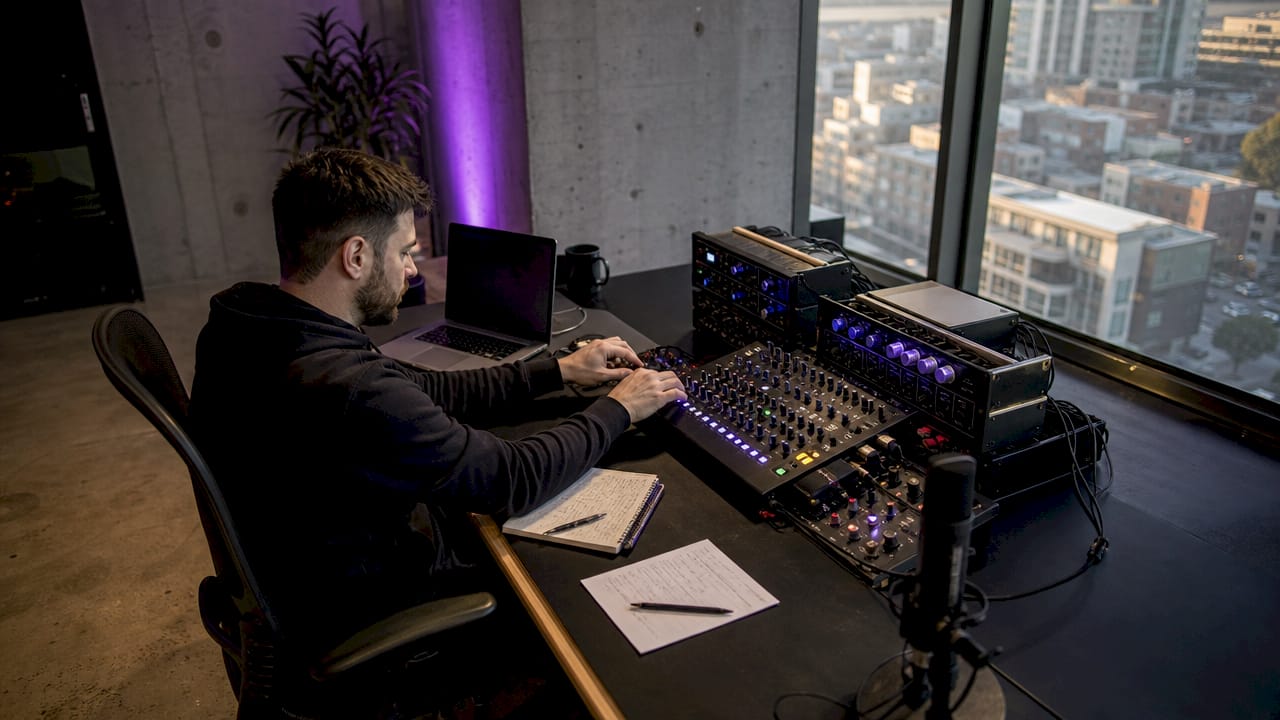
Audio hardware acceleration is defined as the process of offloading audio processing tasks from the CPU to dedicated hardware components, such as sound card processors, DSP chips, or GPUs, to improve performance and reduce latency. The industry term for the underlying technology is digital signal processing (DSP) acceleration. Understanding what is audio hardware acceleration matters because modern production sessions routinely push hundreds of tracks, real-time effects, and AI-driven processing simultaneously. A CPU alone cannot always meet those demands without dropouts. This guide covers how the technology works, its real benefits and limits, and how to configure your system to get the most from it.
What is audio hardware acceleration and how does it work?
Audio hardware acceleration offloads audio DSP tasks from the CPU to dedicated hardware, freeing the processor for other work. The dedicated hardware handles mixing, effects rendering, and buffer management. This separation is what allows a well-configured system to run large sessions at low buffer sizes without glitching.
Modern GPU-based acceleration takes this further. The GPU Audio SDK uses a dual scheduler architecture with separate Host and Device schedulers to discretize audio processing into 100–200 microsecond windows. That model supports 5–10 GPU launches per millisecond, enabling real-time DSP and neural audio processing at a granularity no legacy hardware acceleration scheme can match.
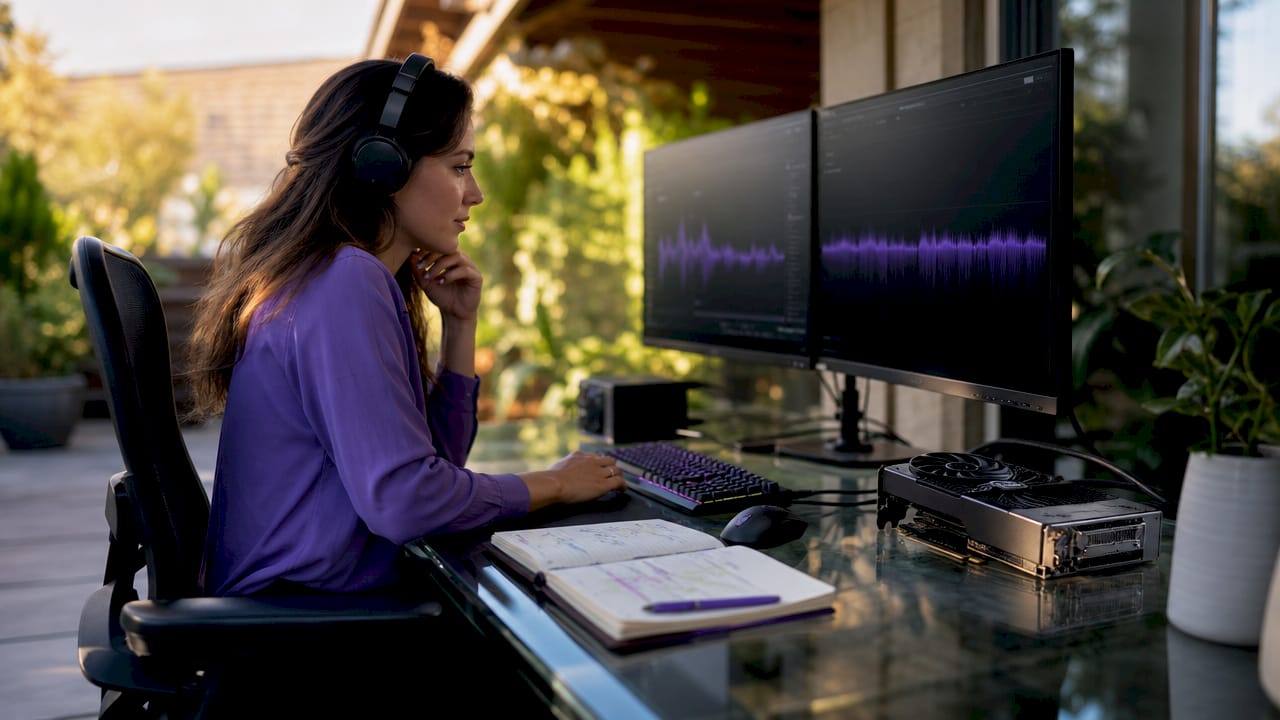
Frameworks like PyTorch and CUDA power this new generation of audio processing acceleration. Libraries such as TorchFX build on these foundations to provide object-oriented, GPU-accelerated audio filtering with native AI integration. The result is a programmable parallel architecture rather than the fixed offloading of older sound card chips.
Legacy hardware acceleration in Windows, found under Sound > All Sound Devices > Advanced, still exists. For professional DAW workflows, however, it rarely contributes meaningfully. Modern DAWs use ASIO and direct hardware communication that bypasses the system mixer, making the OS-level toggle mostly irrelevant for serious production.
Pro Tip: If you run a professional DAW with ASIO drivers, do not expect the Windows hardware acceleration toggle to change your session performance. The real gains come from driver selection, buffer configuration, and DPC latency management.
What are the benefits and challenges of hardware audio optimization?
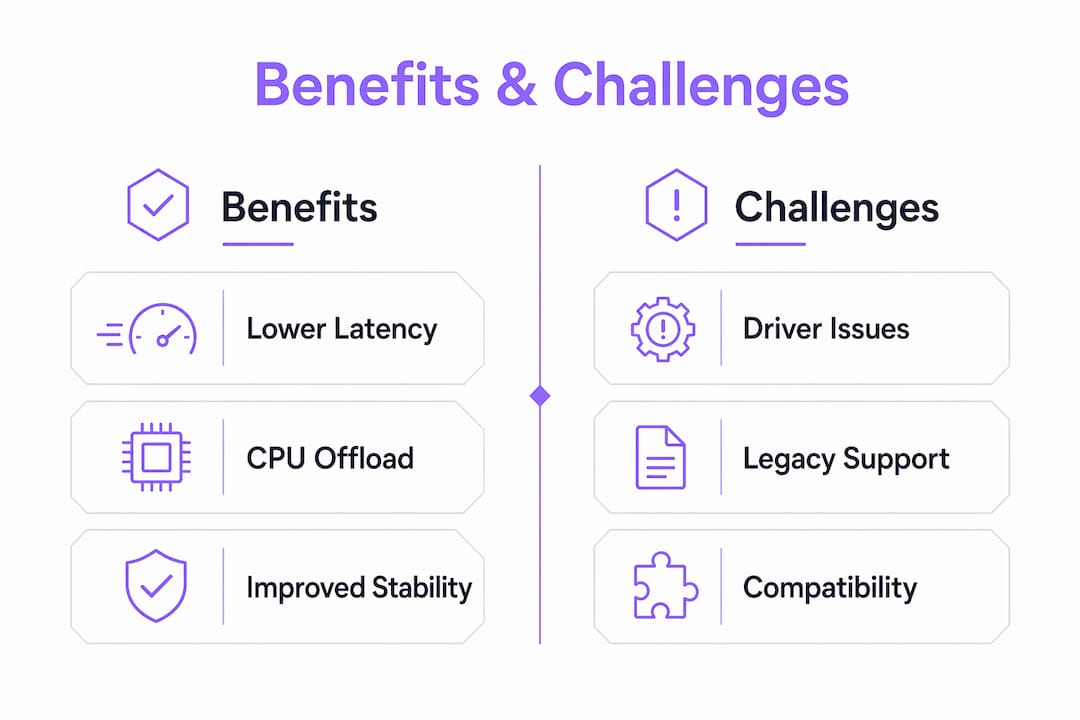
Hardware audio optimization delivers four concrete advantages for professional workflows.
- Reduced CPU load. Dedicated hardware handles DSP math, leaving the CPU free for DAW logic, MIDI, and UI rendering.
- Lower latency. Dedicated processing paths cut round-trip times far below what a CPU-only chain can achieve at equivalent buffer sizes.
- Higher channel counts. GPU acceleration handles high-density multichannel arrays and AI-based effects that would stall a CPU pipeline.
- Real-time feasibility. Tasks like convolution reverb, dynamic processing across 64 channels, and neural pitch correction become practical rather than theoretical.
The challenges are equally real. Driver incompatibilities are the most common problem. GPU audio outputs, onboard audio devices, and certain network drivers cause DPC latency spikes that introduce clicks, pops, and buffer overruns. These spikes undermine the very gains acceleration is supposed to deliver.
Legacy software support is another friction point. Older plugins built around DirectSound or WASAPI exclusive mode may conflict with hardware acceleration paths. Stability issues also appear when multiple acceleration layers compete for the same hardware resources.
Pro Tip: Run a DPC latency analyzer like LatencyMon before and after any driver change. A single problematic driver can negate every other system-level improvement you make.
Hardware vs. software audio processing: a comparison for professionals
Hardware audio processing uses dedicated silicon, whether a DSP chip on an audio interface, a GPU, or an onboard sound processor, to execute DSP tasks. Software audio processing runs entirely on the CPU, with the DAW and its plugins performing all computation in software. Both approaches are valid. The right choice depends on session complexity, latency targets, and budget.
The hardware versus software comparison comes down to five practical dimensions:
| Dimension | Hardware processing | Software processing |
|---|---|---|
| Latency | Sub-millisecond achievable with dedicated DSP | Dependent on buffer size and CPU headroom |
| CPU load | Minimal; offloaded to dedicated hardware | High; scales with plugin count and complexity |
| Flexibility | Fixed or semi-fixed processing chains | Fully reconfigurable in any DAW |
| Cost | Higher upfront hardware investment | Lower entry cost; scales with plugin licenses |
| AI integration | GPU-based frameworks enable real-time neural DSP | CPU-based AI processing is feasible but slower |
ASIO drivers are the practical bridge between these two worlds. A native ASIO driver from an audio interface manufacturer communicates directly with the hardware, bypassing the Windows audio stack. That direct path is what makes hardware processing advantages accessible inside a DAW like Ableton Live, Pro Tools, or Reaper.
Software processing still wins on flexibility. You can recall a session on any machine, swap plugins freely, and automate every parameter. Hardware acceleration wins on throughput and latency when the session demands it. Most professional studios use both: hardware acceleration for the critical real-time path and software processing for everything else.
How to optimize your system for maximum hardware acceleration performance
System configuration determines whether hardware acceleration delivers its theoretical benefits or creates instability. Follow these steps to build a stable, low-latency audio system.
- Set your power plan to High Performance. Windows balanced power plans throttle CPU and PCIe speeds dynamically. That throttling introduces latency variance that defeats hardware acceleration gains.
- Install native manufacturer ASIO drivers. Generic ASIO4ALL drivers work, but native ASIO drivers from your interface manufacturer communicate directly with the hardware and deliver lower, more consistent latency.
- Disable GPU audio devices. NVIDIA HD Audio and AMD audio devices installed with GPU drivers are a leading source of DPC latency spikes. Disable them in Device Manager if you use a dedicated audio interface.
- Disable onboard audio when using a dedicated interface. Two audio subsystems competing for system resources create bus contention. Proper hardware installation per manufacturer guidelines eliminates this conflict.
- Increase buffer size for mixing, decrease it for tracking. A 64-sample buffer suits live recording. A 512-sample or 1,024-sample buffer suits mixing sessions with heavy plugin loads.
- Audit background processes. Antivirus real-time scanning, Windows Update, and browser-based audio all compete for the same DPC interrupt queue. Disable or schedule them outside production hours.
Pro Tip: Windows 11 lets you manage the audio hardware acceleration toggle via PowerShell registry edits, which is useful for system-wide audio settings across multiple devices in a studio environment.
The future of DSP technology points toward tighter integration between these system-level settings and GPU-accelerated processing pipelines. Understanding the full stack from power plan to driver to buffer size gives you control over every variable that affects acceleration quality.
Recent innovations: GPU-accelerated DSP and AI audio integration
The most significant shift in audio processing acceleration is the move from fixed hardware offloading to programmable GPU-based DSP. This shift is driven by one reality: AI-based audio effects and high-density channel arrays have exceeded what any CPU or legacy DSP chip can handle in real time.
Key developments defining this new generation:
- TorchFX builds on PyTorch and CUDA to deliver GPU-accelerated audio filtering with an object-oriented interface. It supports real-time multichannel processing and native AI model integration within a single audio pipeline.
- GPU Audio SDK introduces the dual Host/Device scheduler model, processing audio in 100–200 microsecond windows. This architecture enables neural audio processing at latencies that match or beat dedicated DSP hardware.
- AI-driven effects such as neural pitch correction, source separation, and learned reverb models now run in real time on GPU hardware. CPU-only execution of these models produces latency that makes live use impractical.
- Parallel processing architecture replaces the serial processing model of legacy sound cards. A GPU executes thousands of DSP operations simultaneously, which is why GPU acceleration is especially critical for large multichannel productions.
The machine learning applications entering professional audio in 2026 depend entirely on this GPU infrastructure. Producers working with spatial audio, Dolby Atmos beds, or AI mastering tools are already running workflows that require GPU-accelerated DSP as a baseline, not a luxury.
| Framework | Architecture | Key capability |
|---|---|---|
| TorchFX | PyTorch + CUDA | Real-time multichannel DSP with AI integration |
| GPU Audio SDK | Dual Host/Device scheduler | 100–200 µs processing windows, neural DSP |
Key takeaways
Audio hardware acceleration delivers its full value only when the entire system, from drivers to power settings to buffer configuration, is tuned to support it.
| Point | Details |
|---|---|
| Core definition | Hardware acceleration offloads audio DSP from the CPU to dedicated hardware to cut latency and CPU load. |
| Modern architecture | GPU-based frameworks like TorchFX and GPU Audio SDK process audio in sub-millisecond windows using CUDA. |
| Legacy limitations | Windows OS-level acceleration toggles rarely benefit professional DAW workflows that use ASIO drivers. |
| DPC latency is the enemy | GPU audio drivers and onboard audio devices cause latency spikes that negate acceleration gains. |
| System tuning wins | Native ASIO drivers, High Performance power plans, and disabled GPU audio devices deliver the most consistent results. |
What I've learned after years of chasing low latency
The biggest misconception I see from producers entering professional production is treating hardware acceleration as a single switch. They enable it in Windows settings, hear no difference, and conclude the technology is overhyped. The reality is that the Windows toggle addresses a layer of the audio stack that most professional workflows never touch.
The real work happens at the driver level. I have watched sessions that ran at 256-sample buffers with constant dropouts become rock-solid at 64 samples after nothing more than disabling NVIDIA HD Audio in Device Manager. That single change removed a DPC latency source that was spiking to 2,000 microseconds. No amount of hardware acceleration toggling would have fixed it.
GPU-based DSP is where I think the next five years get genuinely interesting. TorchFX and the GPU Audio SDK are not incremental improvements. They represent a fundamentally different model for how audio processing works. When you can run neural pitch correction, convolution reverb across 64 channels, and AI-driven source separation simultaneously in real time, the production ceiling shifts dramatically upward.
My practical advice: audit your DPC latency first, configure your drivers second, and then explore GPU-accelerated tools as your session complexity grows. Chasing the latest GPU framework before your driver stack is clean is building on an unstable foundation.
— Kai
Vector-dsp tools built for hardware-accelerated workflows

Vector-dsp designs its audio plugins around the same real-time DSP principles that make hardware acceleration valuable. The architecture behind every Vector-dsp tool prioritizes low-latency signal paths, industry-standard formats including VST3, AU, and AAX, and processing efficiency that scales with your hardware.
ToneLab by Vector-dsp is built for producers and engineers who need precise control over tone shaping without sacrificing real-time performance. It is designed to work within the same optimized, low-latency signal chains that hardware acceleration enables. Explore the full range of Vector-dsp processing tools at vector-dsp.com to see how intentional DSP design translates into session performance.
FAQ
What is audio hardware acceleration in simple terms?
Audio hardware acceleration is the process of moving audio processing tasks from the CPU to dedicated hardware like a DSP chip or GPU. This reduces CPU load and lowers latency in audio production.
Does enabling hardware acceleration in Windows 11 improve DAW performance?
For most professional DAW setups using ASIO drivers, the Windows 11 hardware acceleration toggle has little effect. Modern DAWs bypass the Windows audio stack entirely through direct hardware communication.
What causes DPC latency spikes in audio systems?
GPU audio drivers, onboard audio devices, and network drivers are the most common sources of DPC latency spikes. Disabling GPU audio outputs and using native ASIO drivers from your interface manufacturer resolves most cases.
Is GPU-based audio processing practical for live production in 2026?
Yes. Frameworks like TorchFX and the GPU Audio SDK process audio in 100–200 microsecond windows, making real-time GPU-accelerated DSP and AI-based effects viable for live and studio production.
When should I prefer hardware processing over software processing?
Hardware processing is the better choice when session complexity, channel count, or AI-based effects exceed CPU capacity. Software processing remains preferable when session portability and plugin flexibility are the priority.