Real-Time Audio Monitoring Tools List for Pros
Real-Time Audio Monitoring Tools List for Pros
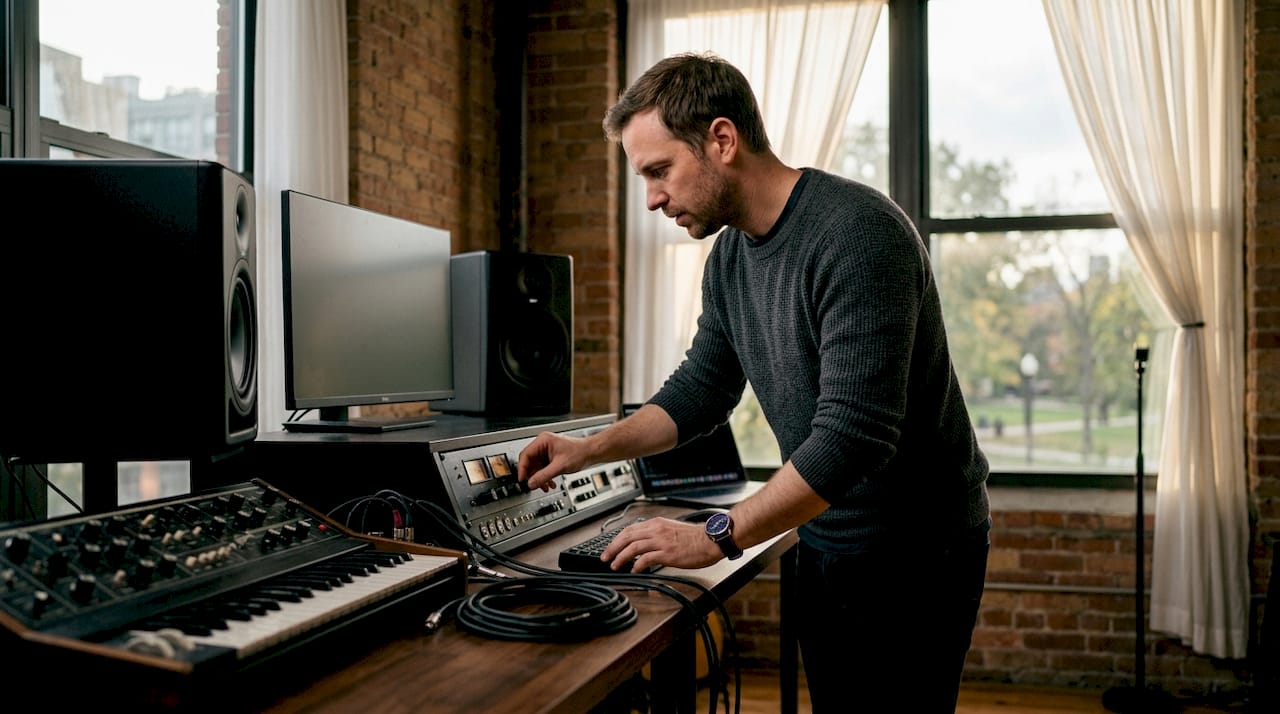
Real-time audio monitoring, the practice of hearing and measuring sound with minimal delay during recording or mixing, is the foundation of every professional production workflow. This real-time audio monitoring tools list covers the categories that matter most in 2026: low-latency monitoring utilities, EBU R128-compliant metering, virtual matrix routing, and spectral analysis. Whether you work in broadcast, live sound, or studio mixing, the right combination of these tools determines whether your output holds up under professional scrutiny.
What makes a real-time audio monitoring tools list worth using
Not every audio monitoring tool earns a place in a professional workflow. The tools that do share four defining characteristics: low latency, standards compliance, flexible routing, and a clear, readable interface.
Low latency and direct monitoring
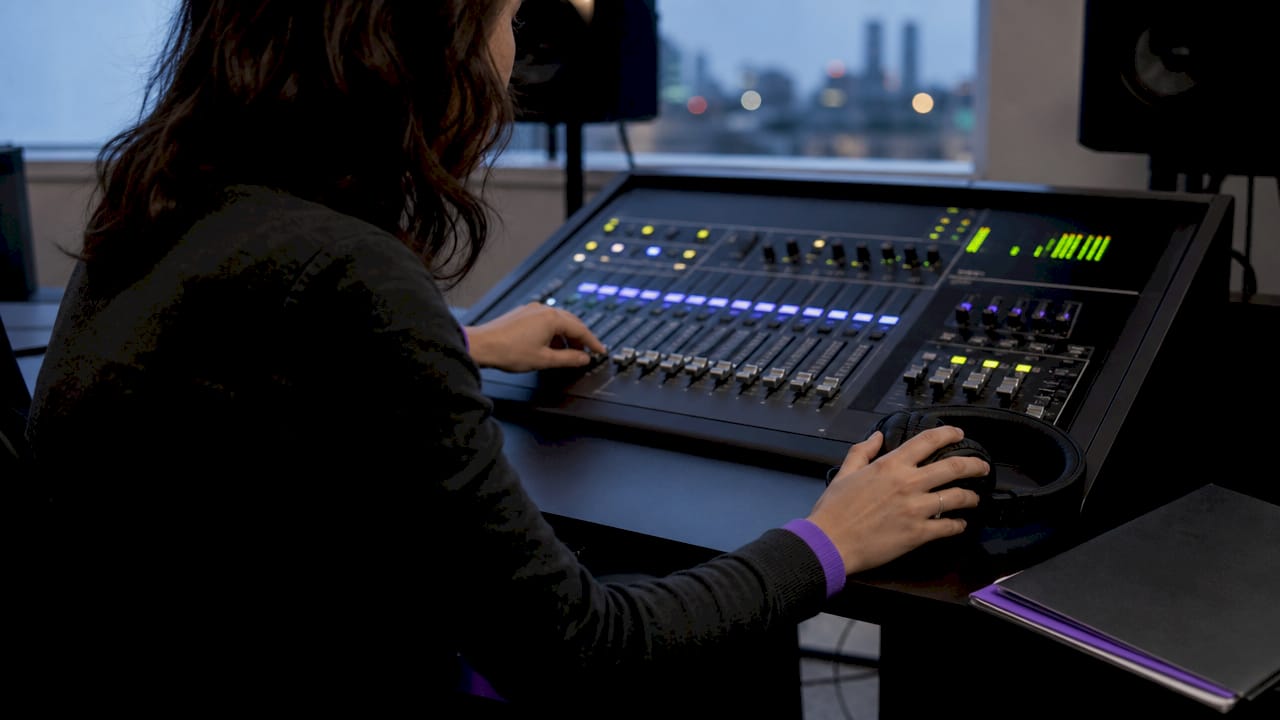
Latency is the enemy of accurate monitoring. Hardware direct monitoring eliminates software delay entirely by routing the input signal directly through the audio interface before it reaches the DAW. When software monitoring is unavoidable, buffer sizes of 128–256 samples represent the practical sweet spot between low latency and system stability.
Standards compliance
Professional metering tools must support EBU R128 loudness compliance, including Integrated LUFS and True Peak metrics. True Peak levels below -1 dBTP prevent inter-sample clipping. Most broadcast and streaming platforms enforce this standard, so any metering tool that skips it disqualifies itself from serious use.
Routing flexibility
Complex sessions require routing audio between DAWs, applications, and hardware without signal degradation. Virtual matrix tools handle this on Windows; dedicated utilities cover macOS. Without flexible routing, monitoring setups collapse under real-world session demands.
Interface clarity
A meter that requires three clicks to read is a meter you will misread under pressure. The best audio monitoring software surfaces critical information, LUFS, True Peak, spectral balance, at a glance.
Pro Tip: Disable any monitoring path you are not actively using. Redundant paths cause phase issues and audible echoes that are easy to miss until a client points them out.
1. EBU R128 loudness meters
EBU R128 loudness metering is the broadcast and streaming standard for measuring perceived loudness. Tools in this category display Integrated LUFS, Short-Term LUFS, Momentary LUFS, and True Peak simultaneously. The True Peak threshold sits at -1 dBTP for green status, with amber below 0 dBTP and red at or above 0 dBTP. This three-tier visual system lets you catch clipping risks before they reach a delivery platform.
Loudness meters built to EBU R128 belong in every mastering and broadcast chain. They give you objective, platform-agnostic data rather than subjective level impressions.
2. True Peak limiters with real-time metering
True Peak limiters go beyond standard peak metering by detecting inter-sample peaks, the clipping that occurs between digital samples during playback on consumer devices. A True Peak reading of -1 dBTP is the accepted ceiling for most streaming platforms. Tools that combine limiting and metering in one display let you monitor and correct simultaneously, which is faster than switching between two separate plugins.
3. Spectral analyzers with adjustable FFT settings
Spectral analysis reveals frequency imbalances that level meters cannot show. Adjustable FFT window settings determine the resolution of the frequency display. A narrow FFT window gives better time resolution; a wide window gives better frequency resolution. The ability to switch between these modes in real time is what separates professional spectrum analyzers from basic visualizers. Fixed FFT settings miss elusive anomalies that only appear during specific transient events.
Pro Tip: Set your FFT window to a wider setting when troubleshooting low-frequency buildup, and switch to a narrower setting when chasing high-frequency resonances. The right setting for the problem saves significant diagnostic time.
4. VB-Audio Matrix for Windows virtual routing
VB-Audio Matrix is a virtual matrix routing tool for Windows that supports ASIO devices and DSP processing at sample rates from 32 kHz to 192 kHz. It routes audio channel by channel between DAWs, applications, and hardware outputs. Windows lacks a native audio routing layer comparable to macOS Core Audio, so tools like VB-Audio Matrix fill a real gap in the signal path. For producers running multiple applications simultaneously, this kind of virtual matrix routing is not optional. It is the only way to manage complex signal flows without hardware patch bays.
5. VoiceMeeter Banana for streaming and podcast monitoring
VoiceMeeter Banana creates virtual audio devices on Windows, enabling routing, mixing, and live monitoring across multiple inputs and outputs. It supports WDM and ASIO drivers and integrates directly with OBS for streaming and podcasting workflows. The virtual mixer interface lets you assign any physical or virtual input to any output bus, which makes it practical for monitoring tools for musicians who also stream. Double-monitoring is the most common mistake in VoiceMeeter setups. When users listen to both the direct interface signal and the delayed software-processed signal simultaneously, phase issues and audible echoes appear. Disabling redundant monitoring paths in VoiceMeeter's output assignments solves this immediately.
6. Hear-yourself for macOS ultra-low-latency monitoring
The hear-yourself utility on macOS delivers approximately 1.3ms monitoring latency, which is below the threshold of perceptible delay for most audio professionals. It is free, open-source, and compatible with macOS 10.13 or later. When DAW buffer overhead pushes monitoring latency into an audible range, hear-yourself routes the input signal directly through the system audio layer, bypassing the DAW entirely. This makes it the practical choice for vocalists and instrumentalists who need to hear themselves without the coloration or delay of DAW processing.
7. OBS audio monitoring modes for live and streaming setups
OBS Studio offers three audio monitoring states: Monitor Off, Monitor Only, and Monitor and Output. Confusing these three modes is the leading cause of feedback loops and misdirected audio in live streaming setups. Monitor Only sends audio to your headphones without including it in the stream output. Monitor and Output sends audio to both. Getting this wrong means your audience hears your monitoring signal, or you create a feedback loop that crashes the session. Understanding these distinctions is foundational for any live sound monitoring setup.
8. Measurement-driven microphone correction tools
Modern monitoring software has moved beyond simple level metering. Measurement-driven tools generate microphone correction curves and perform spectral diagnostics to identify and fix intelligibility issues before they reach the mix. These tools profile the microphone's frequency response in the recording environment and apply correction in real time. The result is a monitoring signal that reflects what the microphone actually captures, not what the room adds to it. For broadcast and podcast producers, this category of audio oversight solutions removes a significant variable from the signal chain.
9. Remote mobile monitoring via streaming plugins
Streaming your master output to a mobile device lets you verify mix translation on consumer-grade speakers and earbuds in real time, without file transfers or bouncing. Touring engineers and mixing engineers working in treated rooms both benefit from this approach. A mix that sounds balanced on studio monitors often reveals problems on a phone speaker. Mobile monitoring catches those problems during the session, not after delivery. This method complements studio monitoring rather than replacing it.
10. Hardware direct monitoring via audio interface
Hardware direct monitoring routes the input signal through the audio interface's internal mixer before it reaches the computer. This approach produces zero software latency because the signal never enters the DAW monitoring chain. Most professional audio interfaces include a direct monitoring switch or a dedicated hardware mixer application. For tracking sessions where latency is unacceptable, hardware direct monitoring is the correct tool. Software monitoring is a fallback, not a first choice.
11. Audio software testing and profiling workflows
Advanced audio software testing and profiling workflows identify performance bottlenecks in real-time monitoring chains before they cause problems in production. Profiling tools measure CPU load per plugin, buffer underruns, and latency introduced at each stage of the signal path. This category matters most in complex sessions with many active monitoring plugins. A monitoring chain that works at 128-sample buffer size may fail at 64 samples. Profiling catches that failure in a test environment rather than during a live take.
Key takeaways
Effective real-time audio monitoring requires low latency, standards-compliant metering, and deliberate routing, with each tool serving a specific role in the signal chain.
| Point | Details |
|---|---|
| EBU R128 compliance is non-negotiable | Any metering tool must display Integrated LUFS and True Peak to meet broadcast and streaming standards. |
| Hardware direct monitoring eliminates latency | Route through the interface before the DAW whenever tracking latency is audible or disruptive. |
| Routing tools fill platform gaps | VB-Audio Matrix and VoiceMeeter Banana solve Windows signal path limitations that no native tool addresses. |
| Monitor mode confusion causes real problems | Distinguishing Monitor Only from Monitor and Output in software prevents feedback loops and misdirected audio. |
| Mobile monitoring verifies translation | Streaming your master output to a phone catches consumer-playback issues during the session, not after delivery. |
What I've learned from building real monitoring chains
The most common mistake I see audio professionals make is treating monitoring as a single decision rather than a chain of decisions. You choose a metering tool, a routing tool, a latency strategy, and a translation check method. Each choice affects the others.
The Monitor Only versus Monitor and Output distinction in software like OBS is a perfect example. It looks like a minor setting. In practice, getting it wrong creates feedback loops that can end a live session. I have watched experienced engineers make this mistake because they assumed the default setting was correct. It rarely is.
Latency minimization follows a clear hierarchy. Hardware direct monitoring first. If that is not possible, reduce buffer size to 128 samples and disable every monitoring plugin that is not actively needed. The hear-yourself utility on macOS is genuinely useful here. Its 1.3ms latency is low enough that most vocalists cannot distinguish it from hardware monitoring.
The shift toward measurement-driven workflows is the most significant change in professional audio monitoring over the past few years. Metering used to mean watching a level meter. Now it means profiling your microphone's response, correcting it in real time, and verifying translation on consumer devices before you commit to a mix. Audio professionals who have not updated their monitoring chain to reflect this shift are working with incomplete information.
— Kai
Vector-dsp and precision audio processing
Vector-dsp builds professional audio software grounded in digital signal processing principles that matter to producers and engineers who take monitoring seriously.

The Vector-dsp approach centers on low-latency performance, industry-standard plugin formats including VST3, AU, and AAX, and intentional DSP design that does not add unnecessary processing to your signal chain. For audio professionals who want tools built to the same technical standards they apply to their monitoring chains, the Vector-dsp plugin catalog is worth a close look. Precision in monitoring and precision in processing belong in the same workflow.
FAQ
What is real-time audio monitoring?
Real-time audio monitoring is the practice of hearing and measuring audio with minimal delay during recording, mixing, or live performance. It relies on low-latency signal paths and accurate metering tools to give producers immediate feedback.
What buffer size is best for low-latency monitoring?
A buffer size of 128–256 samples balances low latency with system stability for most software monitoring setups. Hardware direct monitoring eliminates buffer-related latency entirely.
What does EBU R128 mean for audio metering?
EBU R128 is the broadcast and streaming standard for loudness measurement. It requires metering tools to display Integrated LUFS and True Peak values, with True Peak levels kept below -1 dBTP to prevent inter-sample clipping.
How do I avoid double-monitoring issues?
Double-monitoring occurs when you hear both the direct interface signal and the delayed software-processed signal at the same time. Disable any redundant monitoring path in your audio interface software or virtual mixer to eliminate phase issues and echoes.
Can I monitor my mix on a phone in real time?
Streaming plugins let you send your master output to a smartphone or tablet in real time without file transfers. This lets you check mix translation on consumer speakers during the session rather than after delivery.