Top 4 Timeoff.audio Plugin Alternatives 2026
Top 4 Timeoff.audio Plugin Alternatives 2026
Choosing professional audio plugins that streamline session complexity, enable hands on creative control, and fit post production workflows remains challenging for producers and sound editors. Many plugin suites lock advanced features behind expensive license tiers, restrict compatibility to certain DAWs, or require hardware-based copy protection, complicating integration and increasing setup overhead. This comparison covers pricing, workflow flexibility, and DAW support across four alternatives so you can match a plugin ecosystem to your studio needs without unnecessary friction.
Table of Contents
Vector DSP
At a Glance
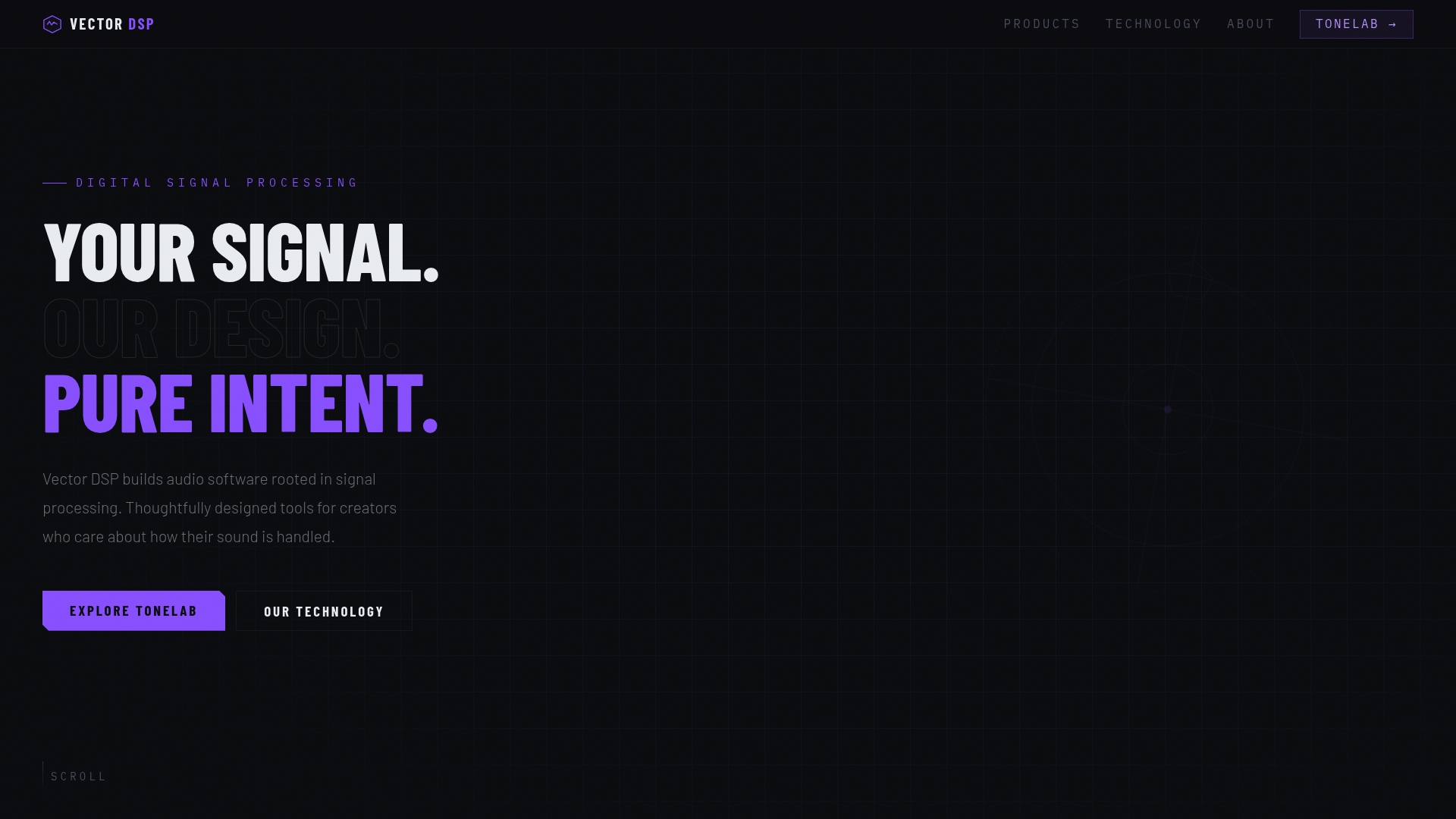
ToneLab lets you apply effects to precise frequency bands inside a single insert using multiple lanes with their own EQs — a workflow that removes complex bussing for many mix tasks. Vector DSP builds its plugins for low latency and industry formats.
Core Features
- Multi effects processor with independent lanes and per-lane EQ controls that let you confine processing to narrow or wide bands.
- Frequency-specific effect application to avoid signal bleed between instruments and preserve clarity.
- Collapses multiple plugins and routings into a single insert, cutting session clutter and reducing plugin chains.
- Designed for real time, low latency performance and available in VST3, AU, and AAX formats.
Key Differentiator
The standout mechanic is the multi-lane, frequency-aware architecture. Each lane holds its own effect and EQ so you can run reverb on only the mids, distortion on a high shelf, and a de-esser in a narrow band without separate sends or sidechain tricks.
Pros
- High precision control. The per-lane EQ behaves like a targeted processing rack, which makes surgical corrections and creative splits fast and repeatable.
- Simplifies routing. By collapsing what would be several inserts and busses into one plugin you keep your DAW session cleaner and easier to manage.
- Professional format support. Works across major hosts because it ships in VST3, AU, and AAX, so you can move presets between Logic, Ableton, and Pro Tools.
- Low latency design. The plugin is built for real time tracking and mixing without excessive buffer penalties.
- Ongoing updates. Vector DSP includes free updates within the v1.x line, so minor feature additions during the major version are covered.
Cons
- Limited effect palette in the current release. The first version focuses on a handful of common processors such as reverb and distortion, so some specialized FX are not yet available.
Who It's For
Professional audio engineers, music producers, and sound designers who need frequency-aware FX control inside their DAW. Good for mixers who prefer fewer tracks and for live engineers wanting insert-level control without complex routing.
Unique Value Proposition
ToneLab's lane-based EQ lets you resolve masking and create tonal separation from within a single plug-in insert rather than across auxiliary busses. That workflow reduces session complexity and lowers the cognitive load when you are balancing dense arrangements or doing quick vocal fixes.
Real World Use Case
A producer opens a vocal track, inserts ToneLab, and routes three lanes: noise gate on the low end, narrow de-esser in the upper mids, and a short plate reverb only on the mids. The dry signal stays intact and the vocal sits in the mix without adding extra aux tracks.
Pricing
ToneLab is offered as a one time purchase at $73.99 and includes all future updates within the v1.x series. The price positions it as a professional single-purchase plugin rather than a subscription.
Website: https://vector-dsp.com
Baby Audio
At a Glance
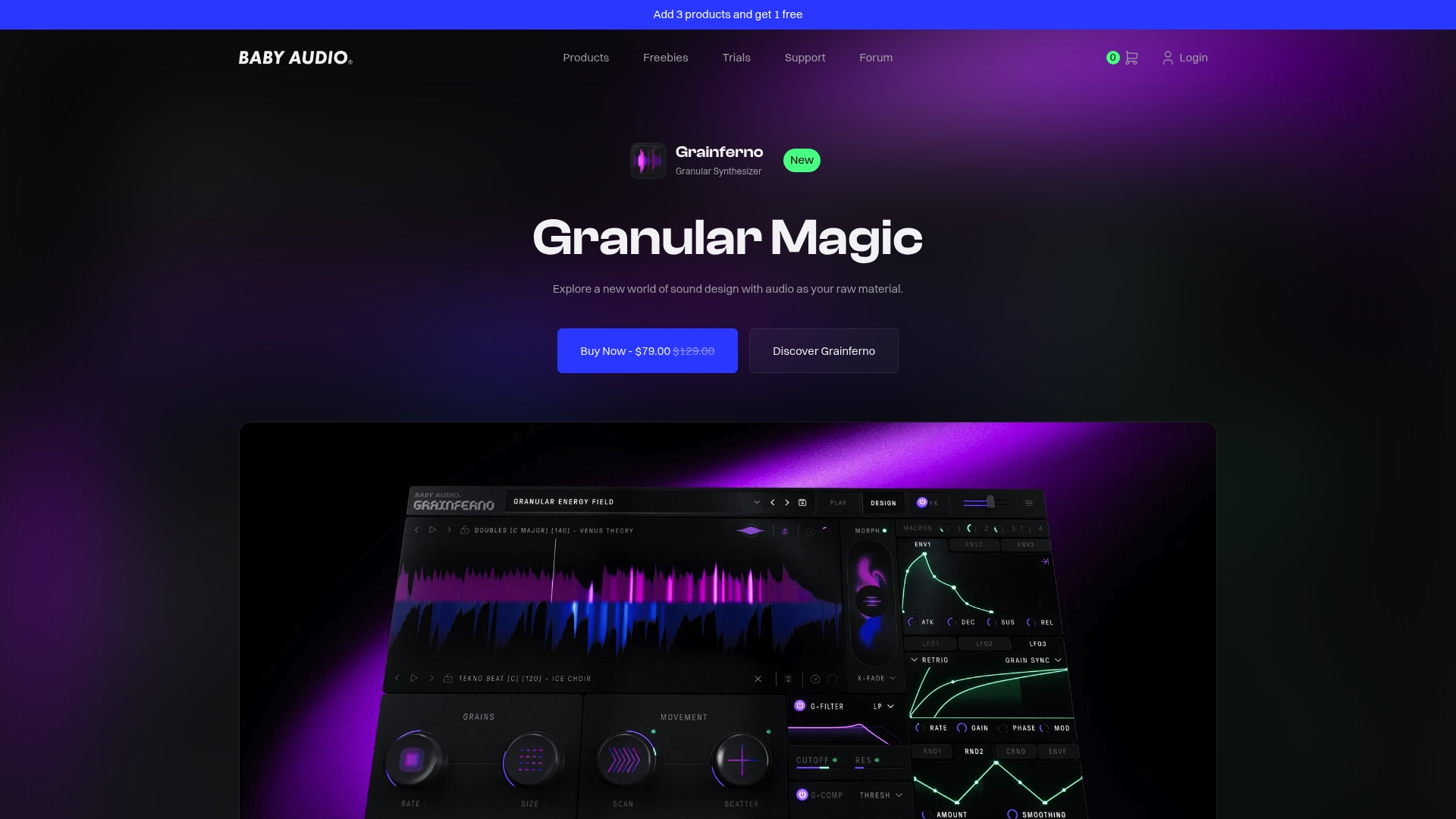
Humanoid is available for $69 as a one time purchase, a concrete entry point into Baby Audio's toolkit. The company presents itself as an independent, award winning developer that favors original, human centric instruments over vintage emulations.
Core Features
Baby Audio ships a mix of creative effects and experimental instruments that encourage hands on sound design.
- Grainferno offers a powerful granular synthesis engine for texture and time based mangling.
- Humanoid handles vocal transformation and resynthesis with workflow focused controls aimed at singers and producers.
- factory presets and royalty free sample libraries provide quick starting points and ready made textures.
- Creative delays, reverbs, modulation, and distortion effects for color and movement in mixes.
Key Differentiator
Baby Audio prioritizes tools that reward manual tweaking and musical intuition rather than automated processing or AI driven presets. That human centric stance makes it a better fit for producers who want playful, hands on manipulation of timbre and vocal identity rather than forensic restoration or algorithmic mastering.
Pros
-
Plenty of sonic character out of the box which makes it easy to add distinct textures to a track in minutes.
-
Interfaces trade clutter for immediacy so complex results are accessible without long learning curves.
-
The combination of Grainferno and Humanoid covers both sample based texture work and vocal resynthesis in one vendor ecosystem.
-
Strong preset library and sample packs shorten creative dead ends and speed sessions.
-
The product line has earned industry recognition, which shows up in endorsements and community buzz.
Cons
-
Advanced sound designers report limited architectural depth compared with modular or high end synthesis platforms.
-
The focus on creative immediacy means fewer low level routing and modulation options than specialist synths.
-
Studios needing extremely technical or scientific synthesis tools will find the feature set constrained for those workflows.
When It May Not Fit
If your project requires deep modular routing, advanced spectral editing, or a modulation matrix with dozens of assignable destinations, Baby Audio is likely too streamlined. It also does not aim to recreate classic hardware exactly, so users seeking authentic vintage emulations will want a different vendor.
Who It's For
Producers, sound designers, and musicians who value fast creative payoff and distinctive sound signatures. It fits artists who prefer hands on manipulation and playful experimentation from bedroom producers to experienced engineers who want character quickly.
Real World Use Case
A mixing engineer applies Grainferno to a pad to create shifting granular movement, then uses Humanoid to resynthesize a lead vocal and generate harmonies. The result is a commercial ready track with unusual textures that would have taken far longer with conventional tools.
Pricing
Pricing varies by product. Some titles are available as one time purchases while others appear in bundles or subscription plans. Humanoid is listed at $69 and bundle discounts are commonly offered on the vendor site.
Website: https://babyaud.io
2getheraudio
At a Glance
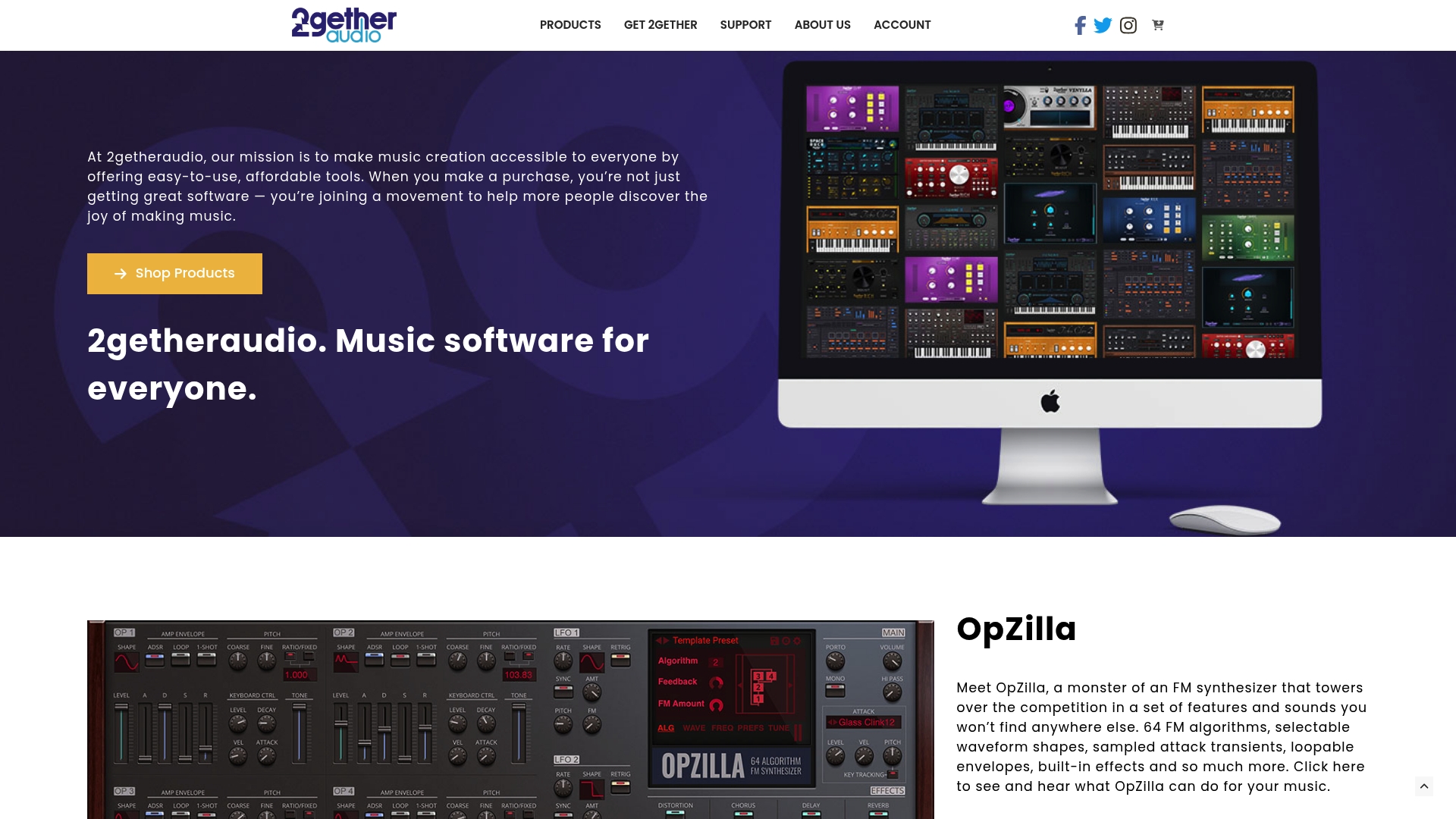
2getheraudio uses a pay-what-you-want model with suggested prices and several free instruments, so you can try tools without a purchase barrier. The catalog includes drum machines and synths as well as mastering and remixing effects suitable for bedroom producers and hobbyists.
Core Features
The collection mixes virtual instruments and effects with an emphasis on approachable workflows. Notable titles include OpZilla and RICH Drums alongside classic freebies such as Cheeze Machine 2 and Ticky Clav 2.
Installation and updates route through the inMusic Software Center, which simplifies license activation and plugin maintenance for single users. The effects stack covers reverb, delay, and a basic mastering suite for rough finalization.
Key Differentiator
The company highlights a community-driven pricing approach that routes part of purchases to charity and offers donation-based access. That funding model is the clearest practical difference here; it lowers the cost barrier and encourages experimentation with multiple instruments.
Pros
-
Accessible pricing: Donation-based costs let you work through plugins without high upfront expense, which suits learners and cash-strapped creators.
-
Free classic instruments: A few legacy titles are available at no cost, so you can evaluate sound and workflow before committing to paid items.
-
Simple installer and upkeep: The inMusic Software Center makes activation and updates straightforward for a single-machine setup.
-
Wide palette of sounds and effects for different styles, from lo-fi beats to synth-pop production, so you can sketch ideas quickly.
-
The vendor emphasizes community and charitable giving, which some users prefer over conventional commercial models.
Cons
-
Independent user reviews are scarce, so third-party validation of sound quality and stability is limited.
-
Documentation and technical detail on advanced features are thin, which can slow power users who need deep routing or modulation options.
-
Support appears geared to basic installation questions rather than complex workflow troubleshooting for professional sessions.
When It May Not Fit
If you run a professional scoring session or need robust AAX support and deep automation tools for large projects this suite will likely feel narrow. Teams that depend on vendor support SLAs or detailed technical documentation should look elsewhere.
If your workflow requires extensive third-party validation before buying, the lack of independent reviews will be a practical obstacle.
Who It's For
Musicians, bedroom producers, and hobbyist sound designers who want low-cost access to synths and drum tools will find value here. It fits learners and semi-pros who prioritize experimentation and affordability over exhaustive feature sets.
Real World Use Case
A bedroom producer grabs OpZilla and RICH Drums via donation pricing to draft a four-track EP. They use Cheeze Machine 2 for a throwaway patch, finalize rough mixes with RICH Audio Mastering, and reuse presets to keep a consistent aesthetic across tracks.
Pricing
The model is pay-what-you-want with suggested prices for some products and several free downloads available. That approach lets you acquire individual instruments economically or try them at no cost before contributing.
Website: https://2getheraudio.com
Audiokids
At a Glance
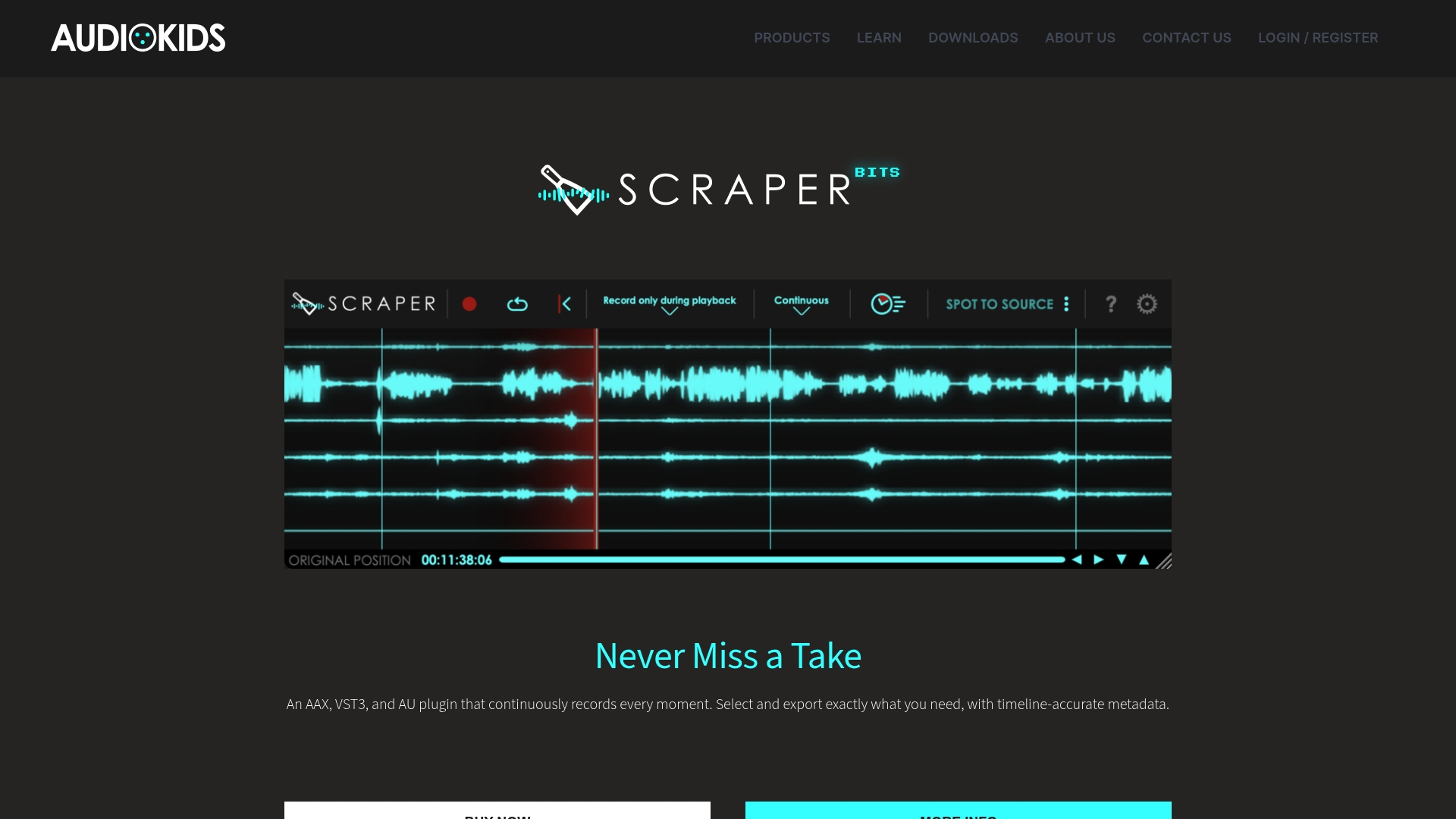
Combines granular synthesis, convolution, and multi sample triggering inside plugins shaped specifically for film and TV post production workflows. Audiokids targets large Pro Tools sessions with tools for dialogue fills, sound replacement, and fast export operations.
Core Features
Audio plugins that support granular synthesis, convolution, and multi sample soundscaping for layered ambiences and complex textures. Intuitive utilities create dialogue fills and match room tone with both automated and manual sound replacement options. Import and export features are built for DAWs with explicit Pro Tools compatibility and preset libraries for quick recall.
Key Differentiator
The integration of synthesis, convolution, and multi sample triggering in a single plugin set is Audiokids' primary angle. That technical mix is paired with interfaces and exporters tuned for film and TV post, so you do less format wrangling and more creative editing inside Pro Tools sessions.
Pros
- Streamlines several repetitive tasks in post production, saving manual editing time when replacing or layering Foley and effects.
- Supports multichannel audio and surround sound workflows, making it suitable for theatrical mixes and broadcast deliverables.
- The synthesis and layering tools let you build immersive atmospheres from dialogue or sparse recordings rather than sourcing separate ambiences.
- Presets and sample editors reduce setup time; sound editors can create usable results quickly without building complex modular chains.
- Compatibility with industry plugin formats means Audiokids fits into existing sessions without forcing a complete toolchain change.
Cons
- Limited public review coverage makes independent evaluation harder; there is little major platform data to gauge broader user experience.
- Copy protection requires iLok, which adds hardware or account steps that some facilities avoid for pipeline simplicity.
- A few products restrict functionality to specific macOS or DAW versions, which can block upgrades or legacy session recall.
When It May Not Fit
If your studio avoids iLok or enforces zero external copy protection, Audiokids will create friction. Equally, if your workflow is Windows only and avoids Pro Tools, several features lose their native advantage. Facilities that require abundant third party reviews before purchase may find limited external validation here.
Notable Integrations
Audiokids supports Pro Tools (AAX, AudioSuite) along with VST3 and Audio Units. That range covers major DAWs on macOS and Windows and simplifies moving assets between editors and mix stages.
Who It's For
Professional sound editors and mixers working large Pro Tools sessions for film and TV who need faster dialogue replacement, ambience matching, and export routines. Best for teams that value tight DAW integration and plugin tools that speak the language of post production.
Real World Use Case
A sound editor uses Undertone 2 to synthesize consistent background ambience from dialogue tracks, layers Foley with multi sample triggers, then exports stems directly from Pro Tools. The result: fewer manual rides, faster session handoff to mixing, and more consistent scene ambience.
Pricing
Pricing varies by product. Example figures from the vendor: DragOut 2 at 79.00€, Undertone Lite at 120.00€, Undertone 2 at 189.00€, and Synchronicity at 189.00€. Licenses are per product and listed in euros on the vendor site.
Website: https://audiokids.it
Comparing Professional Audio Plugins
In evaluating professional audio plugins, each product offers unique strengths tailored to specific use cases within music production, sound design, and post-production workflows. Below, we compare the reviewed products to highlight their core features, trade-offs, and applications for users.
Precision in Frequency Control
Vector DSP introduces a multi-lane architecture allowing distinct effects to be applied to separate frequency bands. This feature simplifies achieving clarity and separation in dense mixes. For users engaging in professional-level detail work, this frequency-specific approach streamlines their workflows significantly. In comparison, Baby Audio leans more toward promoting hands-on creative sound design rather than strict precision, which makes it slightly less equipped for professionals prioritizing article-resolution tasks. Audiokids, though developed for advanced soundscaping and post-production, incorporates both convolution and synthesis tools into an integrated ecosystem which specializes more in creating immersive environments rather than focusing on practical frequency domain isolations.
Scalability and Accessibility for Beginners
For users newer to audio plugin software or constrained by budgets, 2getheraudio's pay-what-you-want model provides an inviting entry point. This charitable approach lowers the financial barriers to access, supporting experimentation and learning with a versatile toolkit. Baby Audio, by offering tools that prioritize fast and playful manipulation, serves as another accessible option for creators looking for intuitively creative workflows. In contrast, Vector DSP, while affordable for its advanced functionality, aims at professionals who are familiar with detailed signal processing needs rather than entry-level adopters.
Best Fit for Different User Profiles
- For engineers requiring advanced frequency shaping within compact plugin chains, Vector DSP excels by offering precision and professional standardization.
- Creative producers seeking distinctive textures and hands-on manipulation will benefit greatly from Baby Audio’s pallet of character-driven effects.
- Beginners or hobbyists exploring various production styles or with constraints on budget should consider 2getheraudio for its community-oriented pricing model.
- Those deeply invested in film or TV post-production workflows will find Audiokids an excellent match due to its tailored feature set.
Our Pick
For users looking to enhance complex mixing scenarios, Vector DSP's lane-based frequency-aware design offers a unique solution by consolidating multiple effect chains into a manageable form. However, users focused on exploratory sound design or constrained by budget may find Baby Audio or 2getheraudio align better with their workflows or constraints, respectively. Thus, understanding your primary objectives ensures you select the most fitting tool for your creative endeavors.
Professional Audio Plugins Comparison
Choosing a professional audio plugin depends on the balance between functionality, format compatibility, and user workflow needs.
| Product | Core Feature | Key Differentiator | Best For | Pricing | Notable Limitation |
|---|---|---|---|---|---|
| Vector DSP | Multi-lane effects processor | Frequency-aware architecture | Professional audio engineers | $73.99 | Limited effect palette |
| Baby Audio | Creative effects | Hands-on manipulation focus | Producers seeking intuitive design | $69 | Limited architectural depth |
| 2getheraudio | Accessible pricing model | Pay-what-you-want approach | Hobbyists and learners | Not disclosed | Thin documentation on advanced features |
| Audiokids | Granular synthesis and sound layering | Post production targeting | Film and TV sound editors | €79-€189 | Reliance on iLok copy protection |
Discover a Powerful Alternative to timeoff.audio with Vector-dsp
If you are searching for timeoff.audio alternatives that bring precise frequency control and low-latency performance to your audio workflow Vector-dsp offers a solution built for professionals who demand high-quality sound manipulation without complex routing. Vector-dsp’s multi-lane plugin architecture lets you apply effects within specific frequency bands all inside a single insert which solves common challenges like signal bleed and session clutter.
Experience professional-grade DSP technology that supports VST3 AU and AAX formats and fits seamlessly into major DAWs. Don’t let plugin chains slow your workflow. Visit Vector-dsp to explore plugins designed to put total tonal control at your fingertips. Take control of your mix by trying out Vector-dsp’s focused frequency-aware effects and cut down time spent on complicated sends and buses now.
Frequently Asked Questions
How does Vector-dsp simplify audio processing workflows?
Vector-dsp allows you to confine processing to precise frequency bands using multiple lanes with their own EQ controls. This feature removes complex bussing for many mix tasks, resulting in a cleaner session and streamlined workflow.
What is the difference between Vector-dsp and Baby Audio?
Baby Audio excels in offering a variety of creative effects and experimental instruments that encourage hands-on sound design. In contrast, Vector-dsp's focused multi-lane processing is ideal for precise frequency-specific applications, perfect for professionals needing clear separations in dense mixes.
Can I use Vector-dsp if I'm working in a live setting?
Vector-dsp is specifically designed for low latency performance, making it suitable for real-time tracking and mixing in live environments. This design ensures minimal buffer penalties, allowing for immediate feedback during sound checks or live performances.
How does pricing for Vector-dsp compare with other plugins?
Vector-dsp is available for a one-time purchase of $73.99, which includes all future updates within the v1.x series. This positions it as a professional, cost-effective alternative compared to subscription models offered by some competitors.
What unique advantage does Vector-dsp offer for vocal mixing?
Vector-dsp's lane-based EQ enables you to apply specific effects like a de-esser and reverb selectively, ensuring the dry signal remains intact while maintaining clarity in the mix. This workflow is particularly beneficial when trying to balance complex vocal arrangements, offering essential control without cluttering your session.