Types of Synthesizers for Music Creation: A Producer's Guide
Types of Synthesizers for Music Creation: A Producer's Guide
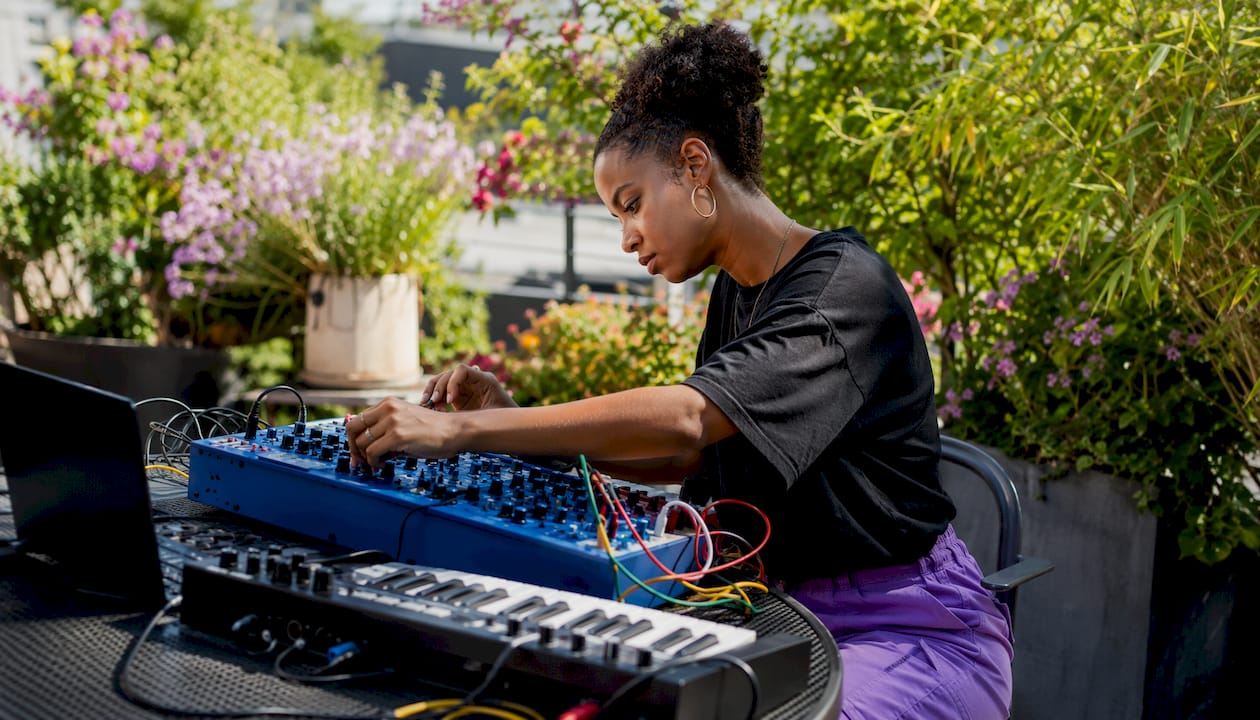
Synthesizers fall into two parallel taxonomies: synthesis methods (subtractive, FM, wavetable, additive, granular, physical modeling, and sampling/multi-engine) and instrument forms (analog, digital, hybrid, modular, and software plugins). Knowing which category you're working in answers different questions. Synthesis methods tell you how sound is generated and shaped. Instrument forms tell you what you're actually buying or loading.
Three quick starting points for producers:
- Classic bass, leads, and pads: Start with subtractive synthesis. It's the most approachable method, and subtractive remains the most common approach in hardware and software alike.
- Evolving textures and modern sound design: Wavetable or granular synthesis. Wavetable gives you animated, morphing timbres; granular gives you ambient, time-stretched atmospheres.
- Realistic acoustic emulation: Physical modeling or sampling. Both can go beyond what real instruments do, which is where things get interesting.
If you're just getting started, load a software synth in your DAW and spend 20 minutes with one patch. Vector-dsp's DSP concepts primer is a solid technical foundation before you go deeper.
Table of Contents
- Two ways to categorize synthesizers (and why both matter)
- What every synthesizer is built from
- Synthesis methods, one by one
- Analog, digital, hybrid, modular, and software: which form fits your workflow?
- Monophonic, polyphonic, paraphonic, and multitimbral: how voice count shapes your sound
- How to choose the right synthesizer for your production goals
- Why DSP engines matter for modern synth workflows
- Key Takeaways
- The case for going deeper before going wider
- How Vector-dsp plugins fit into your synth workflow
- Useful sources and further reading
Two ways to categorize synthesizers (and why both matter)
Most confusion about synth types comes from mixing up these two frameworks. They answer completely different questions.
Taxonomy A: Synthesis methods describe the signal-generation technique. This is about how a synth creates and shapes timbre. Subtractive, FM, wavetable, additive, granular, physical modeling, and sampling are all synthesis methods. The method determines the sonic palette and the workflow for building sounds.
Taxonomy B: Instrument forms describe the physical or software packaging and signal path. Analog uses electrical circuits; digital uses DSP; hybrid combines both. Modular is a form factor built around patchable modules. Software plugins run inside a DAW.
Why does the distinction matter? Because you can have a subtractive digital synth or a subtractive analog synth. Same method, completely different instrument form, different workflow, different cost. A producer who understands both frameworks can evaluate any instrument clearly, whether it's a hardware keyboard, a Eurorack module, or a VST3 plugin.
Synthesis methods at a glance:
- Subtractive, FM, wavetable, additive, granular, physical modeling, sampling/multi-engine
Instrument forms at a glance:
- Analog, digital, hybrid, modular, soft-synth/plugin
What every synthesizer is built from
Before diving into methods, it helps to know the components you'll find in almost every synth. These building blocks appear whether you're patching a modular system or tweaking a plugin.
- Oscillators generate the raw waveform. Common shapes are sine (pure, smooth), sawtooth (bright, harmonically dense), square (hollow, woody), and pulse (nasal, variable width). Subtractive synths typically expose saw, square, triangle, and pulse waveforms as starting points.
- Filters subtract or boost frequency content. A low-pass filter removes high frequencies for warmth; a high-pass removes lows for air; a band-pass isolates a frequency range for resonant, focused tones.
- Envelopes (ADSR) control how a parameter changes over time. Attack sets how fast a sound opens, Decay how quickly it falls to the Sustain level, and Release how long it fades after you lift a key.
- LFOs (Low-Frequency Oscillators) create cyclical motion below audible pitch. Route an LFO to pitch for vibrato, to filter cutoff for a wah effect, or to amplitude for tremolo.
- Modulation routing connects any source (envelope, LFO, velocity, aftertouch, mod wheel) to any destination (filter cutoff, oscillator pitch, wave position). The depth of modulation routing is often what separates a basic synth from a professional one.
Pro Tip: Master one synth architecture completely before moving to another. Spend a month with a single subtractive instrument until you can predict what every parameter does by ear. That fluency transfers to every other synth you'll ever touch.
Synthesis methods, one by one
Synthesis methods are purpose-built for different sonic goals rather than ranked by quality. The right method is the one that produces the texture you're after.
Subtractive synthesis
- What it is: Starts with a harmonically rich oscillator waveform and uses filters to remove frequencies, sculpting the final tone.
- How it sounds: Warm, fat, and organic. Classic bass lines, thick leads, lush pads.
- Common uses: House, techno, rock, pop, film scoring. The Moog Grandmother is a well-known hardware example; virtually every major DAW ships with a subtractive soft-synth.
Where to listen: Search for classic analog bass patches in early electronic music or the synth leads in 1980s pop production.
Wavetable synthesis
- What it is: Scans through a table of single-cycle waveforms, morphing between them to create animated timbres.
- How it sounds: Modern, digital, aggressive. Evolving basses, glassy leads, complex pads that shift over time.
- Common uses: EDM, future bass, cinematic scoring, sound design. The Korg Wavestate Mk2 is a strong hardware example under $1,000.
Where to listen: Modern electronic music with basses that seem to "move" or pads that breathe and evolve.
FM synthesis (frequency modulation)
- What it is: One oscillator (the modulator) modulates the frequency of another (the carrier), creating complex sidebands and overtones.
- How it sounds: Bell-like, metallic, glassy, percussive. Capable of electric piano tones, harsh digital textures, and crystalline leads.
- Common uses: Electric piano emulation, percussion, IDM, jazz fusion. The Yamaha DX7 defined this sound in the 1980s and remains the reference point.
Where to listen: Classic DX7 electric piano patches, or the metallic percussion in late-1980s pop and R&B.
Additive synthesis
- What it is: Builds sound by layering individual sine wave partials, each with its own amplitude and envelope.
- How it sounds: Precise, organ-like, and highly controllable. Can produce tones that no other method replicates exactly.
- Common uses: Organ emulation, harmonic analysis and resynthesis, academic and experimental music. The learning curve is steep because editing dozens of partials is time-consuming.
Where to listen: Hammond organ emulations, or experimental electronic works that use resynthesis.
Granular synthesis
- What it is: Breaks audio into tiny grains and rearranges or processes them to create textures and time-stretch effects.
- How it sounds: Shimmering, cloud-like, disorienting. Excellent for pads that feel like they're breathing or dissolving.
- Common uses: Ambient, cinematic, experimental, drone music. Also used in film scoring for tension and atmosphere.
Where to listen: Ambient electronic artists who use heavily processed field recordings or stretched vocal textures.
Physical modeling
- What it is: Uses mathematical models of acoustic sources (strings, tubes, membranes) to simulate how real instruments behave.
- How it sounds: Expressive and realistic, with natural response to playing dynamics. Can also go beyond real instruments by tweaking physical parameters that don't exist in nature.
- Common uses: Acoustic guitar emulation, bowed strings, wind instruments, experimental timbres. Strong for film and game scoring where realism matters.
Where to listen: High-quality acoustic guitar or piano plugins that respond to velocity and articulation in ways a sample library can't.
Sampling and multi-engine synthesis
- What it is: Uses recorded audio as the sound source, either as a ROMpler (fixed samples) or as a multi-engine hybrid that stacks sampling with other synthesis methods.
- How it sounds: Highly realistic for acoustic sources; flexible and layered when combined with synthesis engines.
- Common uses: Orchestral production, hip-hop, pop, any context where realism is the priority. Multi-engine designs let you layer a sampled string with a wavetable pad for complex hybrid textures.
Where to listen: Modern orchestral sample libraries, or hip-hop productions that layer live instrument samples with synthesized elements.
Analog, digital, hybrid, modular, and software: which form fits your workflow?
The instrument form you choose shapes your day-to-day workflow as much as the synthesis method does.
| Form | Sonic character / best for | Complexity / learning curve | Hardware vs. software | Polyphony / voices | Typical price range |
|---|---|---|---|---|---|
| Analog | Warm, organic, character-rich; classic leads, bass, pads | Low to moderate | Hardware only | Usually 1–8 voices | $300+ |
| Digital | Stable, precise, wide method range; modern textures, complex pads | Moderate to high | Hardware or software | 8–128 voices | $200+ |
| Hybrid | Analog warmth + digital flexibility; professional all-rounders | Moderate | Hardware (some software) | 6–16 voices typically | $800+ |
| Modular | Anything, depending on modules; experimental, generative | High | Hardware (Eurorack) | Varies by modules | $500+ |
| Software / plugin | Broad, DAW-native; any method, instant recall | Low to high | Software only | CPU-limited | Free–$300 |
Analog instruments run on voltage-controlled circuits. The slight instability of analog components is a feature, not a bug: it creates the subtle pitch drift and warmth that producers spend years chasing. The trade-off is tuning drift, limited polyphony, and no preset recall in many designs. For live performance, analog hardware is tactile and immediate. For studio work, the lack of instant recall can slow sessions.
Digital instruments use DSP to generate and process sound. They offer stability, expanded synthesis options, high polyphony, and full preset recall. DAW integration is generally strong. The criticism is that some digital hardware sounds "cold," though modern designs have largely closed that gap.
Hybrid designs combine the two. A common architecture pairs digital oscillators with analog filters, capturing the warmth of analog signal shaping while keeping the stability and flexibility of digital control. Many professional setups use hybrid approaches to get analog character alongside deep modulation and reliable recall.
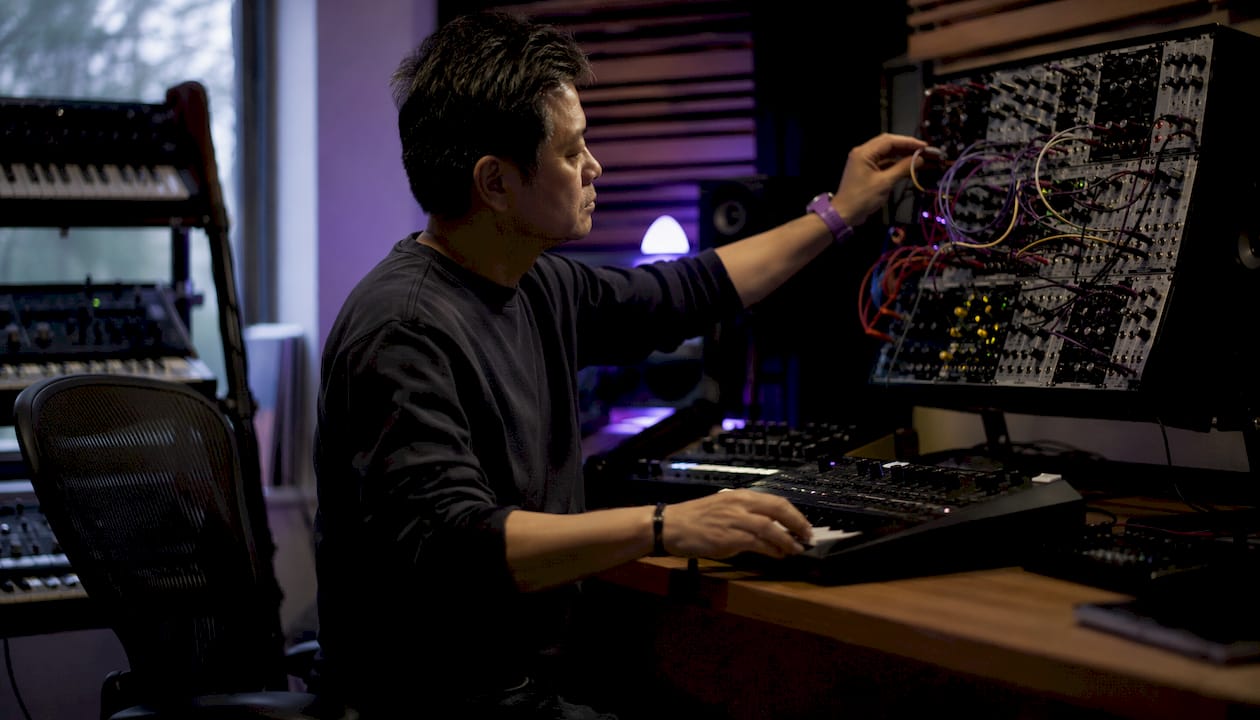
Modular is a form factor, not a synthesis method. Modular refers to patchable modules that can be analog, digital, or hybrid. The creative potential is enormous: you can build signal paths that no fixed-architecture synth allows. The practical cost is time. Patching and documenting complex cable configurations takes real effort, and a modular rig can grow expensive quickly.
Software plugins are the most accessible entry point. They run inside your DAW, support VST3, AU, and AAX formats, recall instantly, and cost a fraction of hardware equivalents. CPU load is the main constraint at high voice counts or with heavy oversampling. For producers working primarily in the box, a well-chosen plugin covers most synthesis methods without the desk space.
Monophonic, polyphonic, paraphonic, and multitimbral: how voice count shapes your sound
Voice architecture is one of the most practical specs to understand before buying or loading a synth.
Monophonic synths play one note at a time. That's not a limitation so much as a character: mono synths track pitch cleanly, support portamento (pitch glide between notes), and produce the tight, focused bass lines and leads that defined early electronic music. Most classic analog bass synths are mono by design.
Polyphonic synths play multiple notes simultaneously, which means chords, pads, and complex harmonic layers. Voice count matters here: a 4-voice poly synth can play a four-note chord, but adding a fifth note steals the oldest voice. Eight voices is a comfortable minimum for most pad and chord work; 16 or more gives you room to hold long releases without voice theft.
Paraphonic is a middle ground worth understanding. A paraphonic synth has multiple oscillators but a shared filter and amplifier. You can play multiple pitches, but they all pass through the same filter envelope. The result is a distinctive, slightly blurred polyphony that sounds different from true poly. It's not a flaw; it's a sound.
Multitimbral synths run multiple independent patches simultaneously, each on its own MIDI channel. This lets you play a bass patch on channel 1, a pad on channel 2, and a lead on channel 3 from a single instrument. Multitimbral designs are common in workstation keyboards and are useful for live performance splits and layers.
For basslines, mono is usually the right call. For pads and chords, you want at least 8-voice polyphony. For evolving sequences with long release tails, 16 voices or more prevents audible voice stealing. For live splits and layers, multitimbral capability saves you from hauling multiple instruments.
How to choose the right synthesizer for your production goals
Work through these questions before committing to any instrument.
- What synthesis method matches your sonic goals? If you want warm bass and classic leads, subtractive. If you want evolving digital textures, wavetable. If you want metallic percussion or electric piano, FM. Match the engine to the sound, not to the brand.
- How much polyphony do you actually need? Mono for bass and leads. Eight voices minimum for pads and chords. Sixteen or more if you layer long-release patches.
- What connectivity does your setup require? Check for USB-MIDI, standard 5-pin DIN MIDI, audio outputs (balanced or unbalanced), and CV/gate if you're connecting to modular gear. Missing one connector can break a workflow.
- How does it integrate with your DAW? Does it support plugin editor software for preset backup? Does it sync to host tempo? Can automation lanes control its parameters? Hardware-to-DAW integration features materially speed up sound design and session recall.
- What's the editing surface like? Knobs and sliders per function are faster for live tweaking. Deep menu-driven interfaces offer more parameters but slow down real-time performance. Know which you'll use more.
- What are your budget expectations? Entry-level software synths run free to around $100. Mid-range hardware sits roughly $300–$800. Professional hardware and flagship workstations run $1,500 and up. Software plugins at any tier offer the best value-per-synthesis-method ratio.
- Is low latency required for live performance? If you're playing live, test the instrument at your typical buffer size. Software synths need a low-latency audio interface; hardware synths bypass that concern entirely.
Red flags to watch for: poor or absent DAW plugin editor support; limited modulation routing (fewer than 3–4 assignable mod sources); preset-only architectures with no patch editing; plugin formats that don't include VST3, AU, or AAX; and hardware with no USB-MIDI, which complicates DAW integration.
Why DSP engines matter for modern synth workflows
The analog vs. digital debate is less relevant for modern production than it was a decade ago. What actually matters is how well a synth's DSP engine handles complex modulation, high polyphony, and deterministic recall.
A well-designed DSP engine enables modulation routing that would be physically impossible in a pure analog circuit. It supports dozens of simultaneous voices without pitch drift. It recalls a patch identically every session, which matters enormously in professional studio work where a mix might be revisited months later. These aren't abstract advantages; they're the difference between a session that flows and one that stalls.
From a practical testing standpoint, here's what to evaluate when assessing any plugin or DSP-based hardware:
- Latency at typical buffer sizes: Test at 64, 128, and 256 samples. A plugin that introduces unexpected latency at 128 samples will cause problems in live-monitoring contexts.
- CPU load at high voice counts: Load 16 or more voices simultaneously and watch your DAW's CPU meter. Some synths are efficient at 4 voices and brutal at 16.
- Oversampling and anti-aliasing: Aggressive timbres (FM, wavetable at high table positions) can alias badly without proper oversampling. Check whether the synth offers oversampling options and what the CPU cost is.
- Deterministic preset recall: Save a patch, close the session, reopen it. Does it sound identical? Any drift suggests floating-point handling issues.
- Automation compatibility: Automate a filter cutoff sweep and check for zipper noise or stepped movement. Smooth automation response indicates proper parameter interpolation.
Pro Tip: Test plugin-to-hardware parity by running the same patch on a hardware synth and its software editor simultaneously, then automate a parameter from your DAW. Any timing discrepancy or recall mismatch tells you exactly where the integration breaks down.
Vector-dsp builds its plugins around these DSP principles: real-time low-latency performance, floating-point precision, and deterministic recall across sessions. The sound design guide on the Vector-dsp blog covers how these principles apply to practical patch-building workflows.
Key Takeaways
Understanding synthesis methods and instrument forms as separate frameworks is the single most clarifying move a producer can make when evaluating synthesizers.
| Point | Details |
|---|---|
| Two taxonomies, not one | Synthesis methods (subtractive, FM, wavetable, etc.) and instrument forms (analog, digital, hybrid, modular, software) answer different questions. |
| Match method to sonic goal | Subtractive for warm bass/leads; wavetable or granular for evolving textures; physical modeling or sampling for acoustic realism. |
| Voice architecture shapes use | Mono for bass and leads; 8-voice poly minimum for pads; 16+ voices for long-release layers without voice stealing. |
| Test DSP before committing | Check latency at 128 samples, CPU load at 16 voices, oversampling options, and deterministic preset recall in your DAW. |
| Vector-dsp for post-synth processing | Vector-dsp plugins integrate with any synth workflow via VST3, AU, and AAX, adding low-latency parallel processing and precise mix shaping. |
The case for going deeper before going wider
There's a version of synth education that treats every method as equally worth exploring immediately. Buy the wavetable synth, the FM synth, the granular plugin, and the modular starter kit, all in the same month. Most producers who do this end up with a collection of instruments they understand at 20%.
The more productive path is uncomfortable to say because it sounds obvious: pick one synthesis method, learn it until it stops surprising you, then move. Subtractive is the right starting point for most producers because the signal chain is visible and logical. Oscillator into filter into amplifier, with envelopes and LFOs modulating each stage. Once you can hear a filter cutoff sweep and predict exactly what's happening in the frequency spectrum, FM starts making sense. Once FM clicks, wavetable's table-scanning logic is intuitive. The methods build on each other.
The same logic applies to instrument forms. A software plugin in your DAW is the right first instrument for most producers, not because hardware is worse, but because the recall, the undo button, and the zero setup time let you focus on learning the synthesis, not the gear. Hardware adds real value once you know what you're listening for.
How Vector-dsp plugins fit into your synth workflow
Every synthesizer, hardware or software, eventually feeds into a mix. That's where Vector-dsp comes in.

Vector-dsp plugins are built for producers who want precise, low-latency processing alongside their synths, whether you're running a hardware analog through an audio interface or stacking software instruments in a DAW session. The multi-lane parallel effects architecture lets you apply different processing chains to different frequency bands or signal layers simultaneously, which is particularly useful when you're working with complex synth patches that need targeted EQ or dynamics treatment without collapsing the stereo image. Full VST3, AU, and AAX support means Vector-dsp integrates cleanly with any major DAW on Windows or macOS, and the mixing workflow guide walks through exactly how to set up plugin chains for synth-heavy sessions.
Try the free demo at vector-dsp.com and run it on your next synth session to hear the difference precise DSP processing makes at the mix stage.
Useful sources and further reading
- Synthesizers Explained: Types, History, And How Synths Work — A thorough overview of synthesis history, signal chain fundamentals, and method comparisons; good for building foundational knowledge.
- Different Types of Synthesizers (Perfect Circuit) — Practical breakdown of analog, digital, hybrid, and modular forms with workflow context; useful for understanding instrument form trade-offs.
- Types of Synthesizers: From Simple to Complex (Reason Studios) — Method-by-method explanations with a focus on practical sonic goals; strong on wavetable and FM.
- Types of Synthesizers: From Additive to Wavetable (Gearnews) — Covers granular, additive, and wavetable in accessible language; good supplementary reading for those methods.
- Digital Signal Processing Concepts Explained for Learners (Vector-dsp) — A primer on the DSP fundamentals that underpin modern digital and hybrid synth engines; directly relevant to understanding plugin behavior and latency.