Top 5 daudio.dev Alternatives Plugins 2026
Top 5 daudio.dev Alternatives Plugins 2026

Choosing a professional audio plugin that balances creative effect depth, DAW compatibility, and straightforward session workflow can waste hours in testing and reinstallation. Too many plugins either lock the best sounds behind outdated licensing, limit routing flexibility for power users, or force complex cloud activations on mobile rigs. This comparison breaks down the price, usability, and technical focus of five strong substitutes for daudio.dev so you can find the right suite for your sound design and mixing needs.
Table of Contents
- ToneLab
- Baby Audio
- PSP Audioware Plugins
- AudioThing plugins
- Kuassa Audio Plugins
- Comparative Analysis: Professional Audio Plugins
ToneLab
At a Glance
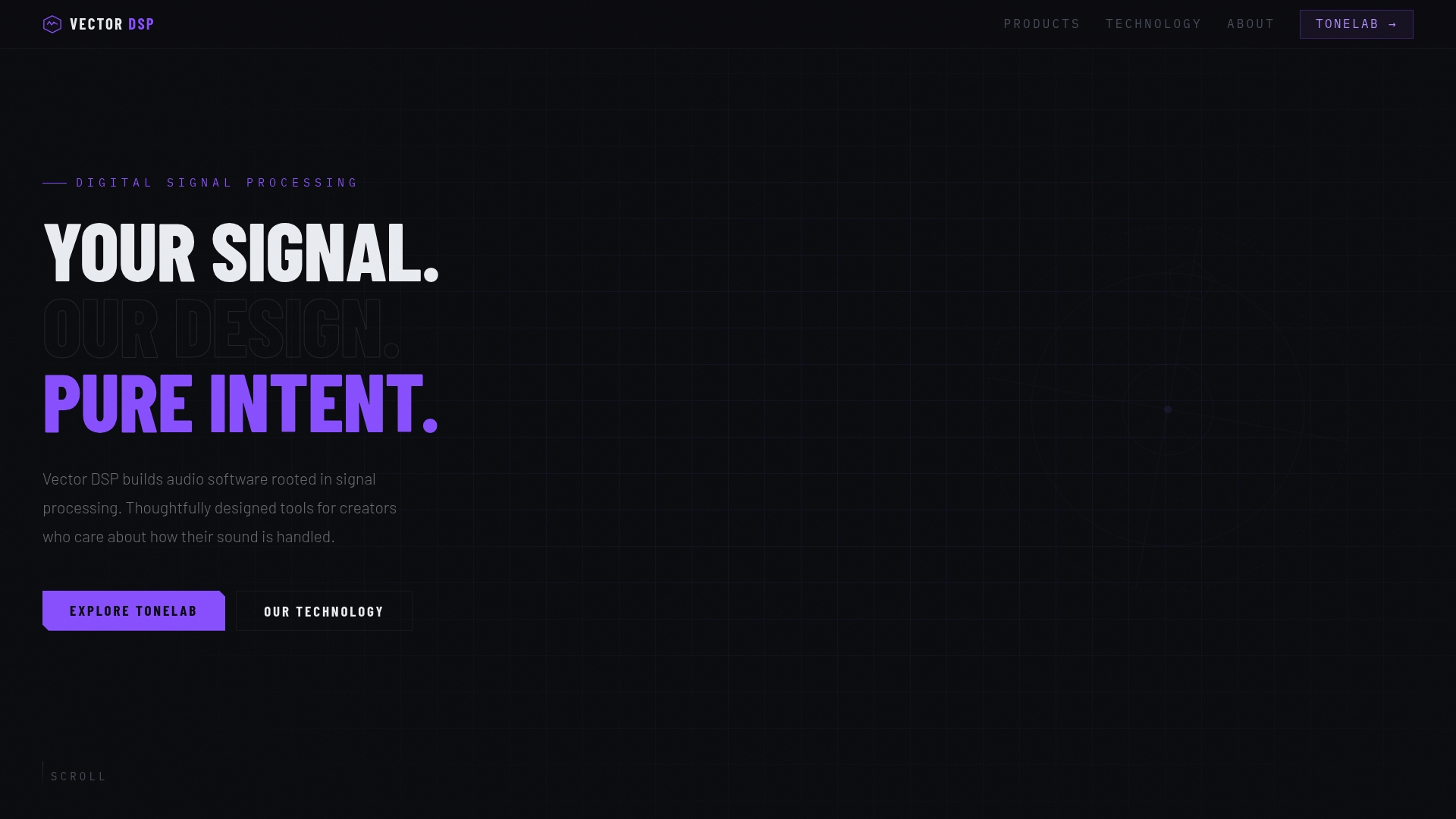
Five independent effect lanes let you apply different effects to distinct frequency ranges inside a single plugin insert. That single-insert approach replaces complex parallel routing and keeps the DAW session tidy while you sculpt sound.
ToneLab ships in VST3, AU, and AAX formats and targets mix engineers, producers, and sound designers who need frequency-aware processing.
Core Features
- Five independent effect lanes each include a dedicated EQ, an effect slot, and a mix control for layered processing.
- Per-lane EQ lets you target low, mid, or high bands so effects only touch the frequencies you want.
- Single-insert design reduces the need for multi-send routing chains and saves DAW tracks and busses.
- Built on an industry standard architecture with support for VST3, AU, AAX and real-time, low latency performance.
- Effects include Chorus, Distortion, Reverb, Delay, and Saturation with intuitive lane routing.
Vector DSP builds ToneLab from a background in professional-grade audio software and advanced digital signal processing. The company emphasizes thoughtful DSP design, industry standard frameworks, and real-time performance constraints for production work.
Key Differentiator
ToneLab’s defining capability is letting you apply effects precisely to specific frequency ranges using independent EQ lanes inside one insert. That design moves frequency-aware processing from elaborate routing sessions into a single, controllable instance.
Pros
-
Applying reverb, distortion, or delay to narrow frequency bands reduces bleed and muddiness. The result is clearer mixes with less masking between instruments.
-
Consolidates parallel chains. Instead of multiple aux sends and busses, you can collapse stacked sends into one plugin instance and reclaim tracks and CPU headroom.
-
Compatible with major host formats and built with attention to DSP accuracy, so it integrates into Pro Tools, Logic, and modern DAWs without format compromises.
-
Interface focuses on layered sound design. Per-lane mix and EQ knobs let you audition changes quickly and lock in complex textures without deep menu diving.
-
A demo mode lets you try the plugin before buying, and purchases include free updates within the v1.x line so minor revisions do not require additional payment.
Cons
- Effect choices are fixed to the five lane types, which limits users who want custom or modular effect routing beyond Chorus, Distortion, Reverb, Delay, and Saturation.
Notable Integrations
- VST3
- AU (Audio Units)
- AAX (Avid Audio eXtention, Pro Tools)
These formats cover the common professional DAW hosts used by mix engineers and producers.
Who It's For
Producers, mix engineers, and sound designers who want frequency-aware effects without rebuilding parallel routing. If you work in sessions that need precise band-limited processing and you use hosts that support VST3, AU, or AAX, ToneLab fits into that workflow.
Unique Value Proposition
Replacing a multi-send parallel chain with a single plugin insert changes session architecture. You keep the same tonal control but remove multiple aux tracks, save CPU, and shorten project setup time. For an engineer juggling quick revisions across dozens of tracks, that arithmetic adds up in saved time and session stability.
Real World Use Case
A producer loads ToneLab on a vocal bus, sets Lane 2 to midband reverb, and keeps sibilance and low end dry. The vocal gains presence without the highs washing the mix. The process takes one insert and two quick EQ moves rather than a three-bus routing scheme.
Pricing
One-time purchase at $73.99. The license includes all future v1.x updates and a demo mode for evaluation prior to purchase.
Website: https://vector-dsp.com
Baby Audio
At a Glance
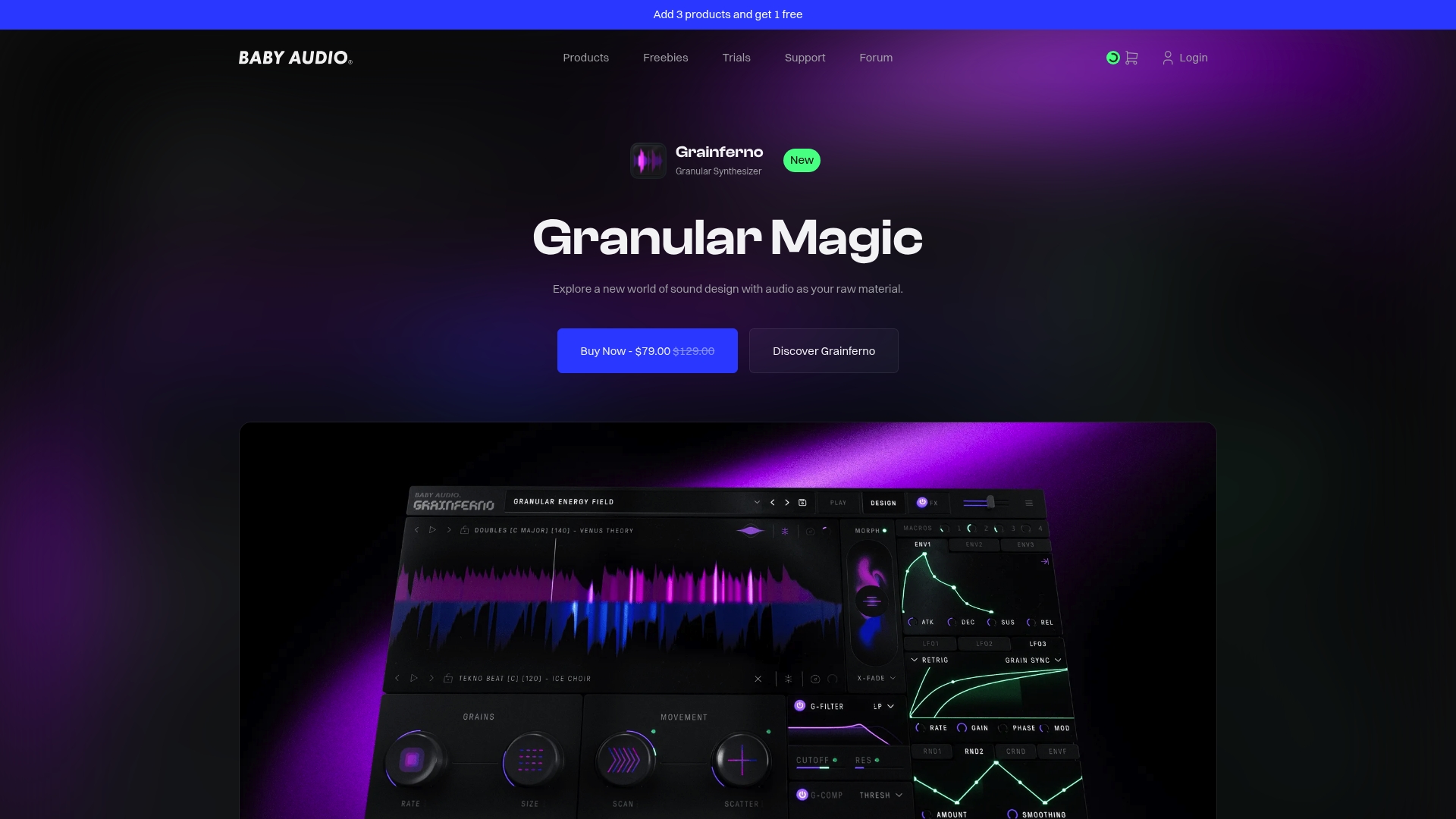
Some Baby Audio plugins are available as one-time purchases starting at about $69, with bundle discounts and subscription options. The company is independently owned, award-winning, and emphasizes human creativity over algorithmic shortcuts while keeping interfaces visually inviting.
Core Features
Creative effects and instruments aimed at modern music production lie at the center of the collection. Each plugin ships with extensive preset libraries and royalty-free samples ready for immediate use.
Interfaces focus on visual clarity and quick experimentation while supporting modulation, automation, and sound morphing. Broad DAW compatibility lets you drop plugins into most major workflows without compatibility headaches.
Key Differentiator
Baby Audio puts human-encoded creative processing ahead of maximal technical depth. The tone is deliberately playful and immediate, favoring inspiring sonic transformations and fast results rather than surgical precision.
That makes the brand better suited to producers who value prompt creative payoff and visual interaction over the deepest parameter-level routing available in pro toolkits.
Pros
-
Modern workflows make creative tasks fast. The interfaces encourage experimentation so you can iterate sounds in minutes rather than hours.
-
High-quality sound design tools are consistently praised by industry users for characterful coloration and musical saturation.
-
Drum processing and saturation tools add punch and grit without complex chains, which speeds up mix decisions in electronic and pop contexts.
-
Friendly learning curve for newcomers while still offering useful features for experienced sound designers.
-
Wide DAW support ensures plugins behave predictably across major hosts and platforms, lowering session friction.
Cons
-
Several tools trade deep control for simplicity, leaving advanced modulation and routing options limited for power users.
-
Some users perceive pricing as high for plugins that emphasize creative presets over extensive parameter sets.
-
Oscillators, filters, or some internal modules in a few plugins feel oversimplified compared with modular or boutique instruments.
-
Limited tweaking options can restrict those who need micro control for surgical sound shaping during professional mixes.
When It May Not Fit
If your workflow demands detailed modulation matrices, extensive macro mapping, or deep spectral editing, Baby Audio can feel limiting. The collection is not targeted at instrument builders or mixing engineers who require exhaustive parameter control and recallable complex routings.
Who It's For
Solo producers, beat makers, and sound designers who want immediate creative tools that inspire new ideas. The product line suits artists who prefer tactile, visually driven plugins that speed up sound design and add character to drums, vocals, and samples.
Real World Use Case
A producer loads Grainferno to turn a vocal snippet into a textured pad. After a few preset tweaks and a touch of modulation, the sound becomes a rhythmic bed element that sits in the mix and adds organic motion without long sound design sessions.
Pricing
Pricing varies by product and licensing model. Some plugins are offered as one-time purchases starting near $69, plus bundle discounts. Subscription options exist for those who prefer access to a broader catalog instead of individual purchases.
Website: https://babyaud.io
PSP Audioware Plugins
At a Glance
PSP plugins are known for delivering dense, analog-inspired sonic character that many engineers reach for when a mix needs warmth or grit. Their catalog covers classic compressor, EQ, saturation, and delay flavors while keeping a reputation for reliable, studio-grade processing.
Core Features
PSP focuses on precise signal processing and faithful analog modeling across a broad set of processors.
- Analog-inspired sound emulation for mixing and mastering.
- Multi-mode processing including multi-band, stereo, and immersive options.
- Compatibility with major DAWs via VST3, AAX, and AudioUnit formats.
Key Differentiator
What sets PSP apart is the combination of deliberate analog modeling and an extensive palette of processors that work consistently in professional sessions. If you want classic character without chasing rare hardware, PSP’s plugins give a wide range of coloration and control inside familiar DAW formats.
Pros
- The plugins deliver convincing analog coloration that sits well in mixes; engineers report predictable harmonic behavior when pushing saturation.
- A broad catalog covers compressors, channel strips, delays, EQs, and modulation, so you can stay inside one vendor for many tasks.
- Reliability across major DAWs keeps sessions stable during mastering and mix revisions.
- Support for modern OS builds including Apple Silicon reduces compatibility work for current studios.
- The sonic depth and precision make these tools a choice for engineers who treat coloration as a mixing decision rather than a post fix.
Cons
- The licensing system is reported as outdated and can interrupt quick plugin swaps during client sessions.
- Several user interfaces feel dated compared with recent competitors, which slows new-user adoption and rapid editing.
- Feature density can overwhelm engineers who want a single-knob quick fix; there is a learning curve for efficient workflows.
When It May Not Fit
If you need minimal setup, instant presets, or a modern GUI that guides novices, PSP may not be the right match. Teams that require cloud-based license roaming or streamlined centralized license management will find the current system cumbersome and may prefer vendors with newer activation flows.
Who It's For
Professional audio engineers and producers who prioritize analog-modeled fidelity and nuanced tonal shaping will get the most from PSP. If your work is mixing or mastering where subtle harmonic control matters, these plugins reward careful ears and experienced hands.
Real World Use Case
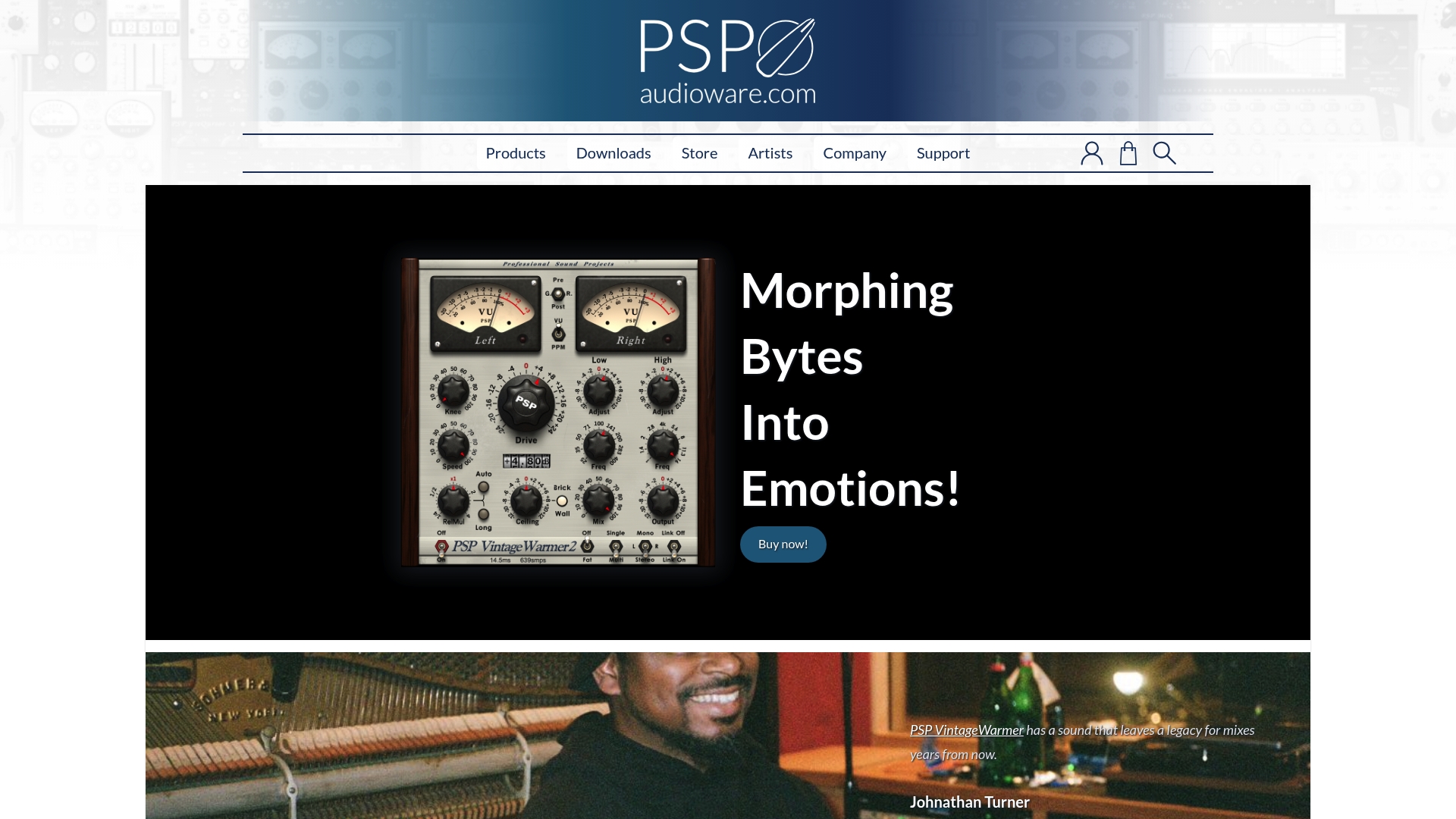
A mastering engineer uses PSP VintageWarmer2 to add controlled saturation and glue to a stereo master without flattening dynamics, while a sound designer runs PSP Wobbler for organic modulation textures on a cinematic synth pad. Both examples show how specific PSP tools become targeted production utilities.
Pricing
Individual plugins typically range from $99 - $149 each. Bundles and periodic discounts are available, so assembling a toolkit can be more economical than buying items a la carte.
Website: https://pspaudioware.com
AudioThing plugins
At a Glance
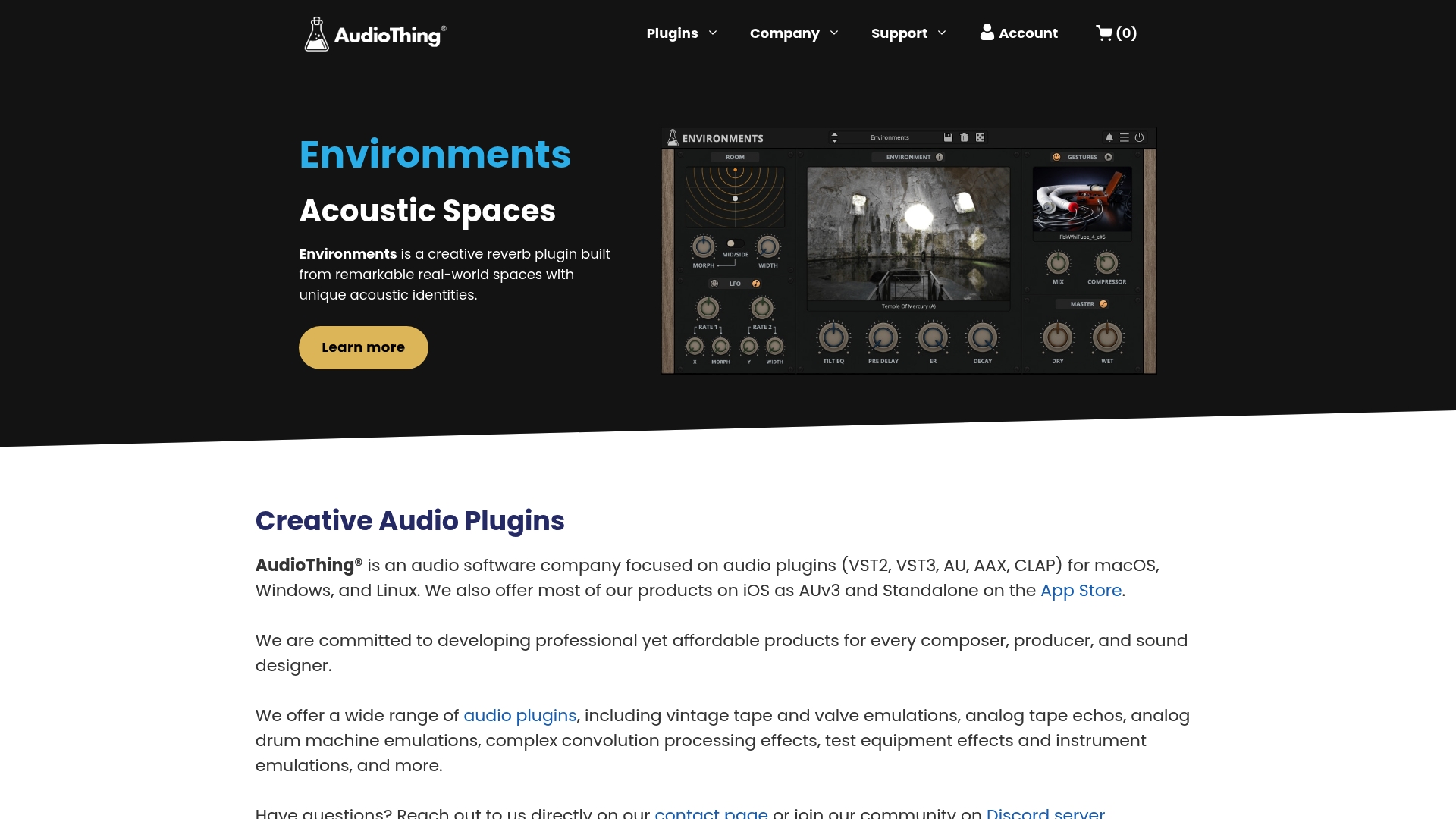
No dongles or internet activation are required for AudioThing plugin licensing, which simplifies studio installs and laptop sessions. The company ships vintage tape and valve emulations alongside convolution processors and native iOS AUv3 builds for mobile work.
Core Features
- Wide catalog of effects and instruments spanning tape and valve emulations, analog-style processors, and convolution reverbs.
- Cross-platform support for macOS, Windows, and Linux plus standalone and AUv3 builds for iOS devices.
- Accessible controls with labelled parameters and keyboard shortcuts to help visually impaired users and fast workflow setups.
Key Differentiator
AudioThing packages vintage emulations and complex convolution processing in a single catalog while removing license-server friction. That combination—analog character plus straightforward offline activation—targets producers who want hardware-like tone without cloud-bound license keys.
Pros
- Wide OS compatibility keeps session recall consistent across desktop and laptop setups, which helps when switching between studio and location work.
- Affordable price points mean you can collect several creative processors without high upfront cost. Examples below show modest per-plugin pricing.
- No dongle or online activation removes a common failure point when moving projects between machines or working offline.
- Accessibility features such as labelled controls and shortcuts reduce friction for visually impaired users and speed long mixing sessions.
Cons
- The provided product summary lacks granular details on per-plugin modulation routing and internal architecture, so you may need to demo before committing.
- There are few third-party reviews or aggregated user testimonials in the supplied data, which makes independent verification harder.
- Pricing information is incomplete for bundles; there is no clear bundled discount data in the product snapshot.
Who It's For
Musicians, producers, and sound designers who want characterful vintage emulations and convolution tools that run on multiple operating systems. Good choice for solo producers and small studios that value predictable, offline licensing and a broad palette of tonal options.
Real World Use Case
A producer working on an indie album stacks an AudioThing tape emulation on drums, runs a convolution impulse for room character, and uses a compact analog-style delay on the vocal bus. The same presets load on the studio desktop and the laptop during a remote session without reauthorizing.
Pricing
Pricing varies by product. Example effect prices listed by the vendor include Echo Cube €59, JULY €69, Speakers €99, Outer Space 2 €69, and Type A €59. Bundle pricing and discounts were not detailed in the supplied data.
Website: https://audiothing.net
Kuassa Audio Plugins
At a Glance
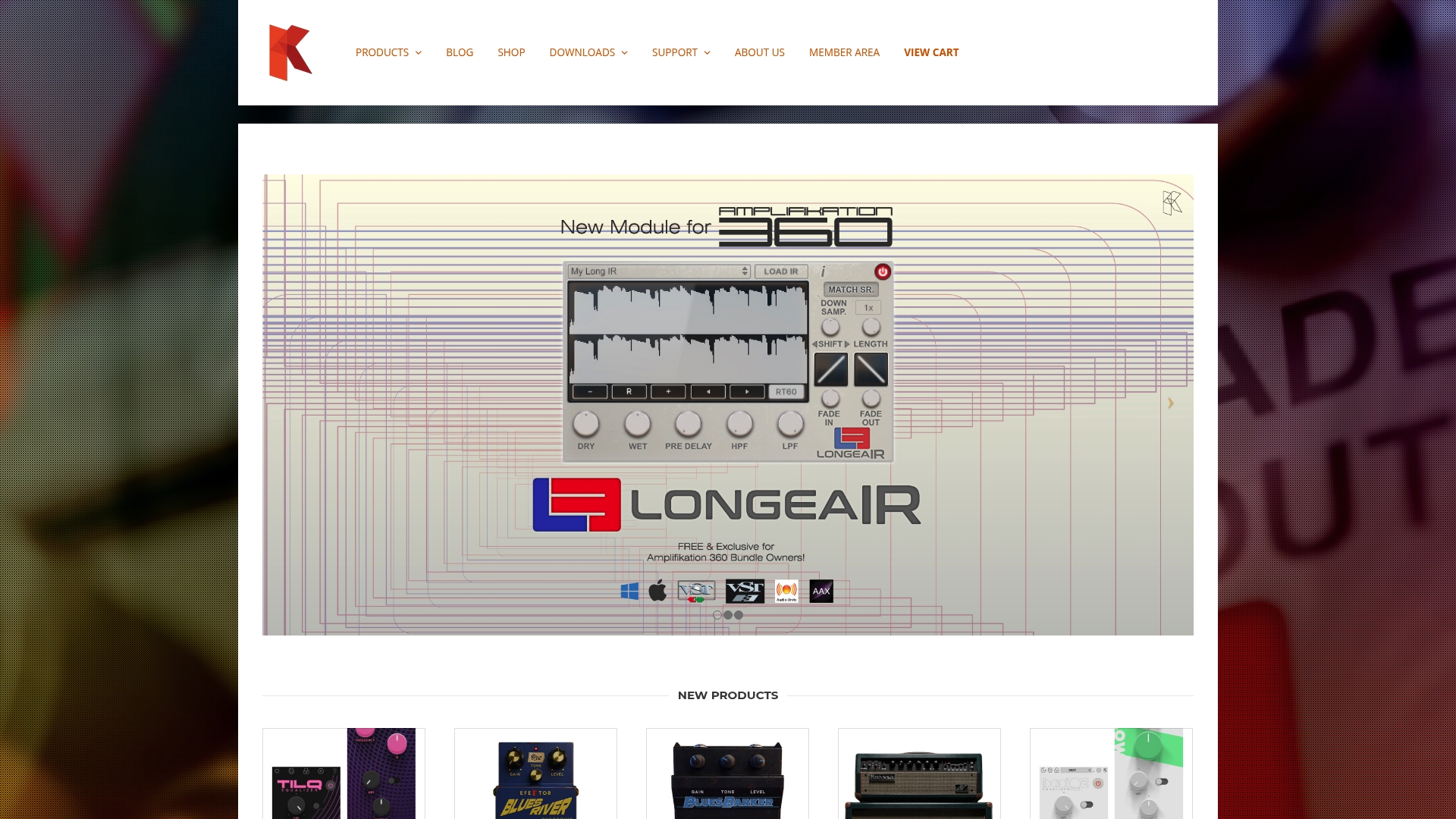
Founded in 2009 in Bandung, Indonesia, Kuassa produces realistic guitar and bass amp simulations across VST, AU, and AAX formats. The product line covers amp models, virtual pedals, EQs, and limiters aimed at bedroom musicians and professional studios alike.
Core Features
- Guitar amplifier and effects simulations modeled for a range of clean and high-gain tones.
- Bass amp and effects emulations tuned for low-end clarity and growl.
- Studio equalizers, limiters, and signal processing tools for mixing and mastering workflows.
- Preset libraries plus realtime tweaking for tone shaping inside your DAW.
Key Differentiator
Kuassa focuses on faithful amplifier modeling with intuitive controls. Where Vector-dsp emphasizes high-precision DSP frameworks and deep parameter control for studio engineers, Kuassa trades some extreme configurability for immediacy and tone that translates quickly from amp simulation to recorded tracks.
Pros
- Realistic sound emulation: The amp and pedal models reproduce familiar tones that sit well in mixes with minimal tweaking.
- User-friendly interface: Controls are laid out for quick dialing of tones, which helps guitarists who prefer less menu diving.
- Wide effect range: From clean heads to saturated high-gain stacks and classic stomp effects, you get a broad palette without buying separate vendors.
- Affordable options: The line includes free or discounted plugins and mid-tier premium models, which lowers the barrier to trying different tones.
- Good support and an active community that helps with presets and workflow tips.
Cons
- Limited independent review coverage makes broad reliability and longevity assessment harder than for some larger vendors.
- Some plugins receive fewer major updates over time, which can leave feature requests unaddressed for longer periods.
- Users new to plugin tone shaping may find certain controls dense until they learn amp modeling conventions.
Who It's For
Musicians, producers, and engineers who need convincing guitar and bass tones inside a DAW without hauling physical amps. It fits session players, home recordists, and project studios that want quick, usable results and solid tone shaping tools.
Real World Use Case
A guitarist records a four-song EP in a small home studio. Using Kuassa amp plugins, they capture clean, crunch, and high-gain tones directly in the DAW, swap presets between tracks, and finish basic mixes without reamping through physical cabs.
Pricing
Pricing varies by product. Some plugins are free, many individual effects and amp models sit at modest mid-tier prices, and bundles offer deeper discounts. Check the vendor site for current sales and bundle deals.
Website: https://kuassa.com
Comparative Analysis: Professional Audio Plugins
In the competitive world of professional audio plugins, each provider offers unique strengths catering to specific workflows and sound design preferences.
Frequency-Specific Processing Capabilities
ToneLab by Vector DSP excels with its multi-lane processing. This approach allows producers to apply effects to precise frequency ranges within a single plugin instance, significantly reducing DAW complexity. By comparison, PSP Audioware plugins also demonstrate processing capabilities, favoring analog modeling that enriches tone with classic warmth and character. However, PSP’s tools often require more preparation due to a dense interface, making them better suited for engineers focusing on mastering tasks rather than dynamic sound design workflows.
Interface and Usability
While ToneLab focuses on precision and organized processing, Baby Audio appeals with its visually driven interfaces, encouraging artistic experimentation and quick iterations. For producers emphasizing creativity and speed, Baby Audio delivers inspiration directly through intuitive tools, though it may lack the parameter control desired for detailed mixing work. Similarly, AudioThing offers user-friendly designs with a focus on accessibility, including compatibility across diverse platforms without dependency on online activation. This setup caters to multitasking musicians who work both locally and remotely.
Best Fit Suggestions
- For frequency-targeted sound design, professionals working in complex DAW environments will appreciate ToneLab’s single-insert multi-lane effects routing.
- For mastering engineers, PSP Audioware provides analog-modeled fidelity, ideal for nuanced harmonic layering and mix shaping.
- For quick creative exploration, Baby Audio plugins present visually engaging tools emphasizing fast, iterative sound transformations.
- For producers seeking licensing flexibility, AudioThing removes logistical complexities with its offline licensing and easy mobility.
Our Pick
Given its capacity to simplify the editing workflow while maintaining significant depth for sound customization, ToneLab by Vector DSP emerges as the choice for professionals prioritizing precision and efficiency in their projects. It is an ideal selection for users seeking to refine the tonal balance of their productions while maintaining a streamlined DAW session. Nevertheless, artists focused on low-cost or highly creative processing may prefer Baby Audio or AudioThing for their unorthodox approaches and stress-free feature sets.
Professional Audio Plugins Comparison
Choosing the best professional audio plugin depends on identifying the tool that fits your workflow and technical requirements.
| Product | Key Differentiator | Best For | Pricing | Notable Limitation |
|---|---|---|---|---|
| ToneLab (Vector-dsp) | Single-insert design with frequency-specific effect lanes | Mix engineers requiring precise band-limited processing | $73.99 | Fixed to five effects: Reverb, Distortion, Delay, Chorus, Saturation |
| Baby Audio | Creative presets and playful interfaces for quick results | Producers valuing immediate sonic creativity and ease of use | From $69 | Simplified controls may limit advanced routing capabilities |
| PSP Audioware | Analog-modeled fidelity with multi-format compatibility | Engineers focusing on nuanced tonal management during mixes and mastering | $99 - $149 per plugin | Licensing system can interrupt workflow |
| AudioThing | Emphasis on vintage emulations and convolution processing | Producers needing versatile tonal options across operating systems | Example prices: €59-€99 | Limited independent review coverage and bundled price information |
Discover Precision Audio Processing Beyond Common daudio.dev Alternatives
If you are seeking reliable daudio.dev alternatives that put frequency-aware effects and advanced DSP technology at your fingertips Vector-dsp offers a unique solution. Their ToneLab plugin simplifies complex parallel routing by letting you apply effects to specific frequency bands within a single insert. This not only saves CPU power but also keeps your sessions organized while giving you meticulous tonal control.

Explore how Vector-dsp’s commitment to real-time low-latency performance and industry-standard formats like VST3 AU and AAX can give you the sound sculpting power you need. Visit Vector-dsp now and get detailed insights about their high-precision tools designed just for producers and engineers who demand clean efficient workflows. Don’t let multi-send chains slow your mixes take control with ToneLab’s five independent effect lanes and try their demo mode to test the difference in your sessions.
Frequently Asked Questions
What advantages does Vector-dsp provide for frequency-aware processing?
Vector-dsp allows precise application of effects to specific frequency ranges using independent EQ lanes within a single insert. This single-insert design effectively reduces the clutter of multi-send routing chains, thereby keeping your DAW session organized while enabling detailed sound sculpting. For optimal results in complex mixing environments, using Vector-dsp will streamline your workflow and save CPU resources.
How does Vector-dsp compare to Baby Audio regarding ease of use?
Baby Audio focuses on quick creative tasks with its visually inviting interfaces and playful tone, making it well-suited for producers who prioritize immediate sound design. In contrast, Vector-dsp excels in detailed frequency-aware processing, appealing to professional engineers who need granular control. If you're looking for versatile modulation options, consider exploring Vector-dsp to meet those specific needs.
Which platforms does Vector-dsp support, and how does that benefit users?
Vector-dsp is compatible with major DAWs, including Pro Tools, Logic, and modern formats like VST3, AU, and AAX. This broad compatibility ensures seamless integration into various professional workflows, allowing engineers to switch between platforms without compatibility hassles. Taking advantage of this flexibility can make your sessions significantly more efficient.
What is the pricing model for Vector-dsp, and what can users expect?
Vector-dsp is available for a one-time purchase of $73.99, which includes all future updates within the v1.x series. This pricing structure allows users to invest in a reliable tool without ongoing subscription fees, making it a cost-effective choice for professionals needing high-quality audio processing.
Can I try Vector-dsp before making a purchase?
Yes, Vector-dsp offers a demo mode that allows users to evaluate the plugin before buying. This feature helps you to assess its capabilities and see how it fits within your workflow, ensuring you're making an informed decision prior to your purchase.